

Enterprise AI Training That Survives Tool Changes
Build enterprise AI training in two layers: durable work skills below, replaceable tool instructions above.
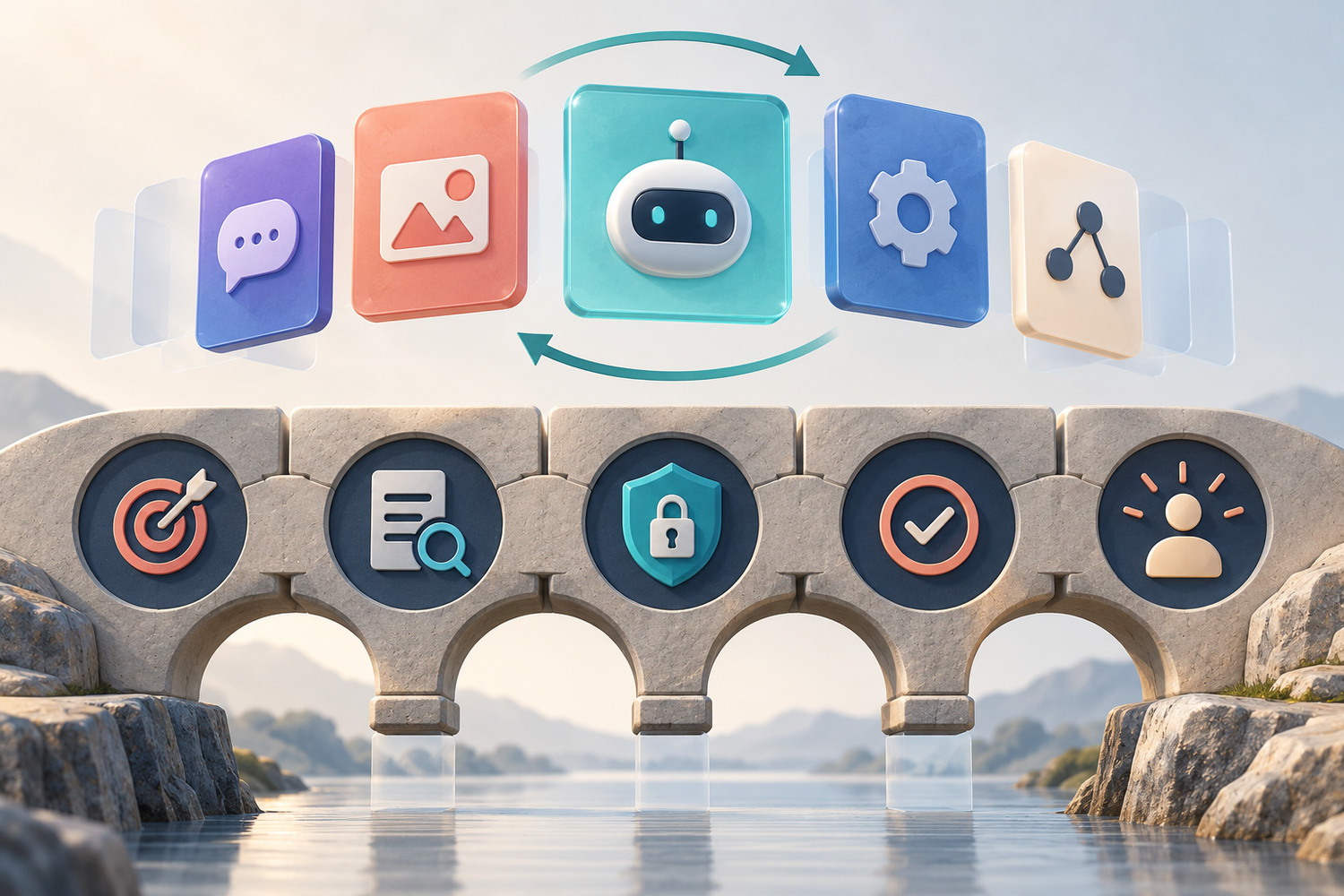
Enterprise AI training often becomes obsolete for a simple reason: it teaches the current interface as if the interface were the skill. A menu moves, a model name changes, or the company switches tools, and a large part of the course must be rebuilt. A stronger programme separates durable work behaviour from replaceable tool guidance. The skill stays stable; the instructions around the current product can change.
Teach the work beneath the interface
A durable lesson defines the human goal, safe inputs, quality check and decision boundary. Tool-specific steps sit in a replaceable layer above it.
Why enterprise AI training needs two layers
The NIST AI Use Taxonomy is useful here because it describes human–AI activities around intended outcomes rather than around one technique or domain. The UK government’s AI playbook similarly says organisations should choose the right tool for the job and manage the full technology life cycle, including updates and closure. These are governance documents, not ready-made course designs. But together they support a practical curriculum choice: anchor learning in the task and outcome, then maintain the tool layer.
The European Commission’s current AI-literacy Q&A adds an important constraint. Training and guidance should reflect people’s knowledge and experience, the system in use, its purpose and the context. That means the tool layer still matters. A generic lesson cannot replace instructions for the approved product, data rules or review route. The answer is not tool-free training. It is a clear separation between what should endure and what should be easy to refresh.
| Durable work-skill layer | Replaceable tool layer | |
|---|---|---|
| Purpose | Define the human outcome and when AI is appropriate | Show how the approved tool supports that outcome today |
| Inputs | Classify safe, restricted and missing information | Show current upload, sharing and retention controls |
| Instructions | State context, constraints and acceptance criteria | Map those elements to the current interface or feature |
| Checking | Trace claims, test exceptions and keep human ownership | Use current citations, history, review or export controls |
| Maintenance | Review when work, policy or risk changes | Review when the product, model, licence or interface changes |
Build enterprise AI training around five durable decisions
The stable foundation
Goal
What useful work outcome is the person trying to produce, and who will use it?
Fit
Should AI support this task at all? Define a non-AI route and a stop condition.
Input boundary
What may enter the system, what must be removed, and what source material is required?
Quality check
What evidence, comparison or fresh test will show that the output is good enough?
Human decision
Who owns the final action, and when must the work be escalated or rejected?
These five decisions can travel across tools. They also make the learning observable. A learner can demonstrate whether they chose an appropriate task, protected inputs, set a quality bar and retained responsibility. The exact button sequence is only one part of the evidence.
Worked example: a policy-summary lesson outlives a tool switch
Suppose a company teaches managers to summarise an internal policy update. The first version of the lesson says: open a named product, click its document button, upload the file and select a summary option. That walkthrough may be accurate today, but it hides the real skill. It also gives the learner no defence against an incomplete summary.
Reading is a start. Practice makes it stick.
Start learningRewrite the lesson in two layers. The durable brief asks the learner to produce a five-line change note for affected employees. It requires the effective date, affected group, manager action, exceptions and the source paragraph for every claim. Anything absent from the policy must be marked “not stated”. A human owner checks the final note before it is sent.
The replaceable card names the approved tool, shows how to attach the policy, explains which workspace may hold the file and points to the current review controls. If the organisation changes products, the card changes. The learning objective, fictional test document and acceptance check remain.
Convert one tool lesson into two layers
- 1
Circle every interface step
Mark product names, buttons, menus, model settings, upload paths and sharing controls.
- 2
Underline the work decisions
Find the goal, input boundary, output standard, reviewer and stop condition.
- 3
Write the durable brief
Make those decisions the core lesson and assessment. Use a safe sample that can be reused.
- 4
Create a one-page tool card
Put the current product steps, access rules and screenshots in a separate replaceable component.
- 5
Set two review triggers
Review the core when work or policy changes. Review the card when the product, model, licence or control changes.
Use separate owners and expiry rules
A two-layer curriculum is maintainable only when ownership is explicit. A role or process owner should approve the durable work standard. Security, IT or the tool owner should approve product-specific access and data instructions. L&D can hold the structure together, record the last review date and route changes to the right owner.
Give each tool card a short header: approved product and workspace, supported task, last checked date, owner and next review trigger. Do not invent a fixed annual expiry if product changes arrive more often. An event-based trigger—new upload policy, model change, licence removal or interface redesign—can be more useful than a date alone.
- Open one current enterprise AI training lesson.
- Highlight every sentence that would break if the tool changed tomorrow.
- Write the single work behaviour the lesson is meant to build.
- Add a safe-input rule, a quality check and a named human decision.
- Move the remaining interface steps into a separate tool card.
- Name the owner and trigger for reviewing each layer.
Link the layers to a real learning path
This structure complements rather than replaces role-specific design. The reviewer-track playbook defines a distinct capability for people who approve AI-assisted work. The skills-refresh cycle explains when evidence should trigger updated practice. For teams that work across languages, the multilingual training guide shows why examples, data boundaries and review routes must be localised, not merely translated.
Bokili’s public offer is built around short missions adapted to role, level and available tools. That makes the two-layer principle practical: keep the work behaviour and evidence standard coherent, while serving the product guidance that matches the learner’s environment. Bokili for HR and L&D provides the broader programme context.
Keep the skill; replace the wrapper
Enterprise AI training should not need a full rewrite every time a tool changes. Design the core around goals, fit, input boundaries, checking and human decisions. Put volatile interface guidance in a small, owned layer that can be replaced quickly. Your curriculum will stay more useful, easier to govern and clearer to learners—even when the product landscape moves.
Sources
- AI Use Taxonomy: A Human-Centered Approach — NIST
- Artificial Intelligence Playbook for the UK Government — GOV.UK
- AI Literacy — Questions & Answers — European Commission
- Bokili for HR and L&D — Bokili
Reading is a start. Practice makes it stick.
Bokili turns skills like this into ten-minute missions for your whole team, with instant feedback and progress you can see.
Start learningKeep reading

Use AI to Prepare a Sales Discovery Brief Without Turning Guesses Into Facts
Build an evidence-first sales discovery brief that separates verified account facts, working hypotheses, open questions and follow-up owners.
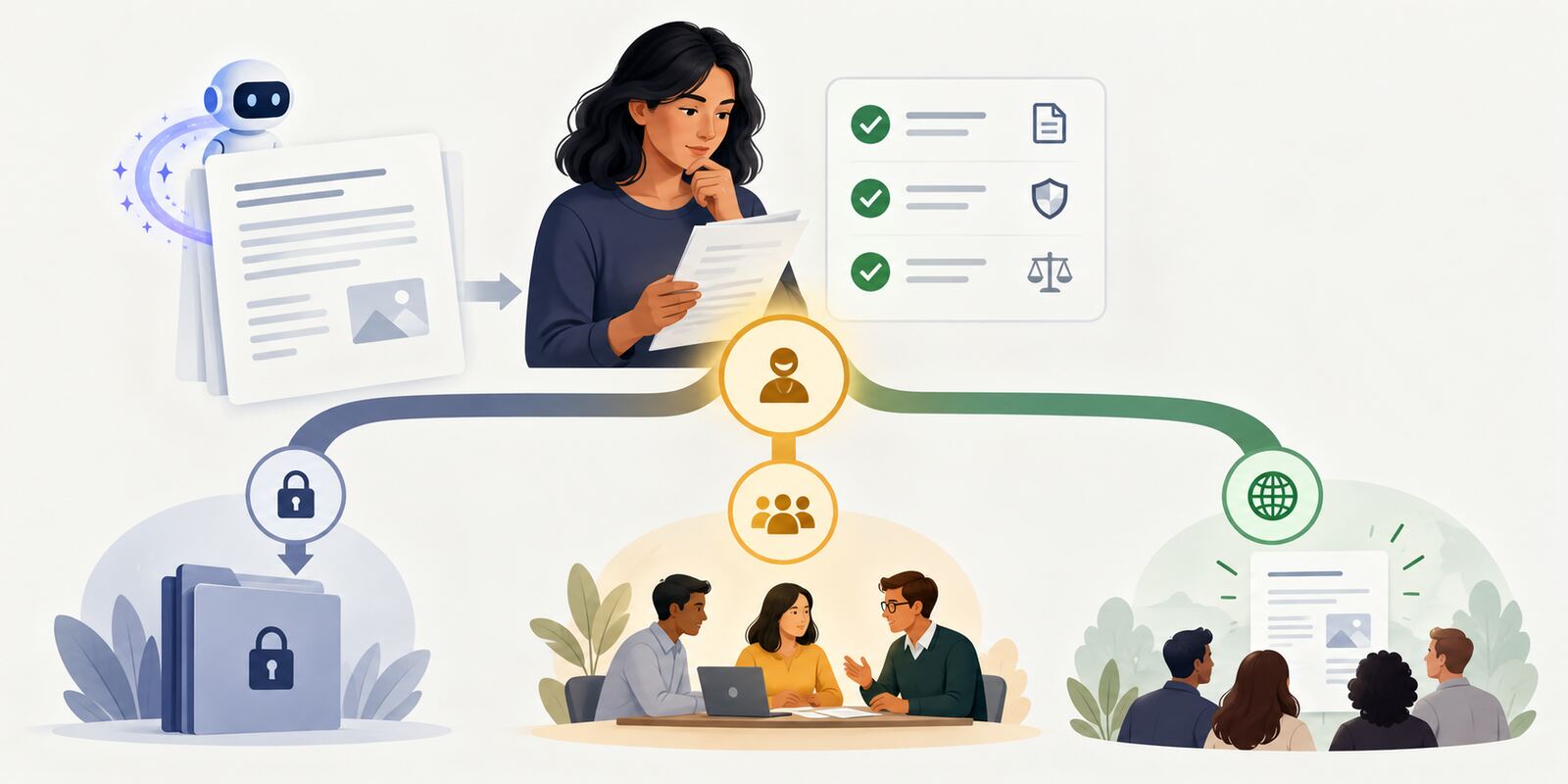
AI Training for Employees: Practise the Sharing Decision
Add a release gate to AI training for employees so a checked output stays private, goes to review or reaches the right audience with approval.
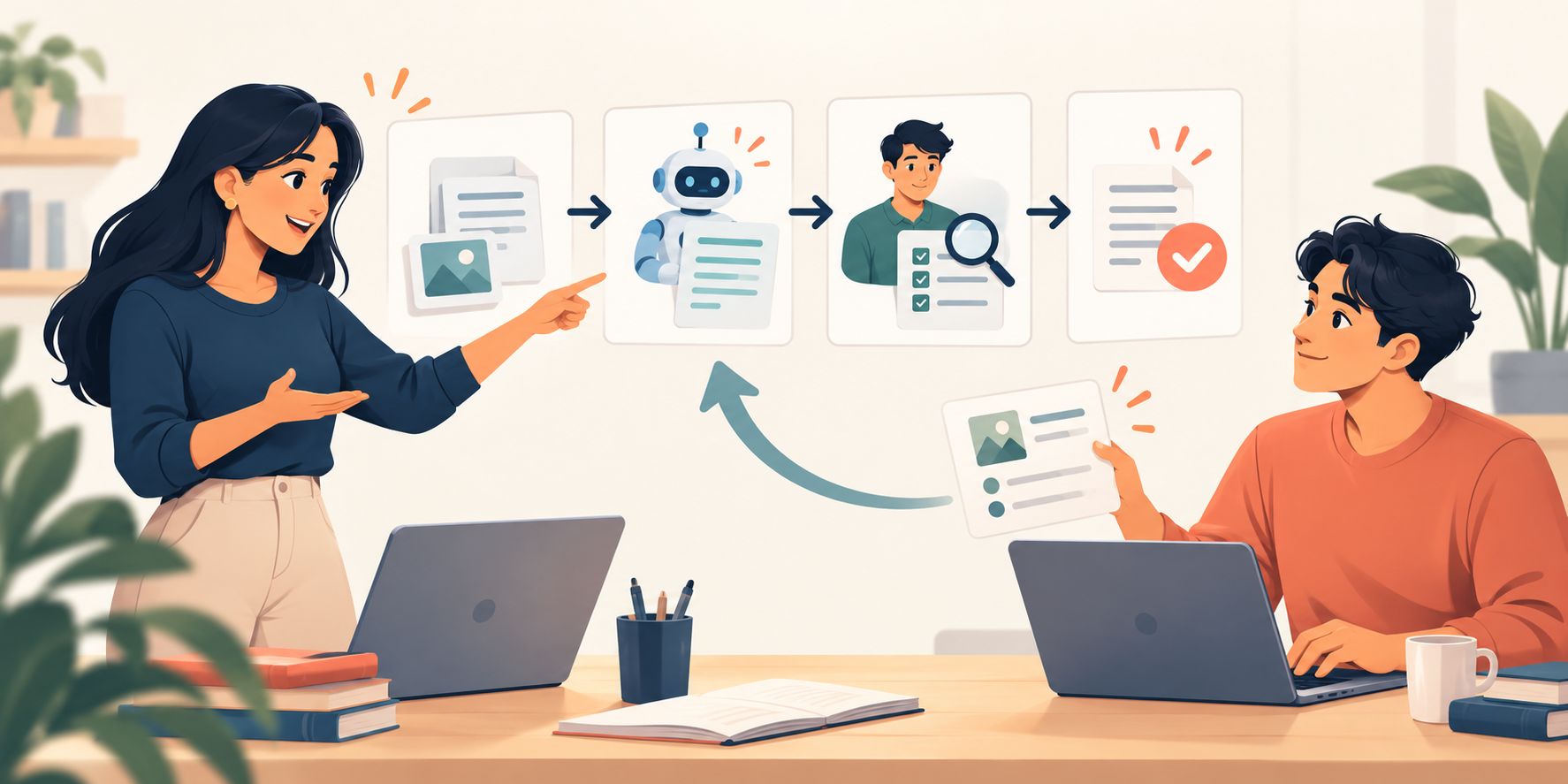
AI Upskilling for Teams: Use a Teach-Back Test
Turn one completed AI lesson into shared working knowledge: explain the method in plain language, then let a colleague apply it to a fresh case.