

AI Upskilling for Teams: Use a Teach-Back Test
Turn one completed AI lesson into shared working knowledge: explain the method in plain language, then let a colleague apply it to a fresh case.
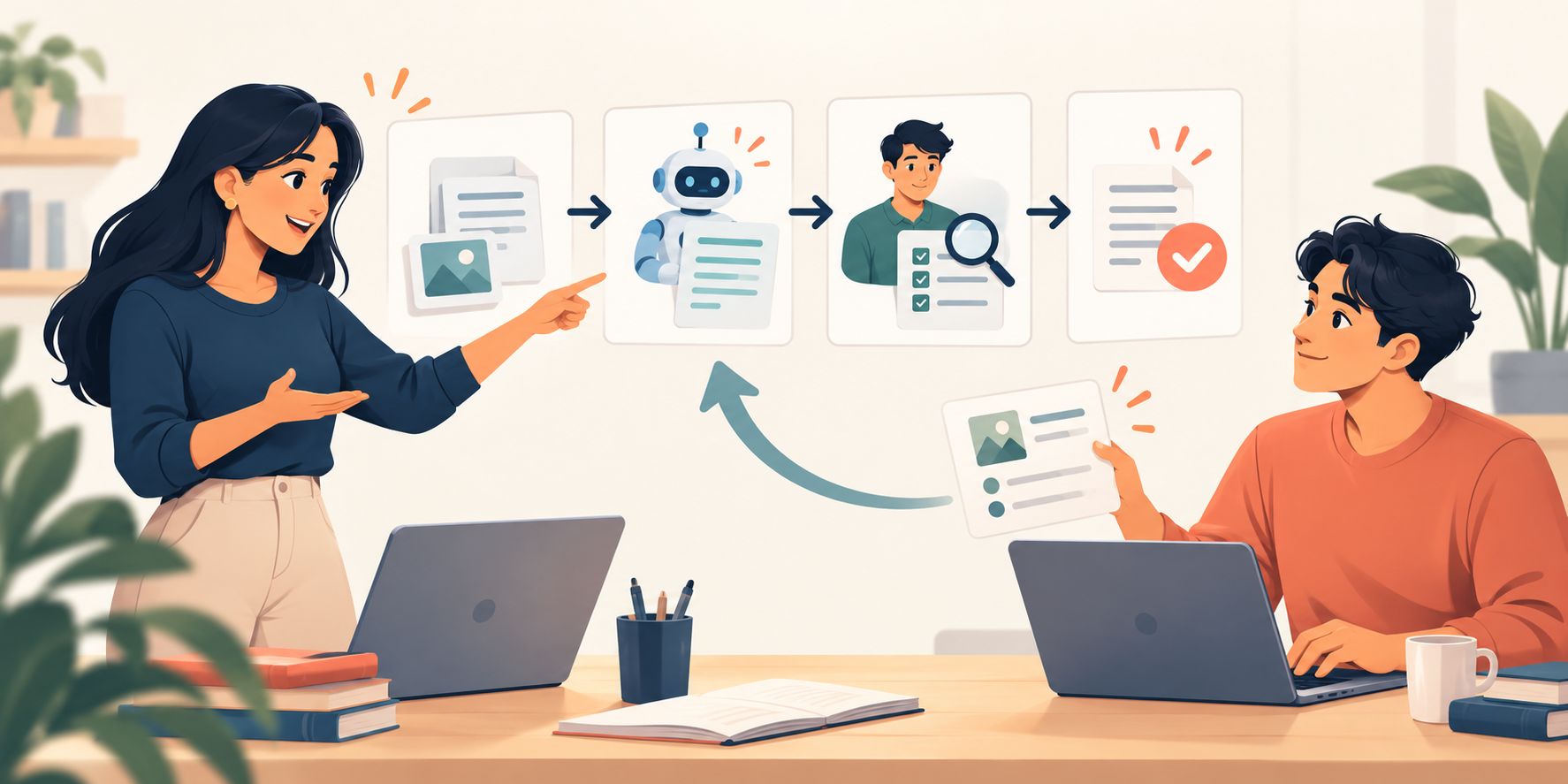
AI upskilling for teams often ends with a learner completing a lesson or demonstrating a saved prompt. That can hide fragile understanding. A person may reproduce the steps but struggle to explain why the task is suitable, which source governs, what must be checked or when work should stop. A short teach-back test makes those choices visible: one employee explains the method in plain language, then a colleague applies it to a fresh case. The result is evidence of shared working knowledge, not a memory contest.
Teach-back tests the explanation too
If a colleague cannot restate and apply the method, the problem may be unclear guidance—not a weak learner. Improve the explanation, then check again.
Why AI upskilling for teams needs teach-back
The UK government’s 2026 employer guide says effective AI upskilling should be practical, integrated with work, adaptable and sustained beyond a single session. It recommends training that can evolve as tools and uses change. A completion mark cannot show whether a team has built that adaptable understanding.
Teach-back comes from health literacy. The US Agency for Healthcare Research and Quality uses it to check whether information was explained clearly by asking someone to describe what they need to know or do in their own words. AHRQ also distinguishes “show me” for practical instructions. Applying that principle to workplace AI is an inference, not a claim that a clinical method transfers unchanged: combine explanation with a fresh, low-risk work example and a written quality bar.
Run the BACK teach-back test
BACK: explanation plus fresh application
Bound the task
Choose one familiar, low-consequence workflow with an approved tool, a clear source and a visible quality standard.
Articulate the choices
The learner explains the purpose, inputs, AI role, human check and stop condition in their own words—without reading the lesson back.
Change the case
Give the listening colleague a fresh example with one changed detail, missing fact or exception. They apply the method rather than copy the demonstration.
Keep the evidence
Record one behaviour that transferred, one misunderstanding and one next action. Do not retain raw prompts or work content that the programme does not need.
Keep the exchange short and specific. The speaker is not giving a presentation on artificial intelligence. They are explaining one method that another person should be able to use safely. The listener is not grading charisma. They are looking for the decisions that make the workflow reliable.
Reading is a start. Practice makes it stick.
Start learningWorked example: turn meeting notes into actions
A project team has learned to use an approved AI tool to turn meeting notes into a draft action list. The original exercise taught five choices: remove material that should not enter the tool, state the meeting purpose, keep exact owners and dates from the notes, mark missing commitments instead of inventing them, and have a person approve the final list.
During teach-back, the learner explains the method to a colleague without opening the saved prompt. They say which source controls each action, what the model may prepare and what the project lead must decide. The colleague then receives a fresh fictional note set. It contains a deadline but no owner, plus a suggestion that sounds like an agreed action.
The colleague uses the method: the suggestion is labelled as unresolved, the deadline is preserved, the missing owner is flagged and the output is kept as a draft. The process succeeds because the decision logic transfers. If the colleague instead assigns the most likely owner, the pair has found a precise learning gap. They rewrite the explanation as “never infer an owner; mark it missing and route it to the chair”, then test one more short case.
Facilitate a useful teach-back
- 1
Set the quality bar
Write three observable checks before the conversation starts.
- 2
Ask for the why
Have the learner explain the task choice, source, review and stop point—not only the prompt syntax.
- 3
Introduce one variation
Change a fact, remove evidence or add an exception so the listener must apply judgement.
- 4
Correct the explanation
Treat misunderstanding as feedback on the guidance. Simplify it, add an example or separate two decisions.
- 5
Check once more
Use a second fresh case only for the point that failed. Stop when the behaviour is demonstrated.
Do not turn peer learning into hidden assessment
Teach-back works best as a formative check, not a public ranking. Use fictional, public or approved material. Do not ask peers to judge employment performance, safety-critical competence or regulated decisions outside their authority. A manager or qualified reviewer still owns any formal readiness decision. The peer exchange shows whether the method is understandable and portable.
The method complements Bokili’s manager practice loop, work-transfer check and busy-day rehearsal. The manager loop creates repeated practice, the transfer check tests behaviour in work and the busy-day rehearsal adds pressure. Teach-back focuses on whether one team member can explain the decision logic clearly enough for another to use it.
- Pick one AI-assisted task that the team already practises.
- Write the source, AI role, human check and stop condition on four small cards.
- Ask one learner to explain the workflow without reading a saved prompt.
- Give a colleague a fresh fictional case with one changed detail.
- Watch for the four choices, not presentation style.
- Rewrite one unclear instruction in plain language.
- Record the next practice action and discard unnecessary raw work.
Good AI upskilling for teams creates methods people can carry, explain and adapt. A ten-minute teach-back makes weak understanding visible while correction is still cheap. Bokili’s HR and L&D pathway uses short, role-relevant missions and feedback to build the same habit of observable practice: see practical AI training for employees.
Sources
- Employer Guide: What Works for AI Upskilling in the UK — UK Government
- Tool: Teach-Back — Agency for Healthcare Research and Quality
- Training Evaluation Field Guide — U.S. Office of Personnel Management
- AI Literacy — Questions & Answers — European Commission
- AI Training for HR and L&D Leaders — Bokili
Reading is a start. Practice makes it stick.
Bokili turns skills like this into ten-minute missions for your whole team, with instant feedback and progress you can see.
Start learningKeep reading
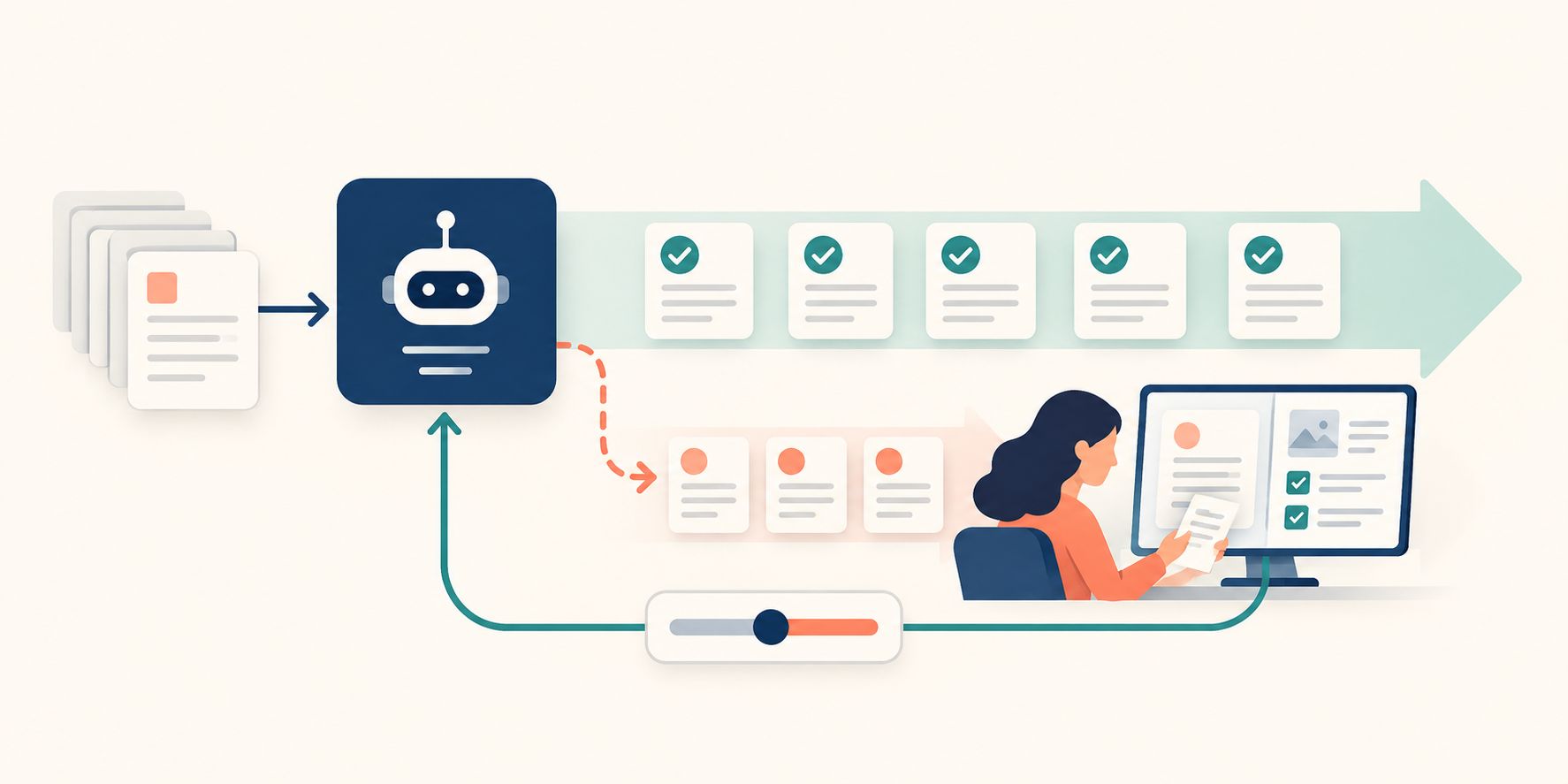
After AI Automation, Audit the Cases That Passed
Exceptions show visible failures. A small, risk-based sample of accepted cases can reveal silent ones and feed better thresholds, controls and training.
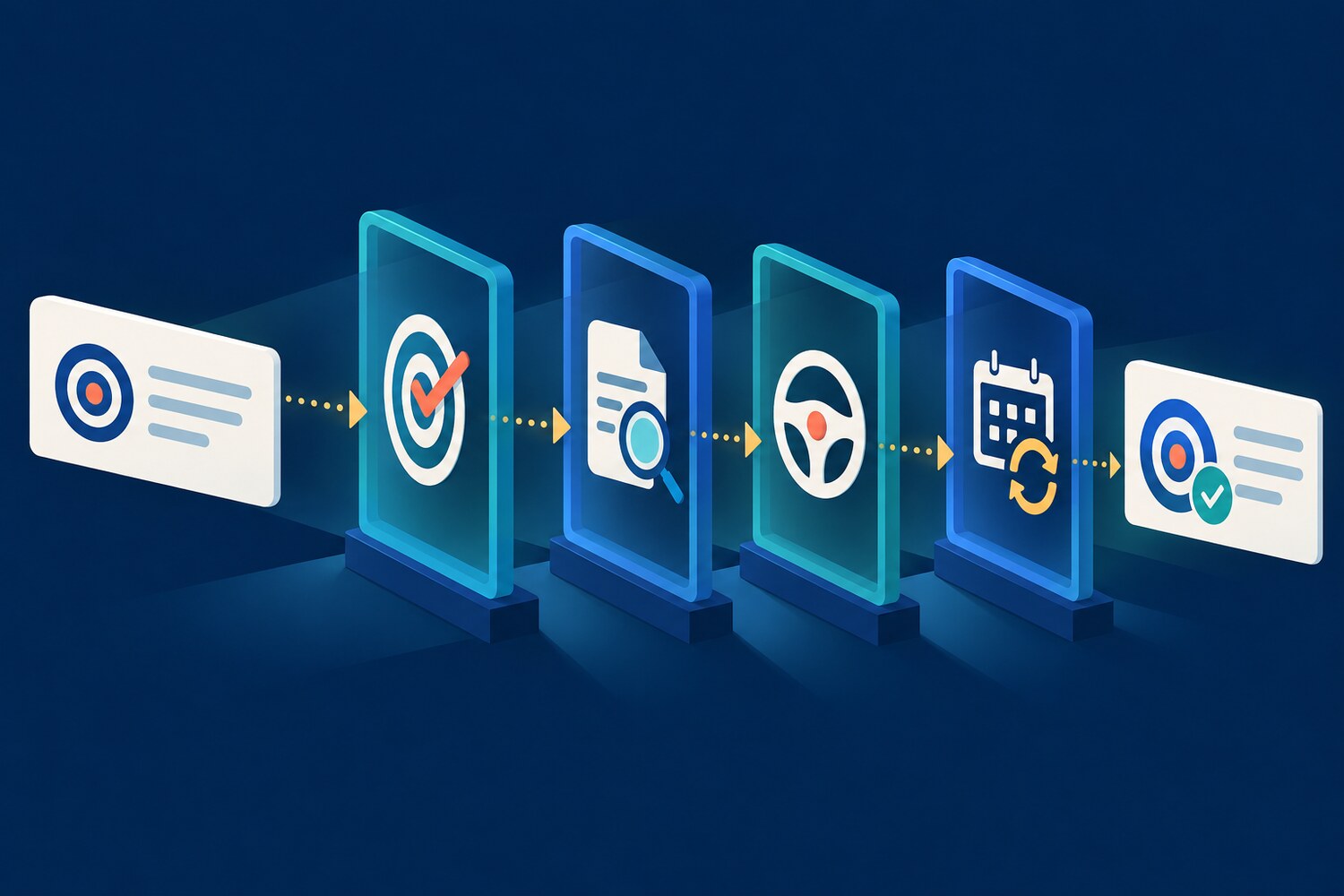
AI Training for HR: Check AI-Drafted Performance Goals
A four-part check helps HR teams and managers turn fluent AI drafts into fair, observable goals that people can actually work towards.

Use ChatGPT Projects to Keep the Review Standard Visible
Put stable acceptance criteria in project instructions, changing evidence in project sources and today’s request in a fresh chat.