

Prompt Template, AI Project or Workflow? Choose What to Reuse
Use a prompt template for stable instructions, an AI project for persistent context and a workflow when people, checks and hand-offs must persist.
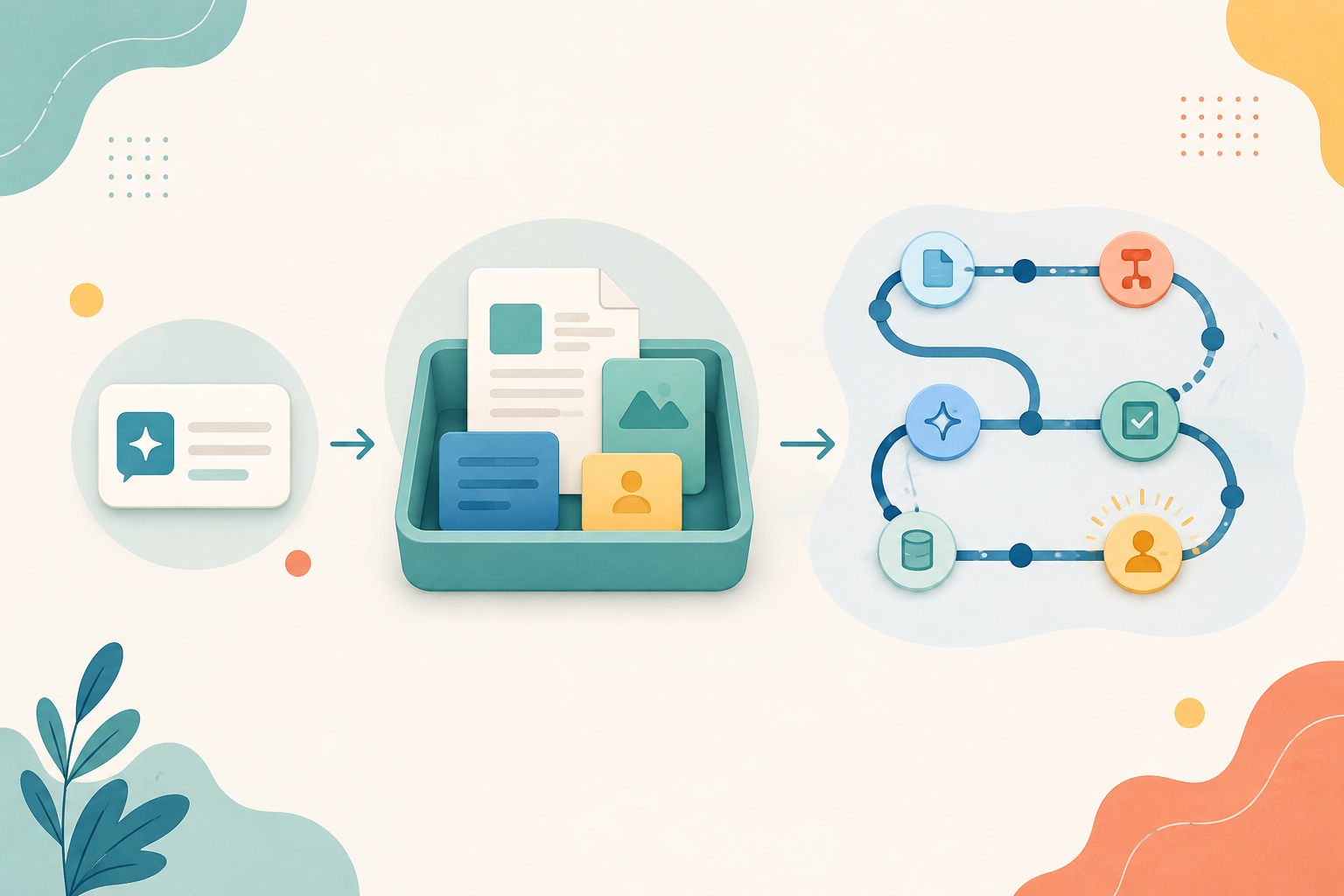
A good result from AI often triggers the wrong next move: turn the whole conversation into a giant reusable prompt. That works when only the instruction repeats. It becomes brittle when the work also depends on changing source files, previous decisions, several people or an approval step.
Use the smallest container that matches what stays stable. Reuse a prompt template when the instruction is stable, an AI project when the context must persist, and a workflow when coordination and control must persist. More structure is useful only when it carries something the smaller option cannot.
Three reusable containers solve three different problems
Current product designs make the distinction visible. ChatGPT Projects can hold chats, files and project instructions. Claude Projects provide a self-contained workspace with project knowledge and instructions. Gemini Gems can combine saved instructions with optional knowledge files. These features preserve context. They do not, by themselves, assign owners, enforce a review or complete a multi-step business process.
| Prompt template | AI project | Workflow | |
|---|---|---|---|
| What stays stable | Task instruction and output shape | Instructions, sources and work history | Sequence, roles, checks and hand-offs |
| Best for | One person repeating a bounded task | Ongoing work around a shared context | Work crossing people, systems or approvals |
| Main maintenance | Update the wording | Refresh files and instructions | Review owners, controls and exceptions |
| Typical failure | The prompt grows into a policy manual | Old context looks current | Nobody knows who owns the next step |
| Minimum review | Check the answer | Check answer and source set | Check answer, evidence and process state |
Use the reuse ladder
Instruction, context, coordination
1. Instruction
Start with a prompt template when the task, audience, constraints and output format repeat, but the inputs are supplied fresh each time. Keep it short enough to inspect.
2. Context
Move to a project when the work needs a maintained source pack, project-specific instructions or useful history across several sessions. Name an owner for the context.
3. Coordination
Design a workflow when the output must pass through steps, people, approvals, logs or systems. The AI project may sit inside the workflow, but it is not the workflow.
Climb only as far as the work requires. A five-line prompt is easier to test than a project. A project is easier to maintain than a workflow. Extra persistence can spread an old assumption; extra coordination can create delay. The right level is the lightest one that makes the important state visible.
Worked example: a weekly customer-risk note
Reading is a start. Practice makes it stick.
Start learningA customer success manager prepares a short Friday note from account activity, support themes and agreed commitments. At first, one person does the work. A prompt template is enough: define the audience, request three sections, require dates for material claims and end with open questions.
The team then wants each note to use the current account plan, service history and last four notes. That is a context problem. Create a project, add only approved and current files, put the stable evidence rules in project instructions and remove superseded documents. The prompt for this week should contain only the fresh request.
Later, the note must be checked by the account owner, escalated when a commitment is disputed and recorded in the customer system after approval. That is a coordination problem. Map the workflow: prepare, verify, decide, record. Give every transition an owner and a stop condition. Do not hide those controls inside project instructions that only the AI can see.
Choose the container in five steps
- 1
1. Name the recurring output
Write one sentence: who needs what, for which decision or action?
- 2
2. Mark what stays stable
Separate the instruction, reference material, history, roles, checks and destination.
- 3
3. Pick the lowest rung
Use a template, project or workflow according to the highest kind of stability you genuinely need.
- 4
4. Run two different cases
Change an input and plant one outdated fact. Check whether the design exposes the difference.
- 5
5. Assign maintenance
Name who updates the prompt, source set or process when the work changes.
Avoid three forms of false reuse
First, do not copy a successful answer and treat it as a template; preserve the instruction and acceptance criteria instead. Second, do not upload every available file to a project; a smaller current source set is easier to trust. Third, do not call a series of AI steps a workflow until owners, review states and exceptions are visible.
Useful companion guides show the deeper setup: build a repeatable workflow with ChatGPT Projects, govern a shared Gemini Gem, set a plain-language default in Claude, and give every AI workflow a stop rule.
- Choose a task you have completed at least twice.
- Write the stable instruction in no more than five lines.
- List any context that should persist beyond one run.
- List any hand-off, approval or record that another person must see.
- Select prompt template, project or workflow using the reuse ladder.
- Remove one element the chosen container does not need and name its maintainer.
Reusable AI work should reduce setup without hiding responsibility. Start with the prompt. Add a project when context deserves an owner. Build a workflow when people and controls must travel with the result. Bokili helps teams practise the framing, source control, verification and hand-off skills behind each level—one focused work situation at a time.
Sources
- Projects in ChatGPT — OpenAI Help Center
- What are projects? — Claude Help Center
- Use Gems in Gemini Apps — Google Gemini Apps Help
Reading is a start. Practice makes it stick.
Bokili turns skills like this into ten-minute missions for your whole team, with instant feedback and progress you can see.
Start learningKeep reading

AI Training for HR: Check AI-Drafted Performance Goals
A four-part check helps HR teams and managers turn fluent AI drafts into fair, observable goals that people can actually work towards.

Use ChatGPT Projects to Keep the Review Standard Visible
Put stable acceptance criteria in project instructions, changing evidence in project sources and today’s request in a fresh chat.
AI Learning and Development: Turn Policy Rules Into Behaviour Pairs
AI learning and development works better when abstract policy rules become paired actions employees can recognise, practise and use at the point of work.