

Build a Shared Gemini Gem for Consistent Review Work
Create one reusable Gemini Gem that applies a shared review method—while keeping evidence, exceptions and final judgement with the team.

When five colleagues review the same kind of document with five private prompts, the team gets five definitions of “good”. A shared Gemini Gem can reduce that variation by packaging one instruction set for a recurring task. The real value is not personality or clever phrasing. It is a review method people can inspect, test and improve together.
Google describes Gems as custom versions of Gemini that can be created for particular goals, with instructions and files. Google Workspace updates also introduced sharing controls so people can use, copy or, when permitted, edit shared Gems. Availability and controls depend on account and administrator settings, so confirm what your organisation enables before designing the workflow.
Good use case
Use a shared Gem to make a first-pass review more consistent. Do not use it as the final approver, policy owner or source of truth.
Start with a review contract
The REVIEW contract
R — Role
State what the Gem is helping with and what it is not authorised to decide.
E — Evidence
Name the policy, rubric, examples or reference files it may use. Tell it to expose missing evidence.
V — Verdict format
Define the exact output: issue, evidence, severity, suggested revision and question for the owner.
I — Intervention limits
List prohibited actions, sensitive inputs and conditions that require human escalation.
E — Exceptions
Show how the Gem should handle conflicts, novel cases and requests outside scope.
W — Workflow owner
Name who maintains instructions, approves reference changes and decides whether the output is usable.
Build version one around observable checks
A practical setup sequence
- 1
Choose one narrow review
Examples: check a project brief for required sections, review a campaign draft against a brand rubric, or flag unsupported claims in a proposal.
- 2
Collect the reference set
Use current, approved material. Add a version date and owner to each document. Do not upload content your policy does not permit.
- 3
Write explicit instructions
Tell the Gem how to use evidence, how to format findings, what not to infer and when to return “cannot assess”.
- 4
Test with a small case pack
Include a strong example, a weak example, an ambiguous example and an out-of-scope request. Compare results against a human reviewer’s expectations.
- 5
Share with controlled access
Give use access broadly only after testing. Reserve edit access for maintainers who understand the review contract.
- 6
Log changes
Record what changed, why, who approved it and which test cases were rerun.
Reading is a start. Practice makes it stick.
Start learningYou perform a first-pass review of [DOCUMENT TYPE] against the attached, approved [RUBRIC/POLICY]. For every issue, return: criterion, exact evidence from the document, severity (advisory / needs revision / escalate), and a suggested question or revision. Do not invent requirements or facts. If the reference material conflicts or does not cover the case, write CANNOT ASSESS and explain the missing decision. Do not approve the document. The accountable owner is [ROLE].
A structured set of evidence-linked findings that a human owner can accept, reject or revise.
Do not put confidential or personal data into the Gem unless organisational policy and access controls explicitly permit it.
Test consistency without demanding identical prose
| Test | What success looks like | |
|---|---|---|
| Repeatability | Run the same document twice. | The same material issues are found, even if wording varies. |
| Boundary | Give an out-of-scope request. | The Gem refuses or escalates instead of improvising. |
| Evidence | Remove a required reference. | The Gem marks the gap instead of inventing a rule. |
| Exceptions | Create conflicting criteria. | The conflict is visible and routed to the workflow owner. |
Keep the shared asset governable
Maintenance checklist
- The Gem has one named workflow owner and at least one backup.
- Instructions state the scope, evidence sources and decision limits.
- Reference files show owner and version date.
- Edit access is narrower than use access.
- A small regression case pack is rerun after material changes.
- Users have a simple way to report a false positive, missed issue or unsafe result.
- Final approval remains outside the Gem.
A shared Gem can create a new failure mode: one weak instruction now affects everyone. That is why change control matters. Treat instructions and reference files like a lightweight team process, not a one-time prompt. Review them when policy, product claims or the document type changes.
- Pick one repeated, low-consequence document review.
- Write the REVIEW contract on one page.
- Turn it into Gem instructions and add only approved reference material.
- Run one strong, weak and ambiguous example.
- Record the first instruction change your test reveals.
Consistency should make judgement easier to apply, not disappear. The Gem handles the repeated first pass; people remain responsible for evidence, exceptions and the final decision.
Sources
- Gems in Gemini Learning Tools Interoperability is now rolling out — Google Workspace Updates
- Share Gems from the Gemini app — Google Workspace Updates
Reading is a start. Practice makes it stick.
Bokili turns skills like this into ten-minute missions for your whole team, with instant feedback and progress you can see.
Start learningKeep reading

AI Training for Employees: Separate Drafts From Records
Teach a four-state path—Draft, Checked, Approved, Recorded—so polished AI output never becomes organisational fact by accident.
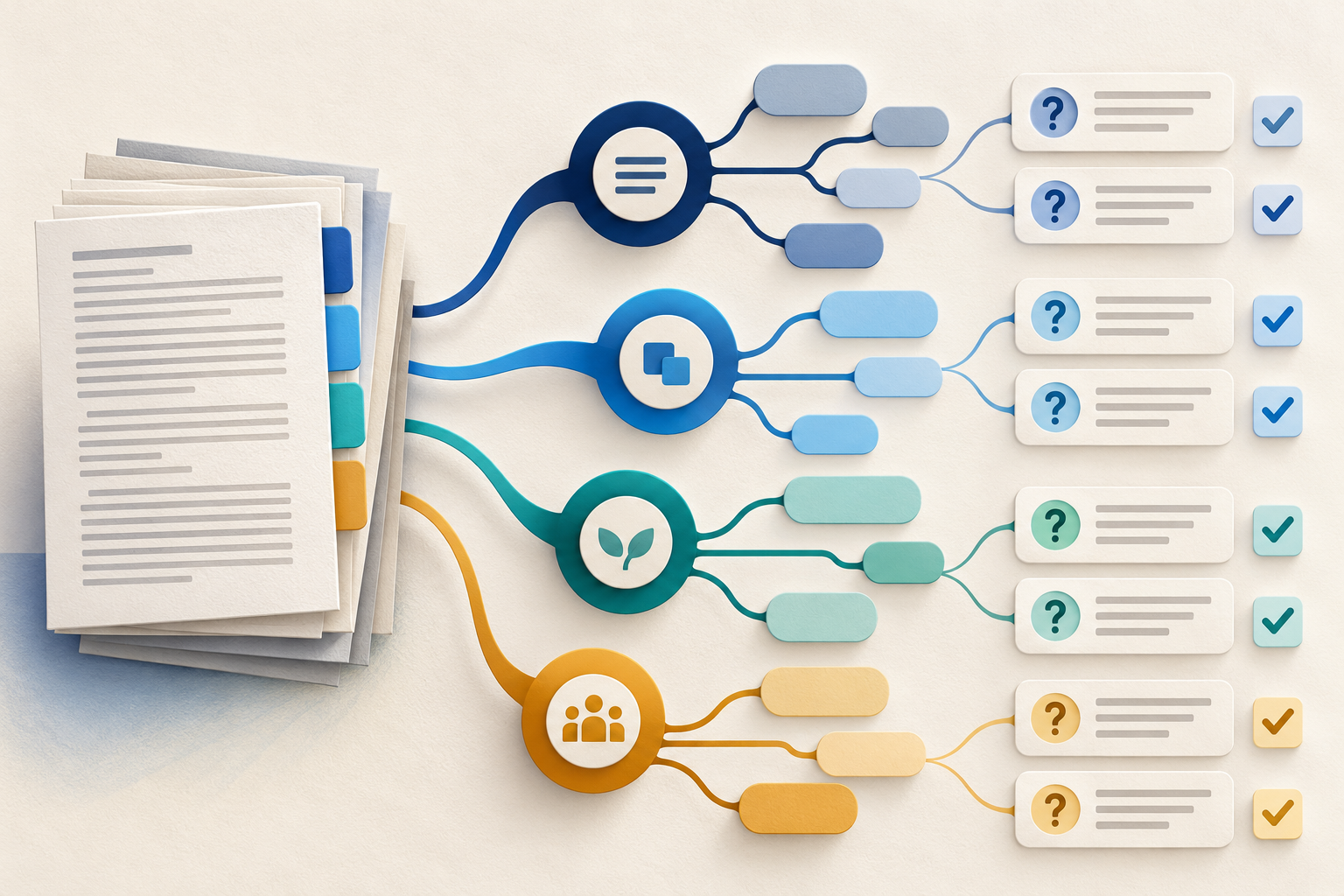
Use Gemini Notebook Mind Maps to Turn Policy Into Questions
Use a Gemini Notebook mind map as a question index for a long policy—then open the cited source before you trust any answer.
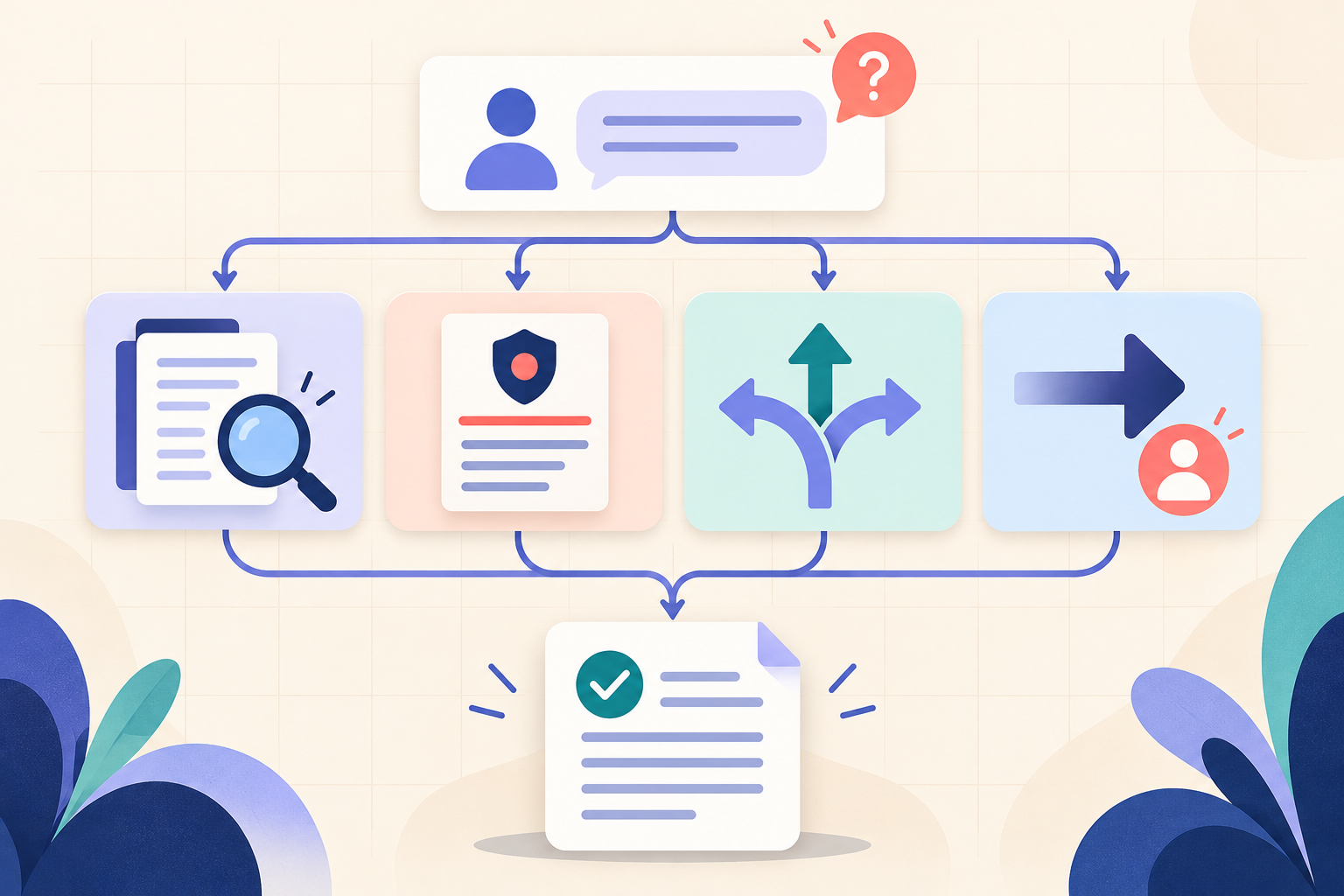
AI Training for HR: Build a Four-Part Policy Answer
Teach HR teams to separate the source, written rule, human discretion and next step before turning an AI draft into employee guidance.