

Use Gemini Notebook Mind Maps to Turn Policy Into Questions
Use a Gemini Notebook mind map as a question index for a long policy—then open the cited source before you trust any answer.
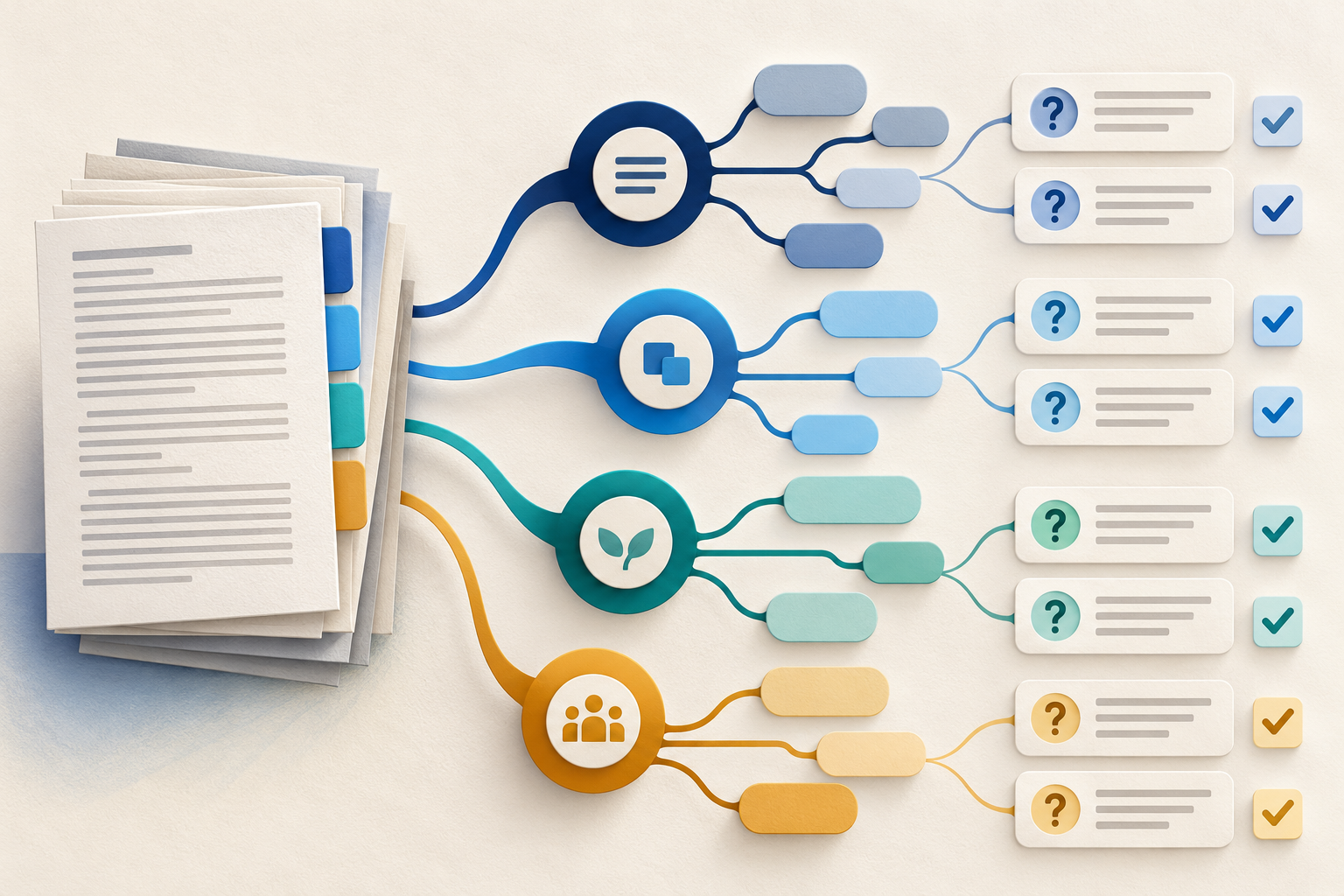
A long policy can be hard to question because its structure is buried in pages of clauses, examples and exceptions. Gemini Notebook Mind Maps can expose the main branches quickly. The useful move is not to treat the diagram as the policy. Use it as a question index: a visual way to decide where a reviewer should look, what they should ask and which source passage must support the answer.
Google’s current help says a Mind Map summarises uploaded sources as a branching diagram. You can expand branches, select a node and ask questions about that topic. Gemini Notebook chat can answer from selected sources and attach citations that open in context. Google also warns that the tool can be inaccurate. The workflow therefore ends with an opened citation, not a neat map.
Build a question index, not a decorative summary
Start with a bounded source pack. For a workplace policy, that might be the signed policy, its current procedure and one approved FAQ. Leave out old presentations and informal notes until you know why you need them. Gemini Notebook supports documents, PDFs, slides, spreadsheets, web pages and other source types, but a larger pile is not automatically a better review set.
The MAPS question index
Map
Generate the Mind Map and identify the branches that matter to the decision or audience in front of you.
Ask
Turn each chosen node into a concrete review question about scope, action, owner, timing or exception.
Pin evidence
Ask from the selected authoritative source, then open the citation and read the surrounding passage.
Spot gaps
Record a branch the map omits, a question the source does not answer or a conflict that needs another authority.
MAPS prevents two common mistakes. First, it stops the reviewer from merely admiring a tidy visual. Second, it stops a fluent chat answer from becoming evidence by itself. The map tells you where to ask; the source tells you whether the answer deserves to survive.
Worked example: review a remote-work policy
Imagine an operations manager must prepare a short guide for new team leads. The source pack contains the current remote-work policy and the approved equipment procedure. The Mind Map surfaces branches for eligibility, security, equipment and working location. Those labels are useful, but they are not yet instructions.
Turn four branches into reviewable questions
- 1
Eligibility
Who may request remote work, who decides and which roles or periods are excluded?
- 2
Security
Which work must stay in an approved environment, and what event requires the employee to stop or escalate?
- 3
Equipment
What is supplied, what must be returned and which procedure governs an exception?
- 4
Working location
Does the policy distinguish occasional work elsewhere from a permanent change of location?
Reading is a start. Practice makes it stick.
Start learningNow select the eligibility node and ask one narrow question. Open the citations and check the exact policy language, effective date and surrounding exception. Repeat for the other branches. If the equipment procedure disagrees with the policy, preserve the conflict instead of asking Gemini Notebook to silently choose a winner.
Using only the selected current remote-work policy, answer this review question: who may approve a remote-work request, and which stated conditions or exceptions limit that approval? Cite every material point. If the source does not answer part of the question, label it unresolved rather than inferring.
A useful response separates the approval role, qualifying conditions and exceptions, with citations that can be opened in the policy. Any unanswered point remains visibly unresolved.
Select the authoritative source first. Open every material citation and read it in context before copying an answer into guidance.
What the map cannot prove
A branch can be absent because the source omits the topic, because the generated map compressed it or because you selected the wrong source set. A branch can also look complete while hiding a decisive definition lower in the text. Do not infer that the map is a completeness test. Compare it with the questions your audience must answer and keep a small gap list.
The mobile app does not currently support Mind Maps, so run this workflow on the web. Revisit or regenerate the map when the source pack changes. If the authoritative file lives in Google Drive, Gemini Notebook can sync updates, but reviewers should still confirm that the source shown is the version they intended to use.
Common mistakes
Mind Map review guardrails
- Do not mix superseded and current policy files without marking their authority.
- Do not turn every node into a question; choose the branches that affect the reader’s decision.
- Do not accept a chat answer without opening the supporting citation.
- Do not fill an unanswered policy gap with a plausible inference.
- Do not publish the map as if it were the approved policy structure.
- Add one current, low-risk policy or procedure to a new notebook.
- Generate a Mind Map and choose three branches that matter to one reader.
- Write one scope, action or exception question for each branch.
- Select one node, ask its question and open the supporting citations.
- Record the answer as supported, contradicted or unresolved.
- Write one missing question the map did not prompt you to ask.
Make the review reusable
Save the questions beside the guide or briefing they support. When the policy changes, rerun the same questions and note which answers moved. For the decisive claim, use the one-claim, one-source check. Before adding more material, audit the input pack. Before approval, separate the draft from its acceptance test.
Gemini Notebook Mind Maps are most useful when they reduce the cost of asking better questions. The map is a navigation layer, not an authority. Let it show you where to look; let opened sources decide what you can safely say. Bokili helps teams practise that source judgement in short, role-relevant missions until it becomes part of everyday AI work.
Sources
- Use Mind Maps in Gemini Notebook — Google Gemini Notebook Help
- Use chat in Gemini Notebook — Google Gemini Notebook Help
- Add or discover new sources for your notebook — Google Gemini Notebook Help
Reading is a start. Practice makes it stick.
Bokili turns skills like this into ten-minute missions for your whole team, with instant feedback and progress you can see.
Start learningKeep reading

AI Training for Employees: Separate Drafts From Records
Teach a four-state path—Draft, Checked, Approved, Recorded—so polished AI output never becomes organisational fact by accident.
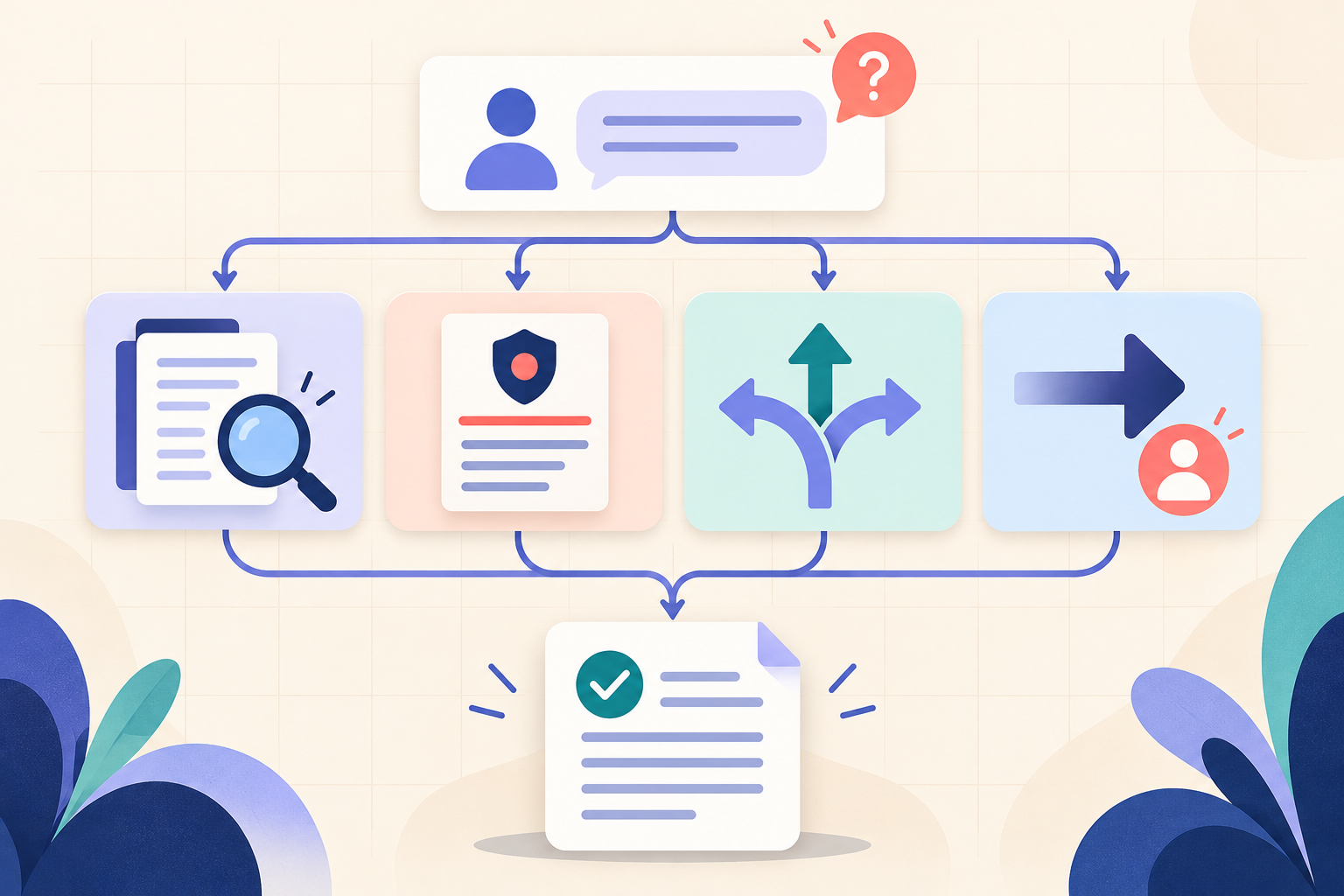
AI Training for HR: Build a Four-Part Policy Answer
Teach HR teams to separate the source, written rule, human discretion and next step before turning an AI draft into employee guidance.
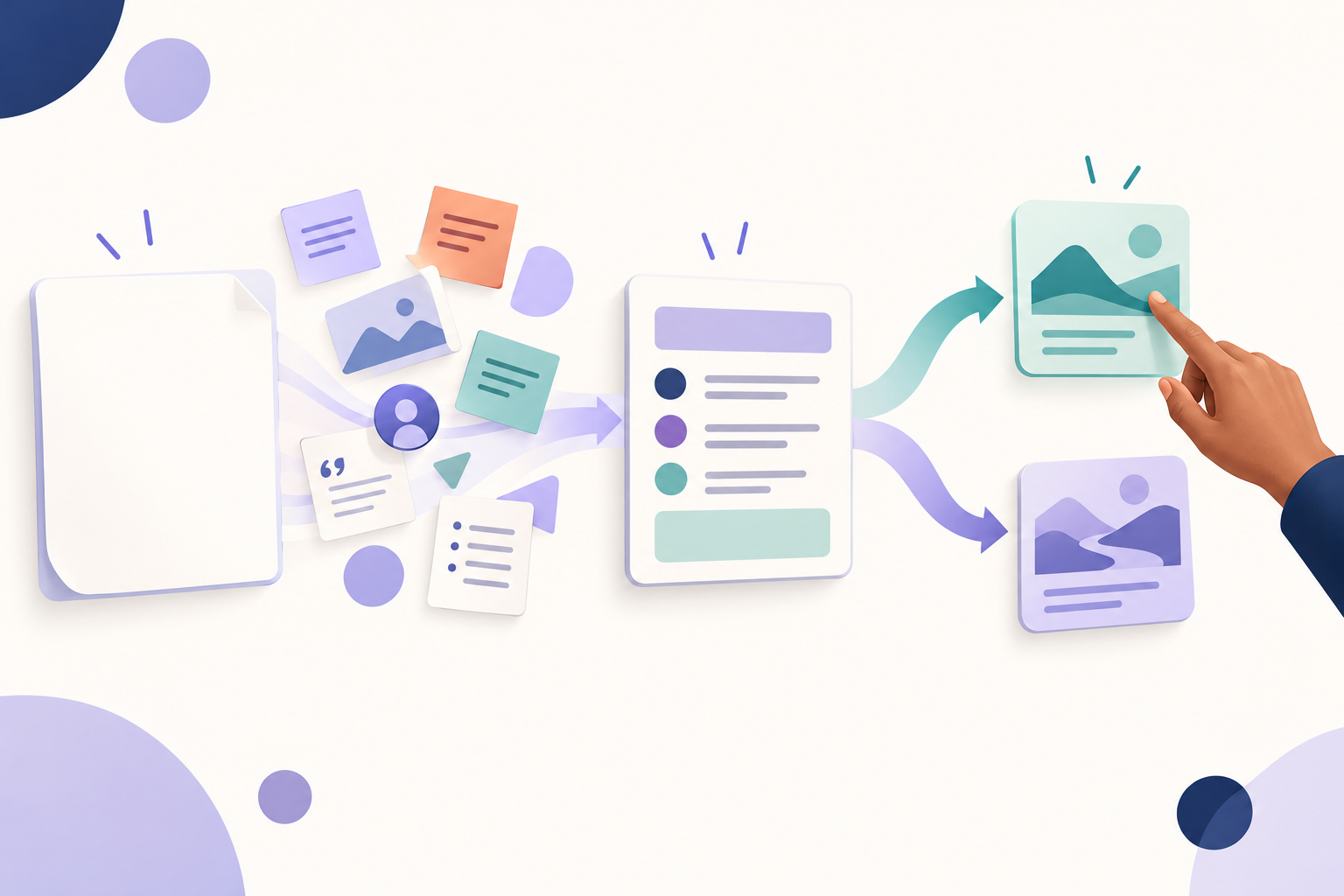
A Guided AI Mission Should Remove the Blank Page, Not the Decision
Good guidance should organise the task, context and standard—then leave one consequential choice for the learner to make and justify.