

Give Every AI Workflow a Stop Rule
A stop rule turns vague human oversight into a clear operating decision: when AI may continue, when a person must check, and when the workflow must end.

Most AI procedures explain how work begins: gather inputs, write a prompt, review the answer. Fewer explain when the AI must stop. That omission matters because a workflow can keep producing plausible text after the evidence has run out, the task has changed, or the consequences have become too important for automation.
The operating question
Do not ask only, “Can the AI do this?” Ask, “Under exactly what conditions may it continue without a person?”
What a stop rule does
A stop rule is a pre-agreed condition that pauses or ends automated work. It names the trigger, the next human action and the person who owns the decision. It makes human oversight observable instead of leaving it as a general promise.
This fits the risk-management logic behind NIST’s voluntary AI RMF and its generative-AI profile: manage risk across design, development, use and evaluation, and adapt controls to context. A stop rule is one practical control. It does not make a model reliable by itself; it prevents a known limit from silently becoming a business decision.
The three-level stop rule
Level 1 — Continue with checks
The output is low consequence and easy to verify. The AI may continue, but the worker checks names, dates, calculations, citations and required fields before use.
Level 2 — Pause for judgement
Evidence conflicts, a source is missing, confidence is low, or the request moves outside the approved scope. The workflow pauses and a named reviewer decides what happens next.
Level 3 — Stop and escalate
The output could affect rights, safety, employment, finance, legal commitments, security or another high-impact decision. No AI-generated recommendation is acted on until the accountable owner approves it.
Write the rule before the prompt
Reading is a start. Practice makes it stick.
Start learningA 15-minute design sequence
- 1
Name the output
Be specific: a draft reply, a shortlist, a risk flag or a recommendation. Different outputs need different controls.
- 2
Rate the consequence
Ask what happens if the output is wrong, incomplete, biased or disclosed. Include harm to customers, colleagues and the organisation.
- 3
List observable triggers
Choose signals a worker can actually see: missing evidence, contradictory sources, sensitive data, policy exceptions, uncertainty language or a value above a threshold.
- 4
Assign one owner
Name the role that may approve, reject or redirect the work. “A human will review” is not an assignment.
- 5
Record the outcome
Keep a lightweight trace of the trigger, reviewer and decision. This makes the workflow easier to audit and improve.
| Weak control | Useful stop rule | |
|---|---|---|
| Accuracy | Check the AI output. | If a material claim lacks an approved source, pause and ask the account owner to verify it. |
| Scope | Use judgement. | If the request moves beyond drafting into a commitment, stop and route it to the responsible manager. |
| Risk | Escalate sensitive cases. | If personal, financial, legal or security-sensitive data appears, stop processing and follow the approved policy. |
Common failure modes
- The trigger depends on the model reporting its own confidence, which may not be calibrated.
- Everyone may pause the workflow, but nobody owns the final decision.
- The rule is so broad that teams either ignore it or escalate everything.
- The checkpoint happens after an external action, when the decision is already hard to reverse.
- The workflow records the output but not the evidence or approval behind it.
You are helping document an AI-assisted workflow. Output a table with: workflow output, foreseeable failure, observable stop trigger, required human action, accountable role and evidence to retain. Do not invent policy. Mark missing policy information as [DECISION NEEDED]. Context: [paste the approved workflow description].
A first-pass control table for a process owner to review. It is not approval and should not replace your organisation’s risk or legal requirements.
Use only approved, non-sensitive workflow information in the prompt.
Before the workflow goes live
- The output and approved scope are unambiguous.
- Each stop trigger can be observed by the person doing the work.
- The accountable reviewer is a role or named owner, not “someone”.
- The rule fires before an external or difficult-to-reverse action.
- Workers know the safe route for sensitive data and incidents.
- The rule is tested on one normal, one uncertain and one high-risk example.
- Choose a workflow your team already uses.
- Write one condition for continue, one for pause and one for stop.
- Run three fictional cases through the rule.
- Ask the accountable owner to approve or revise the triggers.
A stop rule is deliberately modest. It will not solve every governance question. It will, however, give people a shared moment to slow down, surface uncertainty and put responsibility back where it belongs: with the person authorised to decide.
Sources
Reading is a start. Practice makes it stick.
Bokili turns skills like this into ten-minute missions for your whole team, with instant feedback and progress you can see.
Start learningKeep reading

AI Training for Employees: Separate Drafts From Records
Teach a four-state path—Draft, Checked, Approved, Recorded—so polished AI output never becomes organisational fact by accident.
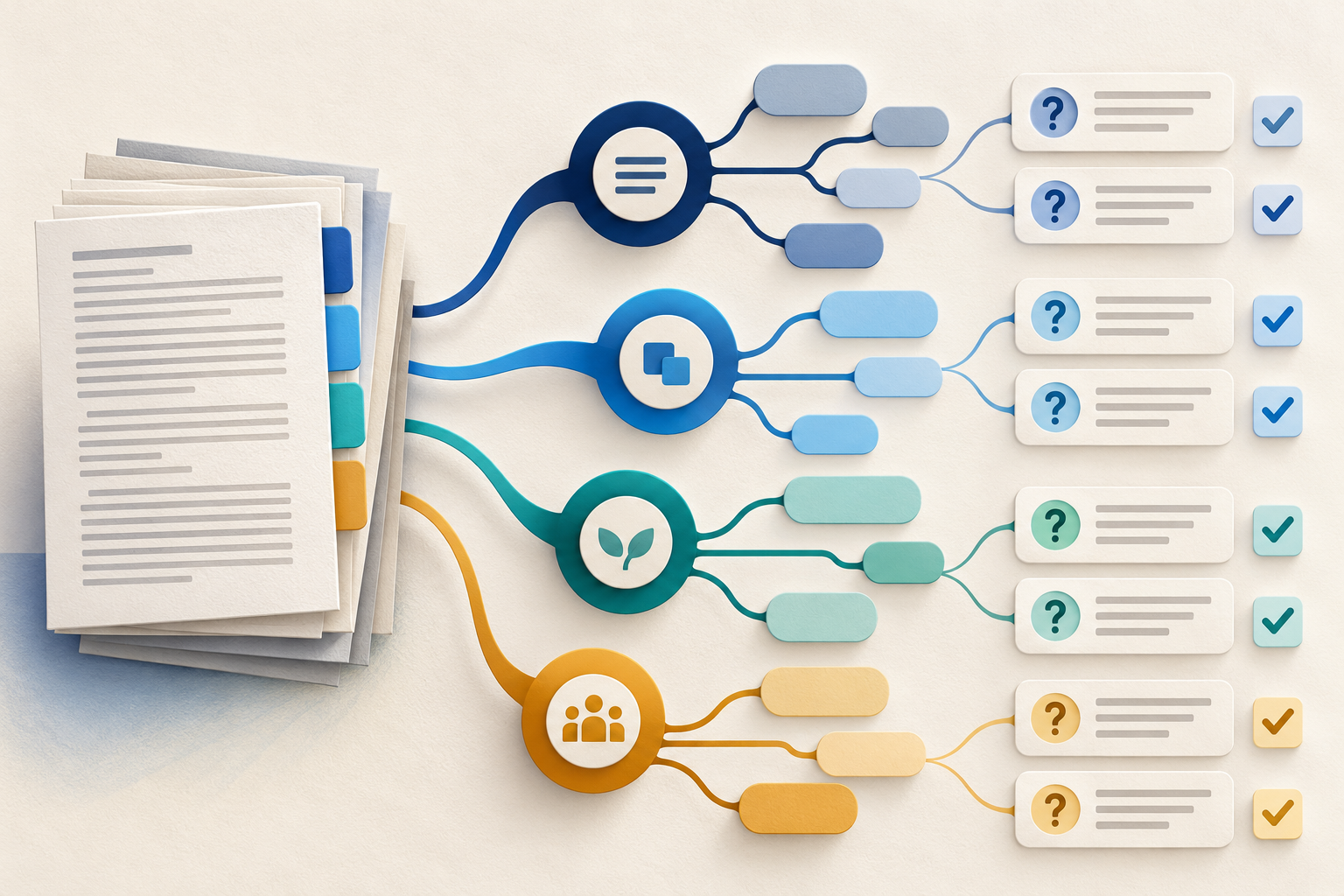
Use Gemini Notebook Mind Maps to Turn Policy Into Questions
Use a Gemini Notebook mind map as a question index for a long policy—then open the cited source before you trust any answer.
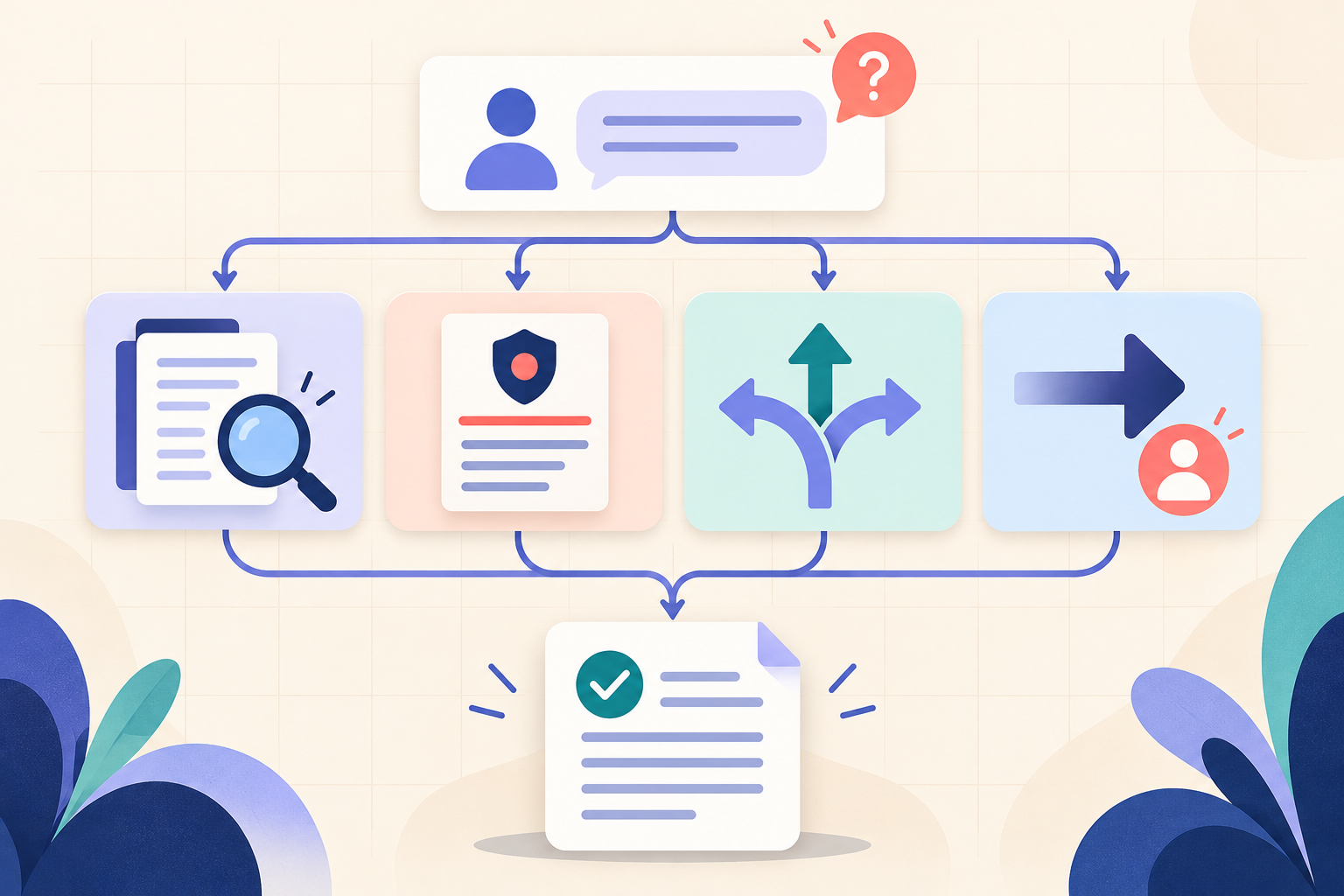
AI Training for HR: Build a Four-Part Policy Answer
Teach HR teams to separate the source, written rule, human discretion and next step before turning an AI draft into employee guidance.