

Turn One Policy Into a Practical Quiz With Gemini Notebook
Use Gemini Notebook, formerly NotebookLM, to turn one approved policy into five source-grounded questions that test workplace decisions rather than trivia.
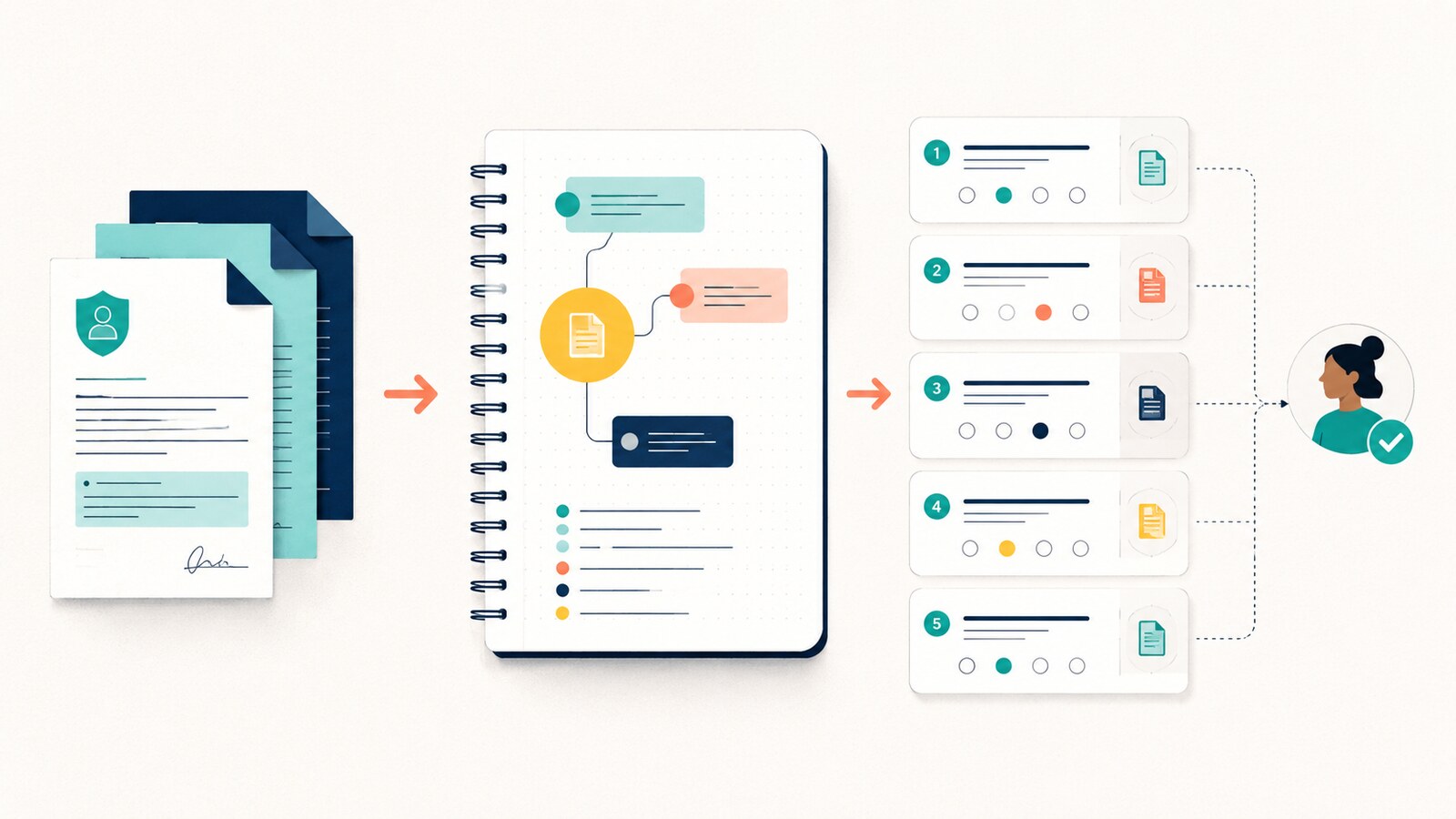
A policy quiz should test the decision an employee must make, not whether they remember a sentence. Gemini Notebook—the product Google renamed from NotebookLM in July 2026—can generate quizzes from selected sources. Google says users can choose the topic, difficulty and number of questions. That makes it useful for a small, source-grounded learning loop, provided a human checks the result.
The strongest use case is narrow: one approved policy, one audience and five decisions. Do not upload an entire knowledge base and ask for “a training quiz”. Too many sources make it harder to see which rule each question is testing.
Choose a policy that contains decisions
Start with a current document employees already need to apply: an expense policy, information-handling rule, purchasing threshold or customer-escalation guide. Confirm the file is approved for the Gemini Notebook account you are using. Remove old versions and select only the relevant source before generating outputs.
From policy to five checked questions
- 1
1. Define the learner and moment
Name the role and the point at which a real decision occurs.
- 2
2. Find five decision rules
Ask the source chat to list rules that change an action, approval or escalation—not definitions.
- 3
3. Generate a short quiz
Choose the specific topic, a suitable difficulty and five questions.
- 4
4. Check every answer
Open the cited source passage and confirm the question has one defensible best answer.
- 5
5. Rewrite weak distractors
Replace silly wrong options with plausible mistakes employees actually make.
- 6
6. Add one transfer question
Create a fresh scenario that uses the same rule in a different but realistic context.
Worked example: an expense approval policy
Use a fictional policy with three rules: meals above £60 need a manager note; client entertainment requires the client name and purpose; personal purchases are never reimbursable. The learner is a new project manager submitting an expense after a client meeting.
Using only the selected expense policy, list five decisions a new project manager must make when submitting an expense. For each, cite the source passage, state the correct action and name one plausible mistake. Do not invent a threshold or exception that is absent from the source.
Decision: whether a £74 meal needs a manager note. Correct action: attach the note before submission. Plausible mistake: assume a receipt alone is enough. Source: approval-threshold section.
The output is illustrative. Verify each rule and citation against your own current policy before using it.
Reading is a start. Practice makes it stick.
Start learningNow generate five quiz questions on “expense approval decisions”. A useful question might present a £74 team meal with a receipt but no manager note and ask what the employee should do next. A weak question would ask, “What is the meal threshold?” The first tests action in context; the second mainly tests recall.
Use the SOURCE check before sharing
SOURCE: quality gate for every question
- Specific: one decision and one learner are clear.
- One best answer: the policy supports a defensible choice.
- Referenced: the cited passage contains the rule.
- Current: the source is the approved version in force.
- Useful distractors: wrong options reflect plausible mistakes.
- Explanation: feedback says why the answer is right.
- Escalation: ambiguity tells the learner whom to ask.
Gemini Notebook keeps the quiz grounded in the selected material, but generated questions can still be vague, oversimplified or based on the wrong passage. Human review owns the final learning material. If policy language itself is ambiguous, do not hide that with a confident answer; route the issue to the policy owner.
Turn the quiz into practice
After the first attempt, discuss the two hardest items. Ask the learner to explain which sentence changed their decision. Then give one new scenario with different names and numbers. This shows whether they can transfer the rule instead of merely recognising the previous answer.
- Choose one current, approved policy and one learner role.
- Select only that source in Gemini Notebook.
- List five decisions the policy changes.
- Generate five questions at a suitable difficulty.
- Verify each answer and citation against the source.
- Rewrite one recall question as a workplace scenario.
- Share only after the policy owner or subject expert approves it.
Use the tool to create an active learning moment
This workflow complements Bokili’s guides to active learning with NotebookLM Audio Overviews and source-grounded account briefs. The common idea is simple: a generated artefact is only the start. Skill grows when the learner checks the source, makes a decision and receives feedback.
Sources
Reading is a start. Practice makes it stick.
Bokili turns skills like this into ten-minute missions for your whole team, with instant feedback and progress you can see.
Start learningKeep reading

AI Training for Employees: Separate Drafts From Records
Teach a four-state path—Draft, Checked, Approved, Recorded—so polished AI output never becomes organisational fact by accident.
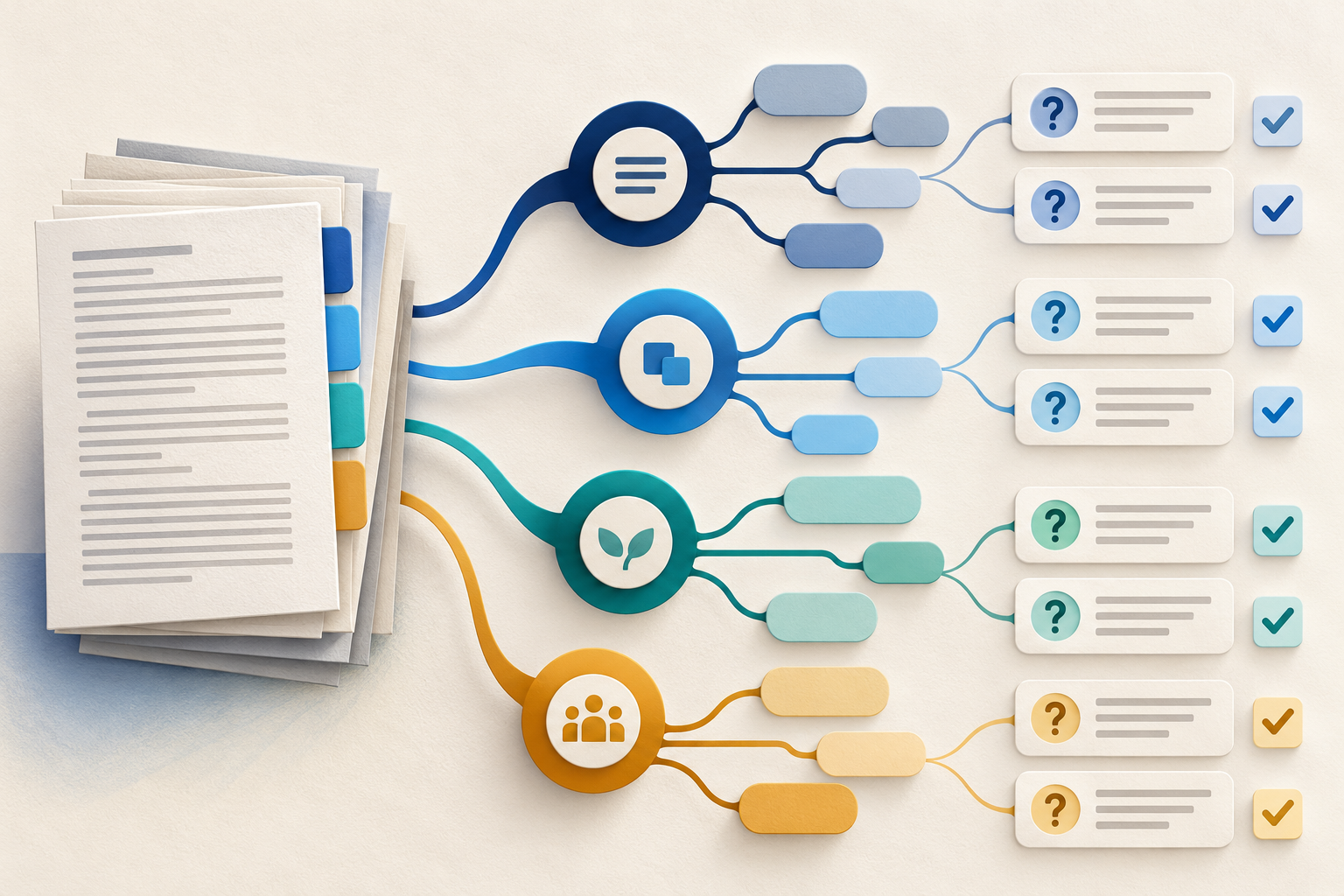
Use Gemini Notebook Mind Maps to Turn Policy Into Questions
Use a Gemini Notebook mind map as a question index for a long policy—then open the cited source before you trust any answer.
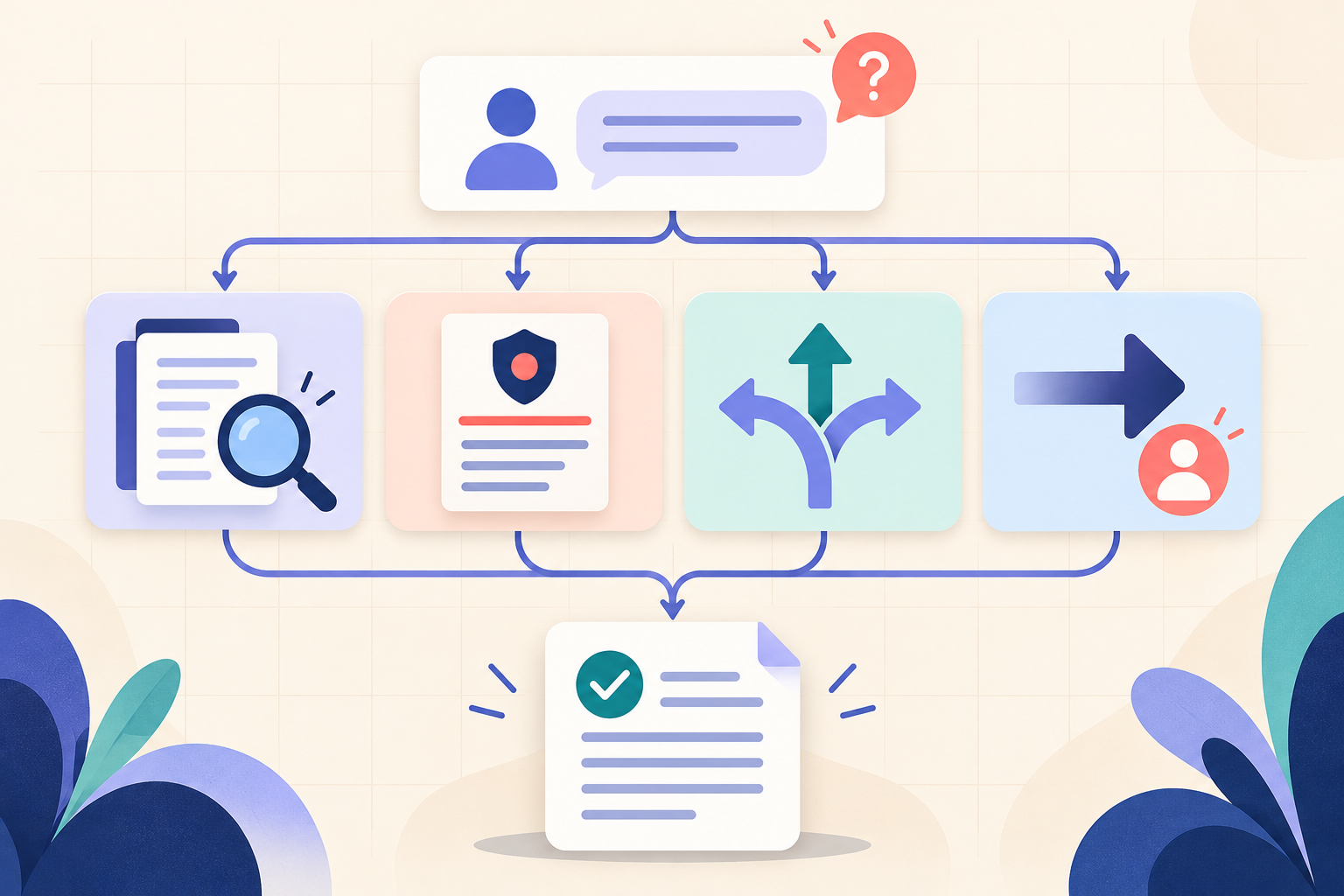
AI Training for HR: Build a Four-Part Policy Answer
Teach HR teams to separate the source, written rule, human discretion and next step before turning an AI draft into employee guidance.