

Use NotebookLM to Build a Source-Grounded Sales Account Brief
Turn approved account sources into a concise, citation-led sales brief that separates evidence from assumptions and makes open questions visible.
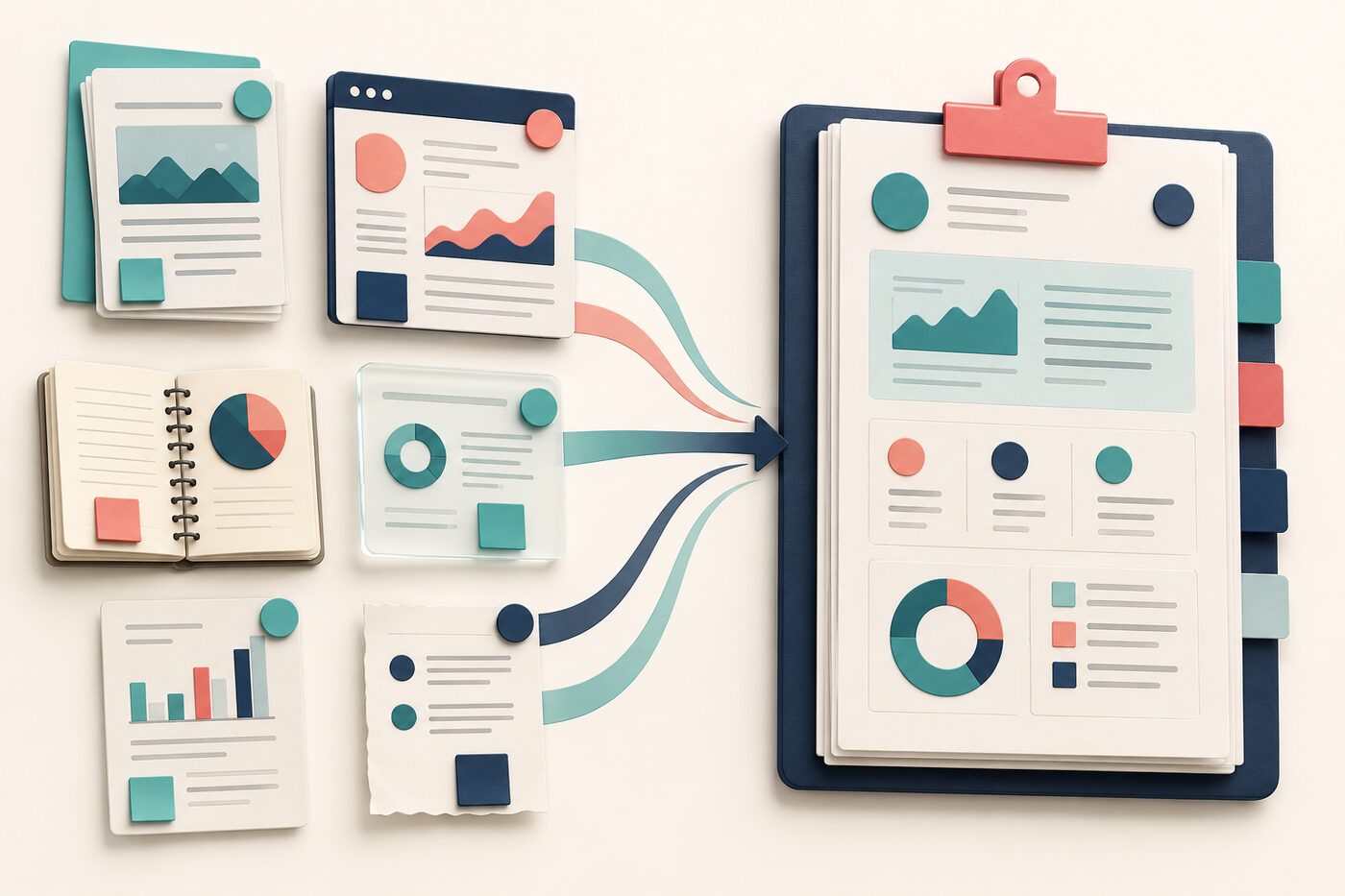
A sales account brief is useful only when the reader can tell what is known, where it came from and what still needs checking. Without that discipline, a polished summary can quietly combine reliable account information, outdated webpages and the writer’s assumptions.
NotebookLM—now presented by Google Workspace as Gemini Notebook—is well suited to a bounded research task because it answers from uploaded sources and provides citations for verification. Google also describes sales uses such as working with product specifications and market research to prepare meeting plans. The workflow below keeps the scope narrower: build a pre-call brief, not a prediction about the buyer.
The evidence rule
If a statement cannot be traced to an approved source in the notebook, label it as an open question or remove it. Do not ask the tool to fill gaps from general knowledge.
Choose a small, approved source pack
The five-source account pack
Account facts
The customer’s official website, annual report or approved CRM export. Check dates and access rights.
Relationship history
Approved meeting notes, opportunity notes and previous proposals. Remove personal or irrelevant data before upload.
Product evidence
Current product sheets, implementation requirements and approved claims.
Commercial context
Public filings, credible market research or an approved industry briefing.
Your objective
A short note defining the meeting, participants, desired outcome and questions the seller must answer.
Do not upload a whole shared drive just because the tool accepts many formats. Google lists documents, slides, PDFs, text, web URLs, public YouTube URLs and audio among supported sources. A smaller source pack makes contradictions and stale material easier to detect. Follow your organisation’s data-classification and vendor-use rules before uploading internal content.
Build the brief in three passes
Reading is a start. Practice makes it stick.
Start learningThe source-grounded workflow
- 1
Pass 1 — Map the evidence
Ask for a source inventory: document name, date, owner, purpose and likely limitations. Remove duplicates and mark stale sources.
- 2
Pass 2 — Extract account facts
Request only claims supported by the selected sources. Require a citation after every material fact and ask the notebook to surface contradictions.
- 3
Pass 3 — Shape the meeting brief
Convert verified facts into a one-page structure: account priorities, relationship context, relevant capabilities, risks, open questions and next-best questions.
Using only the selected sources, create a pre-call account brief with these sections: 1) verified account priorities, 2) relationship history, 3) relevant approved capabilities, 4) constraints and risks, 5) open questions, and 6) five discovery questions. Add a citation after every material claim. If sources conflict, show both claims and their dates. If evidence is absent, write “Not established in the sources.” Do not infer intent, budget or buying readiness.
A concise evidence-led brief with citations and a visible boundary between verified facts and questions.
Open each citation and check the underlying passage before using the brief.
Review it like a seller, not a spectator
| Brief section | Human check | |
|---|---|---|
| Account priorities | Can every priority be traced to a current first-party or approved source? | Confirm relevance to this meeting; remove generic industry claims. |
| Relationship history | Are notes current and appropriate to reuse? | Correct context that the source alone cannot explain. |
| Relevant capabilities | Are claims present in current approved product material? | Avoid promising roadmap items or outcomes. |
| Discovery questions | Do they follow from an actual evidence gap? | Rewrite them so they sound natural and respectful. |
Pre-call release check
- Every material fact has a citation that opens to supporting text.
- The source date is visible for time-sensitive claims.
- Contradictions are shown rather than blended into one answer.
- The brief does not infer budget, authority, intent or personal characteristics.
- Product claims match the latest approved material.
- Sensitive content complies with company policy and access controls.
- The seller has added their own meeting objective and judgement.
Share the method, not just the output
Google says notebooks can be shared with a team, while uploaded Workspace sources remain private unless the user chooses to share them and are not used to train models. Those product statements do not replace your own security review. Decide who may open the notebook and its sources, and prefer sharing the approved brief when colleagues do not need the underlying material.
- Choose one upcoming customer conversation.
- Add no more than five approved, current sources.
- Run the account brief prompt and inspect every citation.
- Delete unsupported statements and turn evidence gaps into discovery questions.
- Save the final brief with its source date.
The goal is not to know everything before the call. It is to arrive with a compact view of the evidence, a short list of uncertainties and better questions. A source-grounded workflow helps the seller spend less time assembling information and more time deciding what matters.
Sources
- Gemini Notebook for business — Google Workspace
- NotebookLM announces NotebookLM Plus and other new features — Google
Reading is a start. Practice makes it stick.
Bokili turns skills like this into ten-minute missions for your whole team, with instant feedback and progress you can see.
Start learningKeep reading

AI Training for Employees: Separate Drafts From Records
Teach a four-state path—Draft, Checked, Approved, Recorded—so polished AI output never becomes organisational fact by accident.
Use Gemini Notebook Mind Maps to Turn Policy Into Questions
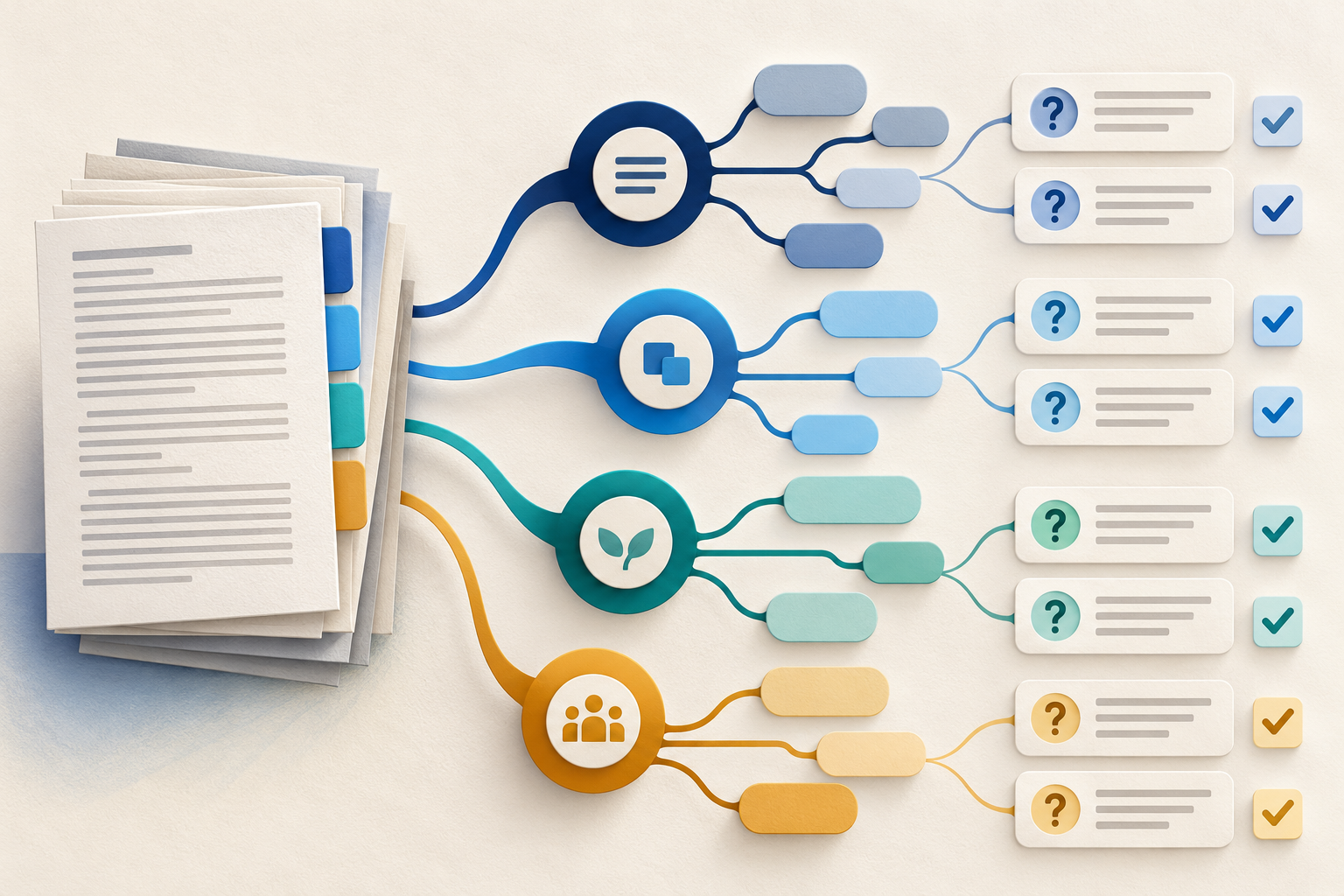
Use a Gemini Notebook mind map as a question index for a long policy—then open the cited source before you trust any answer.
AI Training for HR: Build a Four-Part Policy Answer
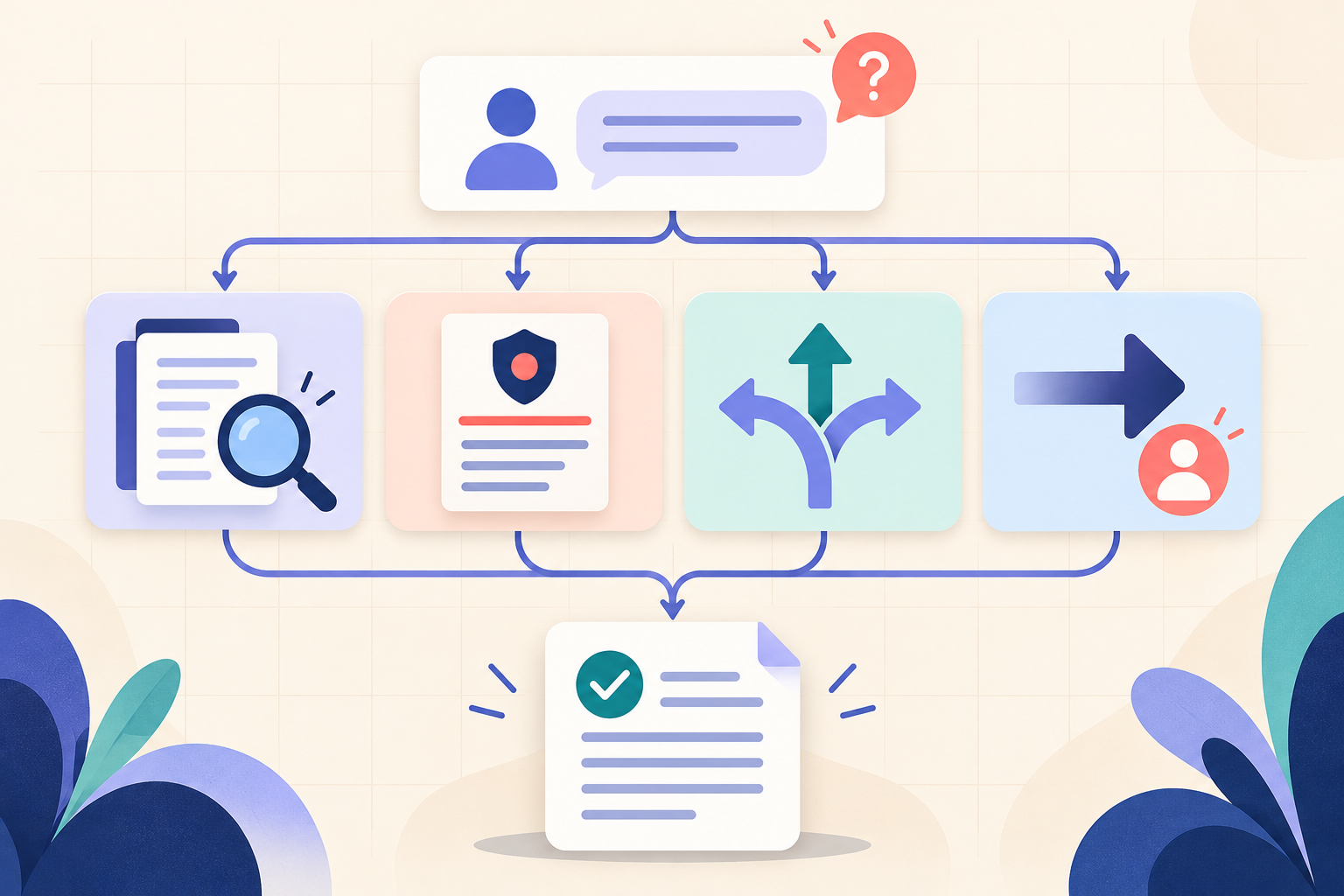
Teach HR teams to separate the source, written rule, human discretion and next step before turning an AI draft into employee guidance.