

How to Turn a NotebookLM Audio Overview Into Active Learning
Use the SOUND method to turn NotebookLM’s polished audio summaries into an active cycle of questioning, source checking and recall.
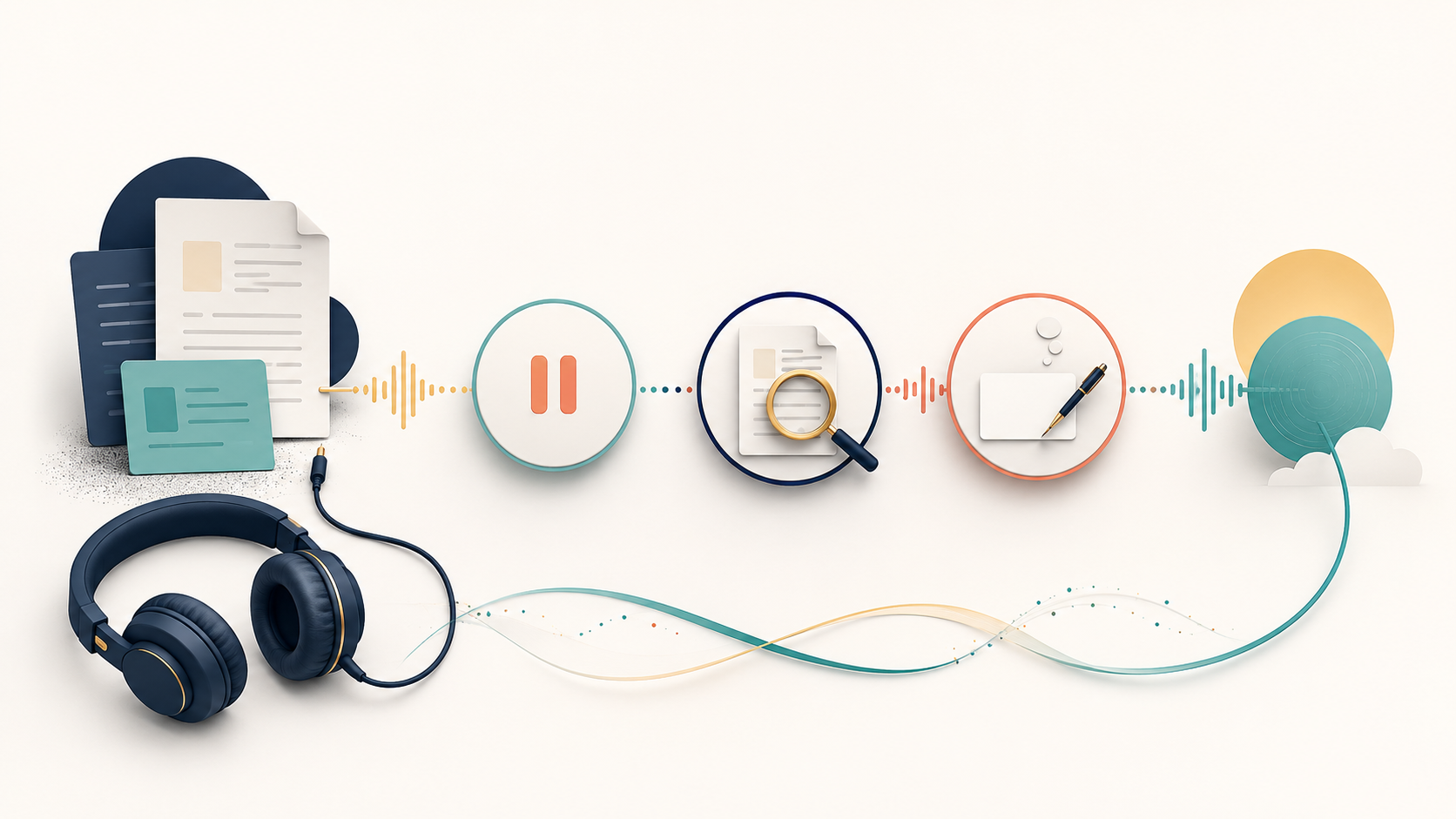
A NotebookLM Audio Overview can make a dense source pack feel surprisingly clear. Two AI hosts connect ideas, explain key topics and create the rhythm of a polished conversation. That fluency is useful—but it can also create an illusion: recognising an idea while listening is not the same as being able to explain or use it later.
Treat the Audio Overview as the first pass through your sources, not the finish line. The strongest learning workflow adds three actions to listening: pause with a question, return to the evidence and reconstruct the idea from memory.
Passive listening creates familiarity; active listening creates a task
| Passive Audio Overview | Active Audio Overview | |
|---|---|---|
| Source pack | Upload everything that might be relevant | Select sources around one question |
| Generation | Accept the default discussion | Choose a format and give the overview a learning goal |
| Listening | Let the conversation run | Pause at planned moments and predict what comes next |
| Evidence | Trust the fluent explanation | Open the relevant source and test the important claim |
| Afterwards | Remember that it sounded useful | Explain the idea without the audio, then note the gap |
The difference is not the audio quality. It is what the learner does around the audio.
Use the SOUND method
SOUND: from audio summary to active learning
S — Select
Choose a small source set that answers one real question. A focused notebook makes it easier to notice disagreement, missing evidence and scope.
O — Order
Choose the Audio Overview format and write a custom instruction describing the audience, question and distinctions the hosts should emphasise.
U — Use pauses
Stop at three moments: before an explanation, after an important claim and before the conclusion. Predict, question or summarise.
N — Navigate to evidence
Return to the original source for the claim that matters most. Check wording, date, scope and any qualification lost in the conversation.
D — Describe from memory
Close the audio and explain the central idea in your own words. The missing parts reveal what to revisit.
Google’s current help documentation says Audio Overviews can be generated in several formats: Deep Dive, The Brief, The Critique and The Debate. You can also choose a language, adjust length in supported cases and add a prompt to focus on particular topics or expertise levels. Those controls are not cosmetic; they let you turn “summarise these files” into a specific learning task.
A worked example: learn a new procurement policy
Suppose you need to understand a new supplier due-diligence policy. Your notebook contains the policy, an implementation guide and a short FAQ. The objective is not to hear a general podcast about procurement. It is to distinguish mandatory checks, recommended practices and unresolved questions before applying the policy.
Create a Deep Dive for a procurement manager who must apply these sources next week. Separate mandatory requirements from recommended practices. Highlight any differences between the policy, implementation guide and FAQ. Use one realistic supplier example. End with three questions the manager should be able to answer from the sources.
Expected structure, not a fabricated transcript: requirements → recommendations → source differences → supplier example → three retrieval questions.
Use the prompt to shape the discussion. Verify the actual content against the uploaded sources.
Before generating, select only the sources needed for that question. If you include old versions, unrelated market reports and background reading, the overview may become broader without becoming more useful.
Reading is a start. Practice makes it stick.
Start learningPlace three pauses on purpose
The three-pause listening pattern
- 1
Pause 1 — Predict
Stop after the problem is introduced. Say what you expect the sources to recommend and why.
- 2
Pause 2 — Check
Stop after the most consequential claim. Find it in the original source and inspect its exact scope.
- 3
Pause 3 — Reconstruct
Stop before the final recap. Explain the answer yourself, then compare it with the overview’s conclusion.
Keep the sources open while the audio plays
Google explicitly warns that Audio Overviews are AI-generated and may contain inaccuracies or audio glitches. Its help page also notes that you can continue working in NotebookLM while listening—exploring relevant quotations, getting citations and querying the sources. Use that side-by-side mode for claims that affect a decision. The audio is an interpretation of the source pack, not a replacement for it.
The final recall step matters for a different reason. In a 2008 Science experiment, repeated retrieval led to substantially better delayed recall than repeated study once material had already been learned. The study used vocabulary, not AI-generated audio, so it should not be stretched into a product claim. The transferable principle is narrower: attempting to retrieve an idea is a learning activity, not merely a test.
The moment that matters
Audio creates familiarity. Learning becomes visible when you pause the playback and reconstruct the idea without it.
Know the current limits
Before relying on an Audio Overview
- Confirm that the selected sources are current and appropriate.
- Choose the format that matches the learning goal, rather than defaulting automatically.
- Use a custom prompt to specify audience, focus and distinctions.
- Expect possible inaccuracies or audio glitches.
- Check important claims in the original source.
- Remember that Interactive mode is currently English-only.
- Do not share an overview more widely than the underlying notebook permissions allow.
Try SOUND with one real source pack
- Open a notebook with two to four sources about one work question.
- Select the relevant sources and choose an Audio Overview format.
- Write a custom instruction naming the audience, question and distinctions to emphasise.
- Before listening, write one prediction about the answer.
- Listen long enough to reach one important claim, then pause and open its source.
- Stop the audio and explain the main idea from memory in three sentences.
- Write one unresolved question for the next pass.
You do not need to turn every Audio Overview into a formal lesson. Use this method when the material matters enough that recognition is not sufficient—when you need to remember, explain or act.
Bokili teaches tool features through short work-like missions rather than feature tours. The same principle applies here: NotebookLM’s audio is most valuable when the learner has a question, checks the evidence and does something observable with what they heard.
Sources
- Generate Audio Overview in Gemini Notebook — Google Help
- Get started with the Gemini Notebook mobile app — Google Help
- The Critical Importance of Retrieval for Learning — Science
Reading is a start. Practice makes it stick.
Bokili turns skills like this into ten-minute missions for your whole team, with instant feedback and progress you can see.
Start learningKeep reading

AI Training for Employees: Separate Drafts From Records
Teach a four-state path—Draft, Checked, Approved, Recorded—so polished AI output never becomes organisational fact by accident.
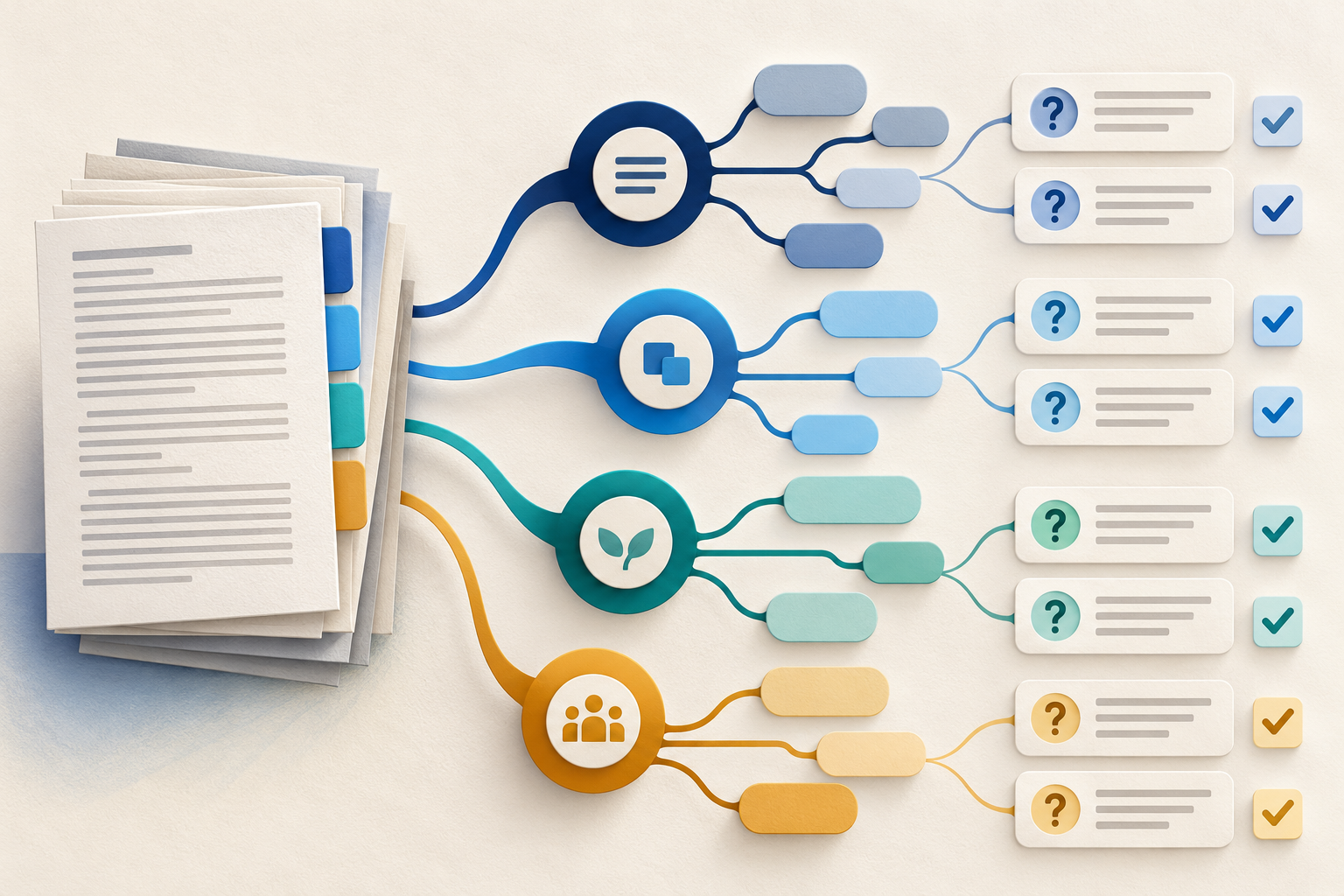
Use Gemini Notebook Mind Maps to Turn Policy Into Questions
Use a Gemini Notebook mind map as a question index for a long policy—then open the cited source before you trust any answer.
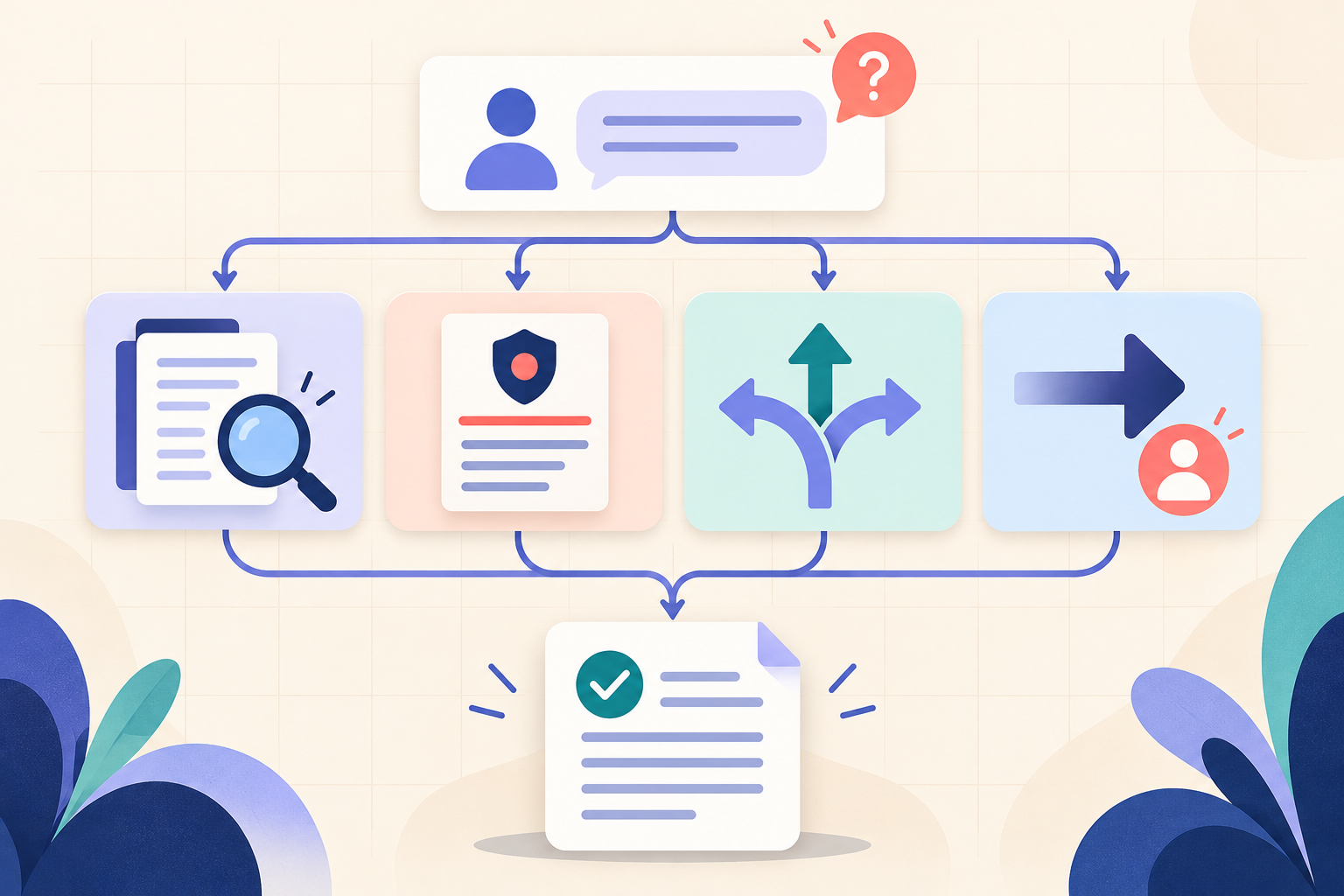
AI Training for HR: Build a Four-Part Policy Answer
Teach HR teams to separate the source, written rule, human discretion and next step before turning an AI draft into employee guidance.