

AI Training Platform for Companies: Run an Accessibility Rehearsal
Before choosing an AI training platform for companies, test one complete learning journey with keyboard, zoom, screen reader and error recovery.
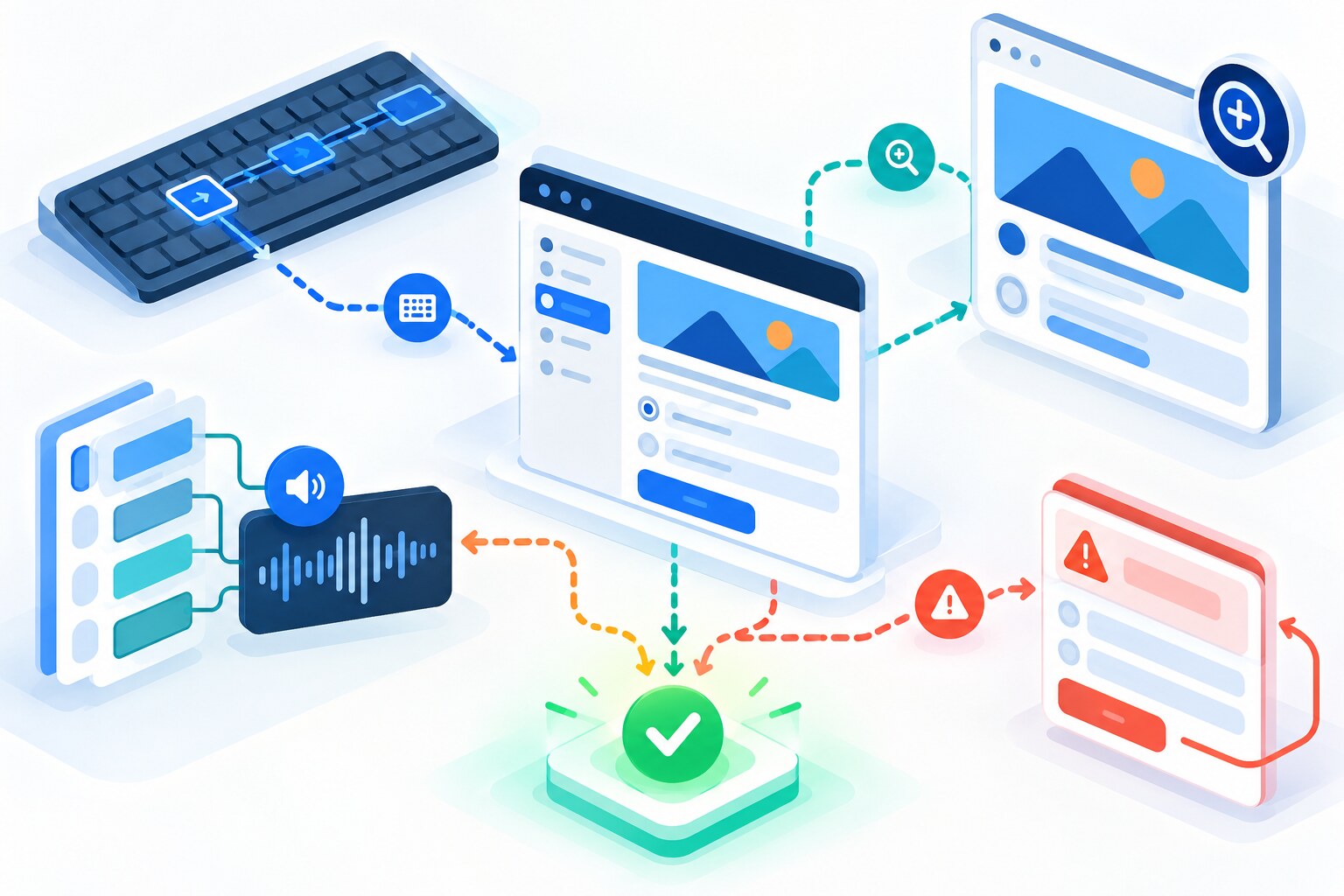
An AI training platform for companies can have a strong catalogue, useful analytics and convincing product demonstrations, yet still fail an employee during an ordinary learning task. A keyboard user may lose focus inside a mission. A learner using zoom may miss feedback outside the viewport. A screen reader may announce controls without useful labels. These are not edge details: they can stop practice before the skill is visible.
Before purchase or broad rollout, run an accessibility rehearsal on one complete learning journey. Test enrolment, mission instructions, the work attempt, feedback, retry and completion. A vendor statement or automated scan can support the review, but neither shows whether your employees can actually finish the task with the tools they use.
A rehearsal is not an audit
This method is a practical buyer check, not a legal opinion or formal accessibility-conformance assessment. Use qualified specialists and disabled users for deeper evaluation.
Why an AI training platform for companies needs journey testing
WCAG 2.2 provides a recognised technical benchmark for web accessibility. W3C’s easy checks explain that correctly labelled controls can work with keyboards, voice input and screen readers, while its reflow guidance explains why enlarged content should remain readable without two-dimensional scrolling. These criteria matter most when they are tested inside the actual task rather than inspected as isolated components.
The UK Government Service Manual recommends testing services with assistive technologies throughout development and after significant changes. It also says testers should check that information is available and understandable and that the whole interface is usable. For a learning platform, that means reaching the feedback and retry—not merely opening the home page.
Feature-only review
- Read the accessibility statement
- Run an automated scan
- Inspect the login page
- Record issues without task impact
Journey rehearsal
- Complete one representative mission
- Use the input methods employees rely on
- Reach feedback, correction and completion
- Record the barrier, impact, owner and retest
Run the ACCESS rehearsal
Six checks for one complete learning journey
A — Arrive
Can the learner sign in, join the right group and reach the assigned mission without a pointer-only action or confusing detour?
C — Comprehend
Are headings, instructions, examples, status messages and time expectations clear when read visually and through assistive technology?
C — Control
Can every interactive step be reached, identified and activated with keyboard, switch or voice input as relevant? Is focus visible and logical?
E — Enlarge
At high zoom or magnification, does content reflow, and do instructions, buttons, modals and feedback remain findable without losing context?
S — Submit and recover
Can the learner enter an answer, understand an error, return to the right field, save progress and retry without losing work?
S — Show evidence
Can the learner and administrator confirm completion and demonstrated skill without relying on colour, animation or an inaccessible visual alone?
ACCESS is deliberately task-based. It does not replace WCAG testing, a Voluntary Product Accessibility Template, procurement review or user research. It helps an L&D buyer ask a narrower question: can a person using this route complete the learning behaviour we intend to measure?
Worked example: test one ten-minute mission
Reading is a start. Practice makes it stick.
Start learningImagine a company is evaluating a platform for 120 employees. The pilot mission asks a learner to review a fictional AI-generated project update, identify one unsupported claim, correct it and submit a short explanation. The product team has already demonstrated the mission with a mouse on a large screen. The buyer now rehearses the same journey in four ways.
Four passes through the same mission
- 1
Keyboard pass
Start at sign-in and use only the keyboard. Record focus order, visible focus, any trap, and whether the learner can open the source, edit the answer, submit and retry.
- 2
Zoom and reflow pass
Increase browser zoom and use a narrow viewport. Check whether the task, source and feedback remain readable, whether buttons stay reachable and whether new messages appear outside view.
- 3
Screen-reader pass
Listen to the page structure, controls, required fields and validation messages. Confirm that the unsupported claim exercise still makes sense without visual position or colour.
- 4
Recovery pass
Trigger one realistic error, pause the session and return. Confirm that progress, instructions and the route to correction remain clear.
| Record | Do not record only | |
|---|---|---|
| Barrier | Exact step, input method and assistive technology | ‘Accessibility issue’ |
| Impact | What the learner could not understand or complete | Severity guessed from a screenshot |
| Evidence | Short reproduction steps and expected result | An automated score alone |
| Response | Owner, workaround, fix date and retest | A vendor promise without follow-up |
Add people, not just tools
Automated checks can quickly find some code and content problems. They cannot tell you whether a feedback message is understandable, whether the learning sequence creates avoidable cognitive load or whether a workaround is realistic at work. Include employees with disabilities or representative users in the pilot, compensate their time appropriately and avoid asking one person to represent every access need.
Choose a task that reflects the real learning journey but uses fictional or approved material. Test on the browsers, devices and assistive technologies your workforce actually uses. If the platform changes a major interaction—mission player, editor, upload flow, coach feedback or dashboard—repeat the relevant rehearsal rather than treating accessibility as a one-off gate.
Accessibility questions for the vendor and pilot team
- Which version of WCAG is the product evaluated against, by whom and when?
- Which learning journeys—not only public pages—were included?
- What keyboard, screen-reader, magnification and speech-input combinations were tested?
- Can the vendor share known limitations, workarounds and remediation ownership?
- Are timers adjustable, pauses recoverable and progress saved?
- Do error and feedback messages identify the problem and the next action?
- Can learners request an accommodation or alternative route without losing credit?
- Will major product changes trigger retesting and a customer notice?
Use this rehearsal alongside Bokili’s AI training platform pre-launch checklist, platform-versus-LMS decision test, admin-day simulation and exit drill. Bokili’s HR and L&D page describes short, role-adapted missions and progress tracking; apply the same accessibility questions to Bokili and every other platform you evaluate.
- Choose one short mission that includes instructions, an input, feedback and a retry.
- Complete it once with the keyboard only.
- Repeat at high zoom and note anything that moves out of view.
- Use a screen reader or involve a user who does, following your organisation’s research practice.
- Trigger one error and check whether recovery is clear.
- Log one barrier with impact, owner and a date for retest.
Buy the usable learning journey
A training platform is valuable only when employees can reach the practice, understand the task, control the interface, act on feedback and show what they learned. Treat accessibility evidence as part of product evidence. Run one representative journey, include the people who rely on different access routes and retest after meaningful changes. The result is a better buying decision and a learning programme that can include the workforce it was meant to serve.
Sources
- How to Meet WCAG 2.2 — Quick Reference — W3C Web Accessibility Initiative
- Easy Checks — A First Review of Web Accessibility — W3C Web Accessibility Initiative
- Understanding Success Criterion 1.4.10: Reflow — W3C Web Accessibility Initiative
- Testing with assistive technologies — UK Government Service Manual
- Doing a basic accessibility check — UK Government
- AI training for HR & L&D leaders — Bokili
Reading is a start. Practice makes it stick.
Bokili turns skills like this into ten-minute missions for your whole team, with instant feedback and progress you can see.
Start learningKeep reading
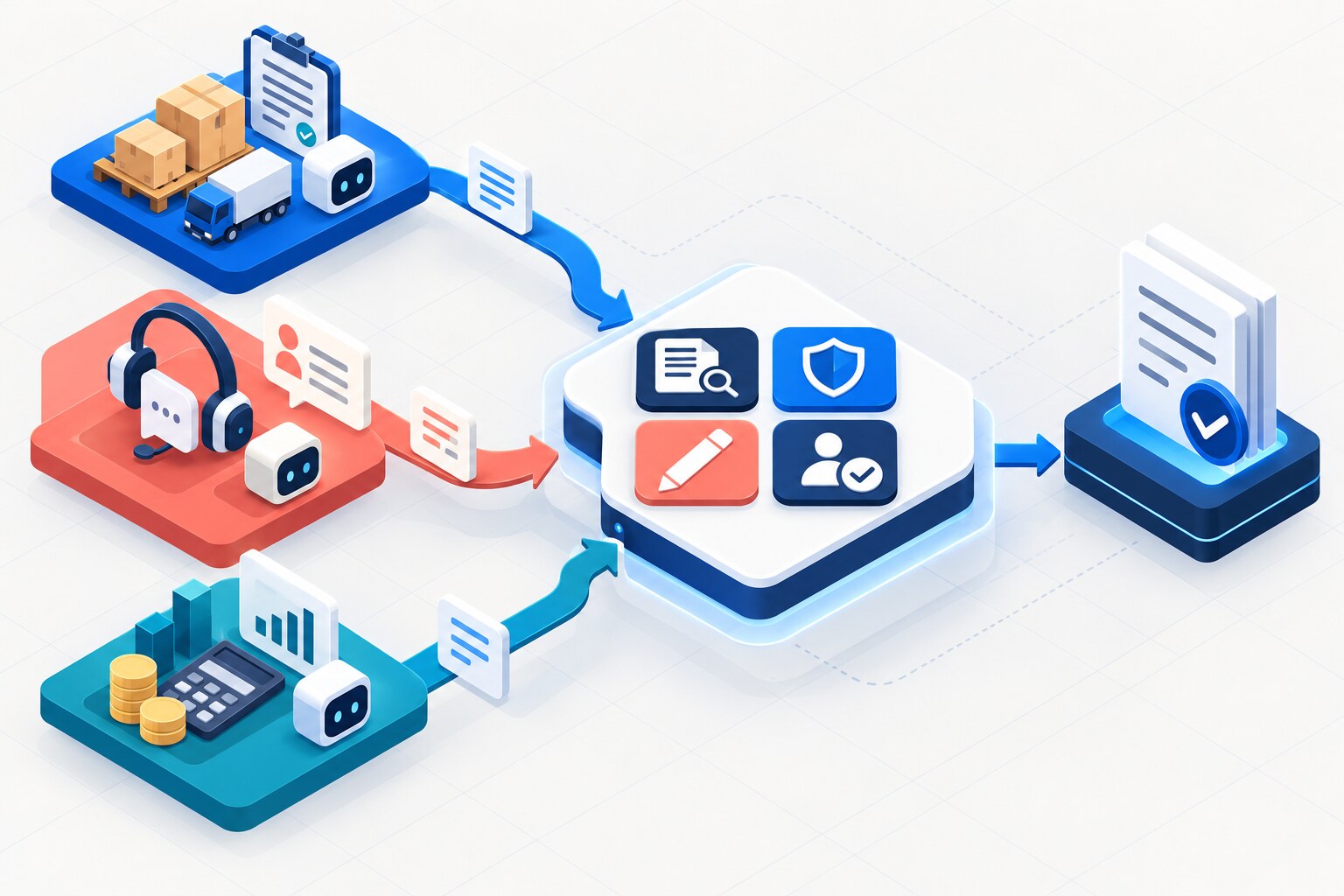
Personalised AI Missions Need a Fixed Evidence Bar
Adapt the role, tool and starting support—but keep one visible evidence standard so personalised AI practice still proves the same skill.
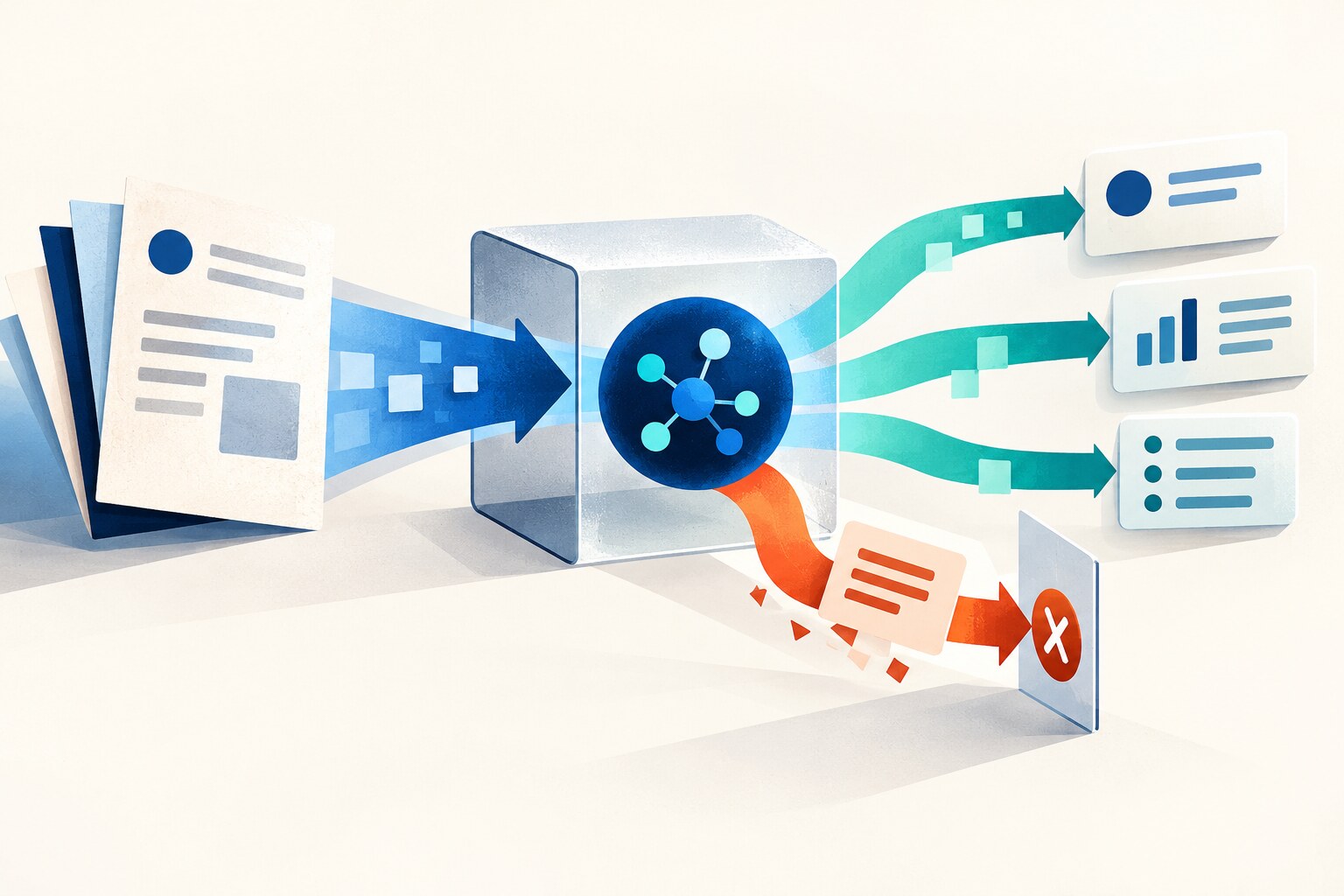
ChatGPT Training for Employees: Treat Imported Text as Data
Teach employees to keep a stable task when an email, document or webpage contains instructions that the AI should analyse—not follow.
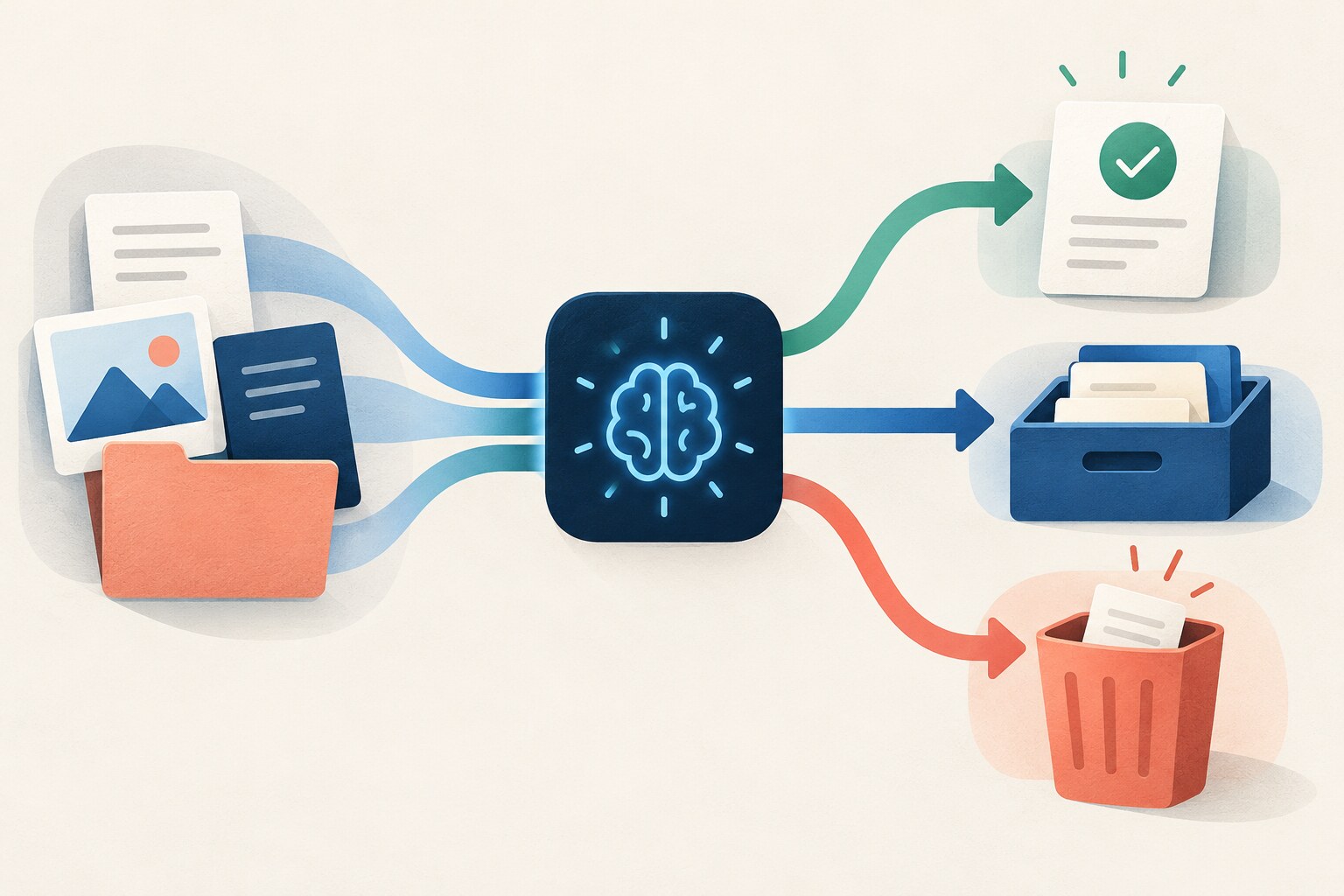
Finish the AI Task: Decide What to Keep, Record or Delete
Responsible AI practice includes a close-out decision for every prompt, source, draft and output—not just a check of the final answer.