

AI Training Platform for Companies: Run an Admin-Day Test
Before choosing an AI training platform for companies, simulate five routine admin events and count the work, handoffs and evidence each one creates.
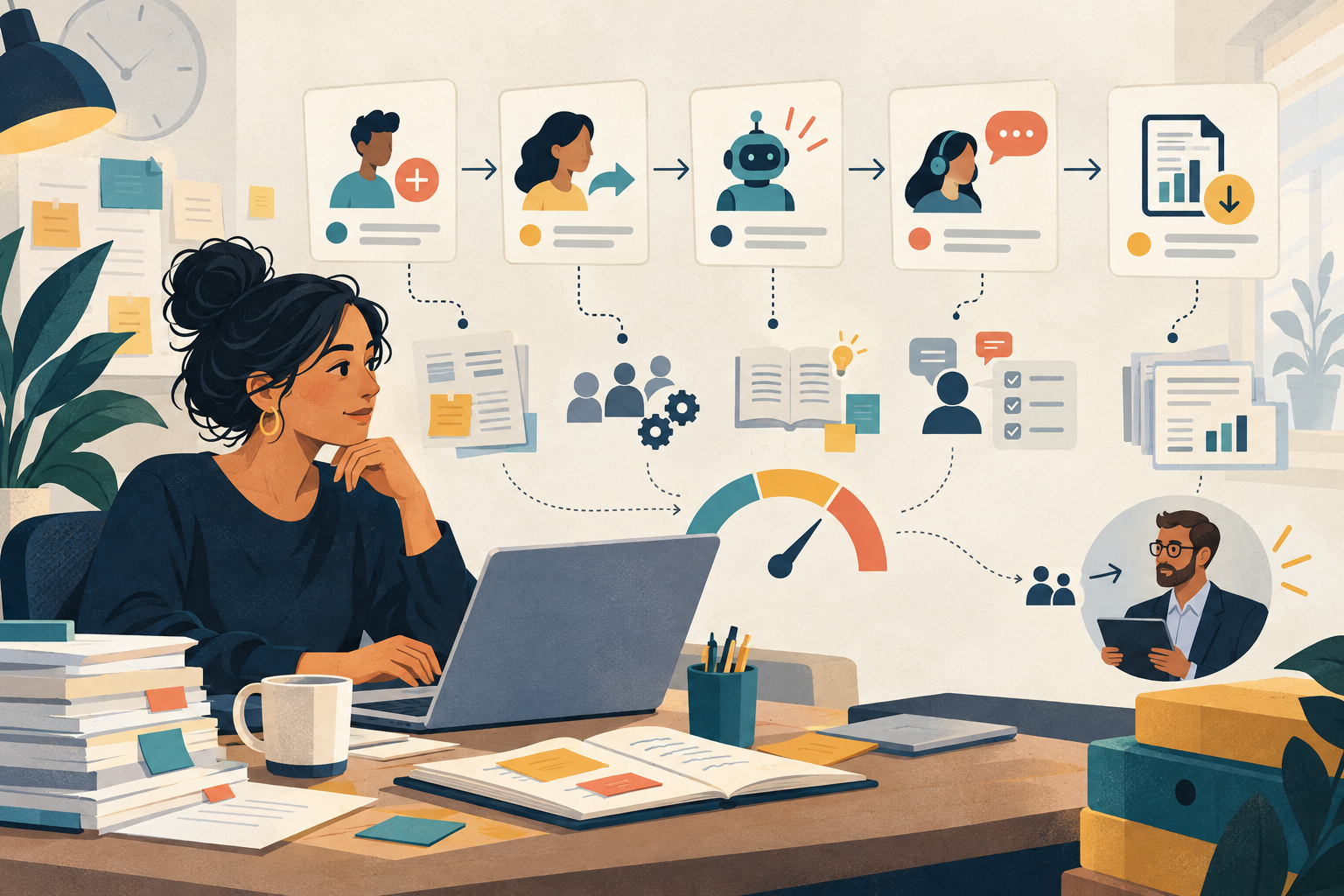
A polished demo can make an AI training platform for companies look almost self-running. The learner signs in, receives a path, completes a realistic exercise and produces a progress signal. The buying team sees the front stage. What it may not see is the recurring operating work behind it: joining and moving employees, changing approved tools, replacing stale practice, resolving support cases and exporting evidence.
An admin-day test turns that hidden workload into a procurement artefact. Give each provider the same five everyday events. Ask the administrator to complete them in a configured test environment while the team records steps, handoffs, permissions, data traces and unresolved work.
Why an AI training platform for companies needs an operating test
OPM’s training guidance starts with the gap between required and current performance and considers the organisational factors and resources needed to close it. The European Commission’s AI-literacy guidance similarly asks organisations to adapt learning to people’s knowledge, role, system, context and risk. Those inputs change after launch. A platform therefore needs an operating rhythm, not only a content catalogue.
The UK Government’s AI procurement guidance recommends lifecycle management, ongoing evaluation, knowledge transfer, staff training and support. Applied to a learning platform, that means buyers should test who can keep the programme current and how much work the supplier and customer each carry.
The five-event RESET test
R — Role change
Move one learner to a new team or responsibility. Check how assignments, manager views, permissions and old evidence change.
E — Exercise update
Replace a practice activity after a policy, workflow or approved source changes. Check versioning, communication and in-progress work.
S — Support case
Handle a learner who cannot access the tool, misunderstands feedback or repeatedly misses a practice standard. Check routing and ownership.
E — Evidence request
Produce the exact view or export a manager, auditor or programme lead would use. Check definitions, access and any manual reconciliation.
T — Tool change
Retire or add an approved AI tool. Check how paths, examples, safety guidance and learner choices are updated.
Worked example: one fictional admin day
A fictional 120-person services company is comparing two platforms. It gives both providers a small test tenant with the same roles and synthetic learner records. The L&D lead then works through five events from a typical Monday instead of following the vendor’s prepared tour.
| Event | What the buyer records | |
|---|---|---|
| 09:00 — New joiner | Invite, role mapping, first assignment, manager visibility and any spreadsheet work | |
| 10:15 — Team transfer | Who changes the role, what happens to prior progress, and which manager retains access | |
| 11:30 — Approved tool update | Affected paths, exercise versions, learner notice and old-tool guidance | |
| 14:00 — Support case | Route, response owner, context available and whether the learner gets a safe next step | |
| 16:00 — Evidence request | Export fields, definitions, permissions, latency and manual clean-up before the record can be used |
Provider A completes every event, but three require a customer-success ticket and the evidence export needs a spreadsheet merge. Provider B gives the L&D administrator more direct control, but the role-change event exposes prior practice to the new manager unless permissions are changed separately. This fictional result does not declare a winner. It identifies the operating decisions that pricing and feature grids hide.
Score effort, ownership and recovery
Reading is a start. Practice makes it stick.
Start learningAdmin-day observation sheet
- Number of manual steps for each event
- Systems and spreadsheets used outside the platform
- Customer, supplier and manager handoffs
- Permissions required to complete the change
- Learner records created, changed or exposed
- Time until the learner or manager sees the result
- Error message, rollback or recovery route
- Contract or service dependency revealed
- Named owner for unfinished work
Do not reduce the result to minutes alone. A slower change with a visible approval and recovery path may be safer than a one-click change that silently rewrites evidence. Record the quality of the handoff and the reversibility of the action alongside effort.
Questions the demo script should answer
- Can an administrator make common role and path changes without supplier intervention?
- How are exercise versions linked to the evidence produced under each version?
- What happens to assignments and manager access when someone changes teams?
- Can support staff see enough context without opening raw learner work unnecessarily?
- Which reports are live views, and which are asynchronous or supplier-produced exports?
- How are tool, policy and source changes propagated to affected learning paths?
- Which operating tasks are included in the price, and which require services or higher-tier access?
- Can a mistaken change be reversed without losing the audit trail?
Run the test in ten minutes
- Name the role that will administer the programme after launch.
- Choose one realistic event for each RESET category.
- Write the expected result and the evidence that proves it happened.
- Ask the provider to perform the events in a configured test tenant.
- Count manual steps, external tools, handoffs and unresolved work.
- Assign every remaining task to the customer, supplier or manager.
- Add the recurring load and contract dependencies to the buying decision.
If a provider cannot run the full test during evaluation, record which events require configuration, services or a later pilot. An unanswered item is not automatically a rejection, but it is part of the operating cost and risk.
Use the admin-day test with Bokili’s other buyer guides
The test complements existing pages rather than replacing them. Start with the buyer scorecard for broad requirements. Use the platform-versus-LMS guide to decide the system’s job. Map learner data before selection, then use the pre-launch checklist after a provider is chosen. The admin-day test sits between those steps: it makes recurring ownership and workload visible.
- Corporate AI training: a 12-point buyer scorecard — https://bokili.com/en/learn/corporate-ai-training-buyer-scorecard
- AI training platform or LMS? — https://bokili.com/en/learn/ai-training-platform-or-lms
- Map learner data before you buy — https://bokili.com/en/learn/ai-training-platform-companies-learner-data-map
- AI training platform pre-launch checklist — https://bokili.com/en/learn/ai-training-platform-companies-prelaunch-checklist
- Bokili for HR and L&D — https://bokili.com/en/for-hr
A platform should reduce the effort of keeping learning relevant, visible and safe. The admin-day test does not ask whether the demo works. It asks whether your organisation can operate the programme when people, tools, evidence and support needs change on an ordinary day.
Sources
- Planning & Evaluating: Training Needs Assessment — U.S. Office of Personnel Management
- AI Literacy — Questions & Answers — European Commission
- Guidelines for AI procurement — UK Government
- AI training for HR and L&D leaders — Bokili
Reading is a start. Practice makes it stick.
Bokili turns skills like this into ten-minute missions for your whole team, with instant feedback and progress you can see.
Start learningKeep reading

Build an AI Non-Use Register Before Adoption Spreads
An AI non-use register records which business tasks should not use AI yet, why, who owns the decision and what safer route remains available.

Use Copilot Pages to Turn an AI Answer Into a Reviewable Brief
Move a useful Copilot response into a durable team page, then separate the decision, evidence, open questions and owners before approval.

AI Learning and Development: Turn Practice Gaps Into Policy Updates
Build a practice-to-policy loop that routes recurring learner uncertainty into clearer guidance, safer workflows and fresh practice.