

AI Training Platform for Companies: Run an Exit Drill Before You Buy
Before buying an AI training platform for companies, test usable exports, access removal, data handling and learning continuity—not just onboarding.
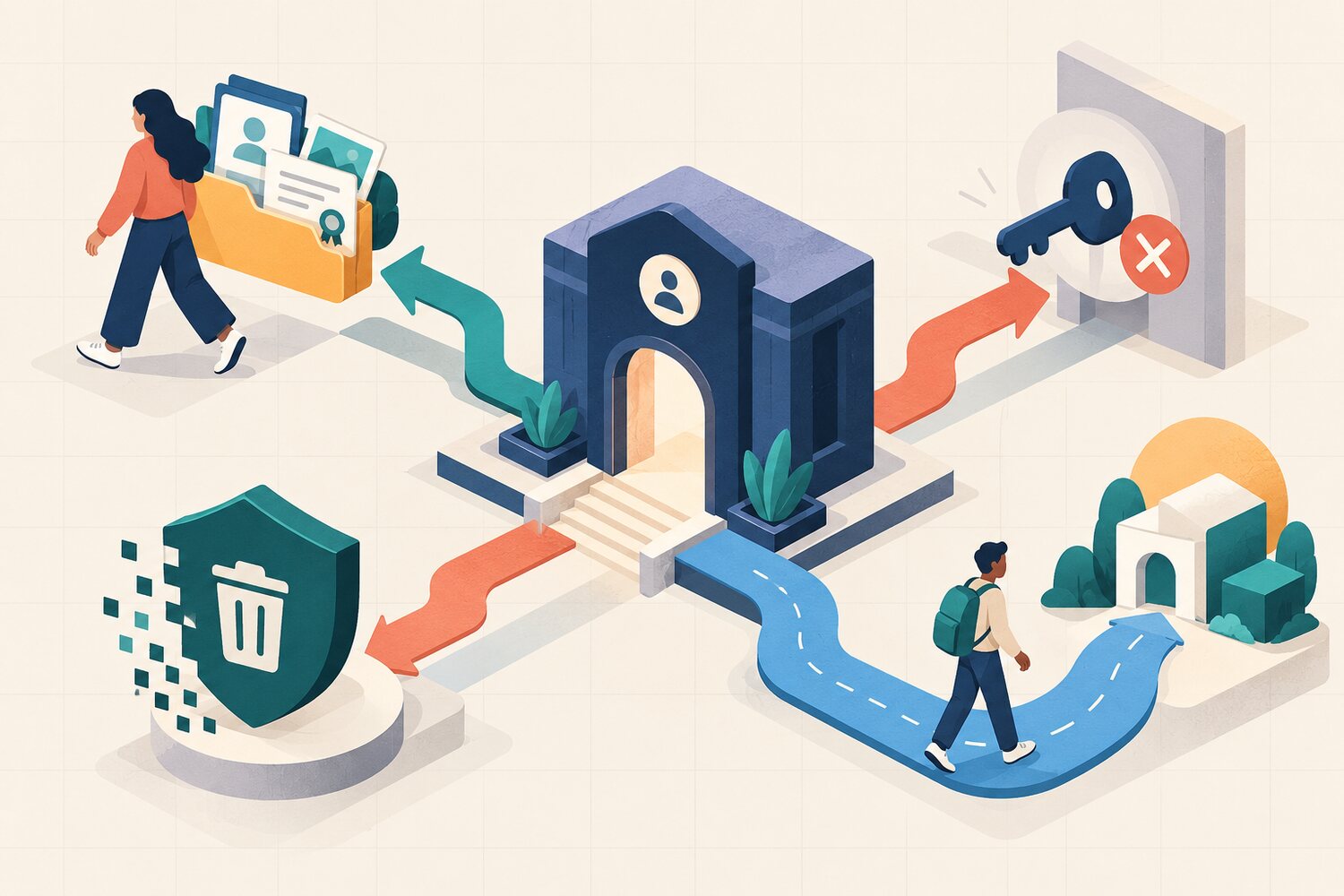
An AI training platform for companies is usually demonstrated at the start of the relationship: invite a learner, assign content, complete a mission and view a dashboard. Buyers rarely see the end. What happens when the contract closes, an employee leaves, a region changes provider or the learning team needs its evidence in another system?
Run an exit drill before you buy. Ask the supplier to show a usable export, remove access for a test account, explain what data remains and demonstrate how a learner can continue without losing the record of what they practised. This is not pessimism. It is a procurement check for portability, privacy and learning continuity.
Test the exit, not just the promise
A contract clause matters, but a short demonstration reveals whether the people, files and process are ready to make the clause work.
What an AI training platform for companies must let you take away
UK government AI procurement guidance explicitly warns against vendor lock-in, recommends lifecycle planning and says buyers should define end-of-contract roles and processes for both the customer and supplier. It also recommends testing whether contract management can support the system’s end of life. NIST’s Privacy Framework treats data processing as a lifecycle that runs from collection through disposal and connects privacy requirements to buying decisions.
For UK organisations using a processor for personal data, ICO guidance says the contract must address return or deletion at the end of the contract, subject to applicable legal retention requirements. That legal point is only one part of the drill. A learning team also needs usable evidence, clear ownership and a route for learners to continue.
The EXIT drill
Export usable evidence
Request a sample export of learners, assignments, completion, demonstrated skills and timestamps. Open it in a normal tool and check labels, identifiers, dates and relationships.
eXpel access cleanly
Disable one learner and one administrator. Confirm when sessions end, what integrations still work and who can verify that access has gone.
Inventory retained data
List what is returned, deleted, retained, anonymised or kept in backups; record the reason, owner and timing for each category.
Transfer learning continuity
Show how the organisation keeps the curriculum map, evidence definitions, support history and next-practice recommendation when it changes systems.
Worked example: a 250-person rollout
A company plans to train 250 employees across sales, operations and HR. During the platform demo, the buyer sees attractive missions and a clear dashboard. For the exit drill, it creates three test learners, one manager and one administrator. Each learner completes a different task and receives feedback.
The supplier then exports the records. The completion file is readable, but feedback is delivered as one unstructured text field and the skill names do not carry stable identifiers. The buyer can prove participation, but cannot reliably reconnect the evidence to its internal capability framework. That does not automatically disqualify the platform. It creates a concrete requirement: add a documented field map and a sample import test before award.
Next, the administrator removes one learner and one manager. The learner loses access immediately, while the manager’s existing session stays active until the next morning. The supplier explains the session policy and offers a configuration change. Finally, the buyer records which data will be deleted at contract end, which backups expire later and who provides confirmation.
Reading is a start. Practice makes it stick.
Start learning| Feature demo | Exit drill | |
|---|---|---|
| Records | An export button exists | The exported files open and preserve useful meaning |
| Access | Accounts can be disabled | Learner, manager and admin access end as expected |
| Data | A retention policy is available | Each data category has a return, deletion or retention path |
| Learning | Content is in the platform | The organisation can preserve evidence and next steps |
Ask for evidence, not a special presentation
A useful exit drill should use ordinary product capabilities and ordinary support channels. If the demonstration depends on a one-off engineering extract, record the cost, lead time and contract dependency. If some evidence cannot leave the platform, decide whether the operational benefit justifies that limit. The goal is not perfect portability. It is an informed trade-off.
- Ask for the exact file formats available to administrators without engineering help.
- Request one anonymised sample export and open it.
- Choose one learner, manager and administrator access-removal scenario.
- Ask what is returned, deleted, retained and kept in backups after termination.
- Name the learning artefacts your organisation must preserve.
- Record one pass condition, one contract condition and one reason to walk away.
Buyer evidence for the platform exit
- A data dictionary explains every exported field.
- Stable identifiers preserve links between learners, activities, skills and feedback.
- The export is available on a workable schedule and in an agreed format.
- Learner, manager and administrator access-removal timings are known.
- Integrations, single sign-on and automated provisioning have an offboarding order.
- Return, deletion, retention and backup handling are documented by data category.
- The organisation can retain curriculum structure and evidence definitions.
- Costs, lead times and responsibilities for transition support are in the contract.
- A named owner can verify the final export and closure.
Fit the exit drill into a wider buying process
Use this drill after mapping learner data and testing a realistic administration day, not instead of those checks. Bokili’s related guides cover the data map, the admin-day test, the pre-launch checklist and the platform-versus-LMS decision: https://bokili.com/en/learn/ai-training-platform-companies-learner-data-map, https://bokili.com/en/learn/ai-training-platform-companies-admin-day-test, https://bokili.com/en/learn/ai-training-platform-companies-prelaunch-checklist and https://bokili.com/en/learn/ai-training-platform-or-lms.
This is a procurement exercise, not legal advice
Privacy, employment, sector and records-management duties vary. Ask your legal, privacy, security and records owners to define the requirements that apply to your organisation.
Choose a platform you can leave responsibly
The best exit drill makes the start safer. It clarifies data ownership, admin work and evidence design before learners arrive. If you are comparing practical role-based training, Bokili’s HR and L&D page explains its short missions, personalised pathways and company reporting: https://bokili.com/en/for-hr.
A smooth demo shows that a platform can begin. A credible exit drill shows that your organisation still controls the evidence, access and learning process when the relationship changes.
Sources
- Guidelines for AI procurement — UK Government
- What needs to be included in the contract? — Information Commissioner's Office
- Getting Started with the NIST Privacy Framework — National Institute of Standards and Technology
- AI training for HR and L&D leaders — Bokili
Reading is a start. Practice makes it stick.
Bokili turns skills like this into ten-minute missions for your whole team, with instant feedback and progress you can see.
Start learningKeep reading
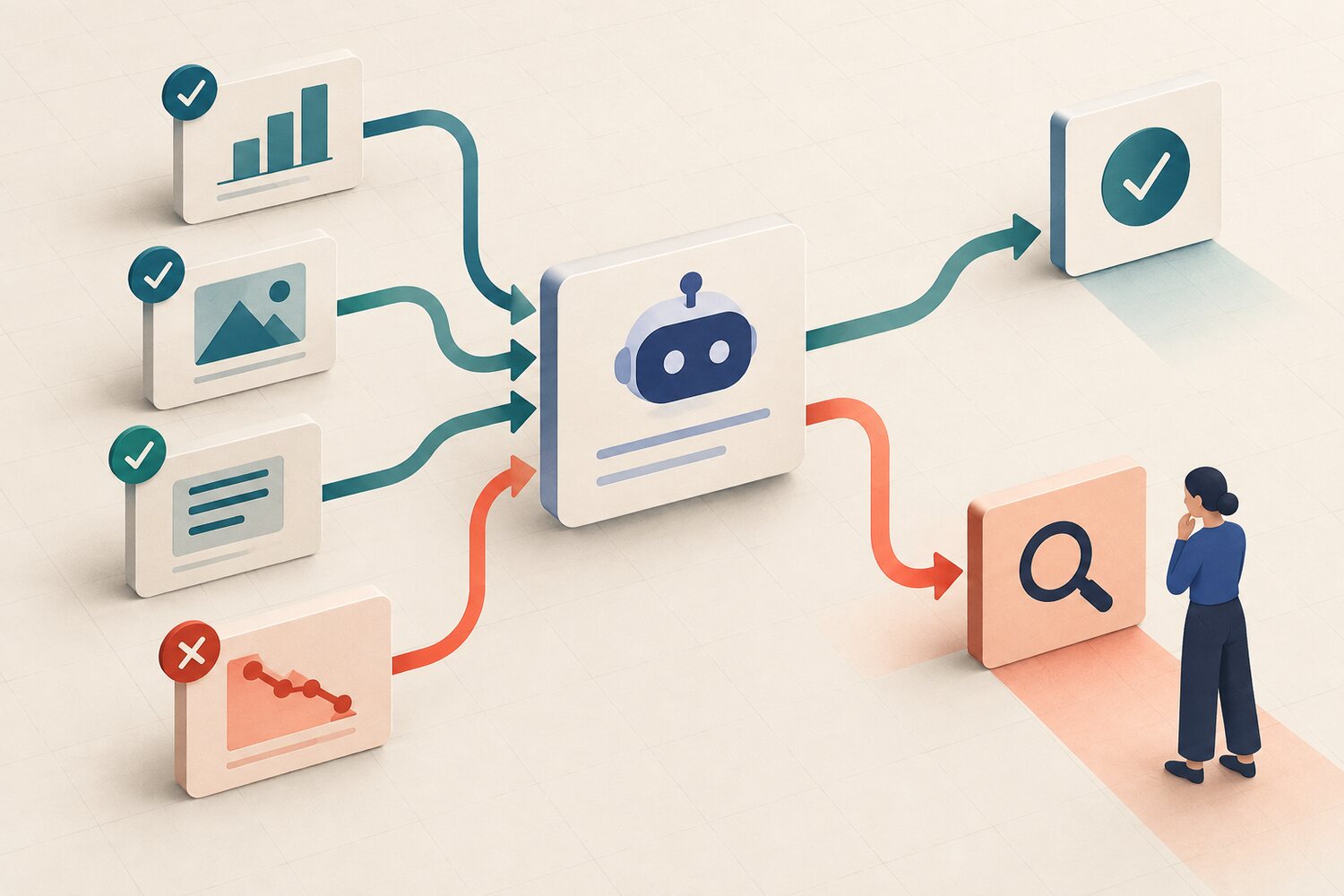
Before You Accept an AI Conclusion, Write Its Reversal Test
A persuasive AI answer can trap reviewers in confirmation. Use the TURN card to name the evidence that would change the conclusion before you accept it.
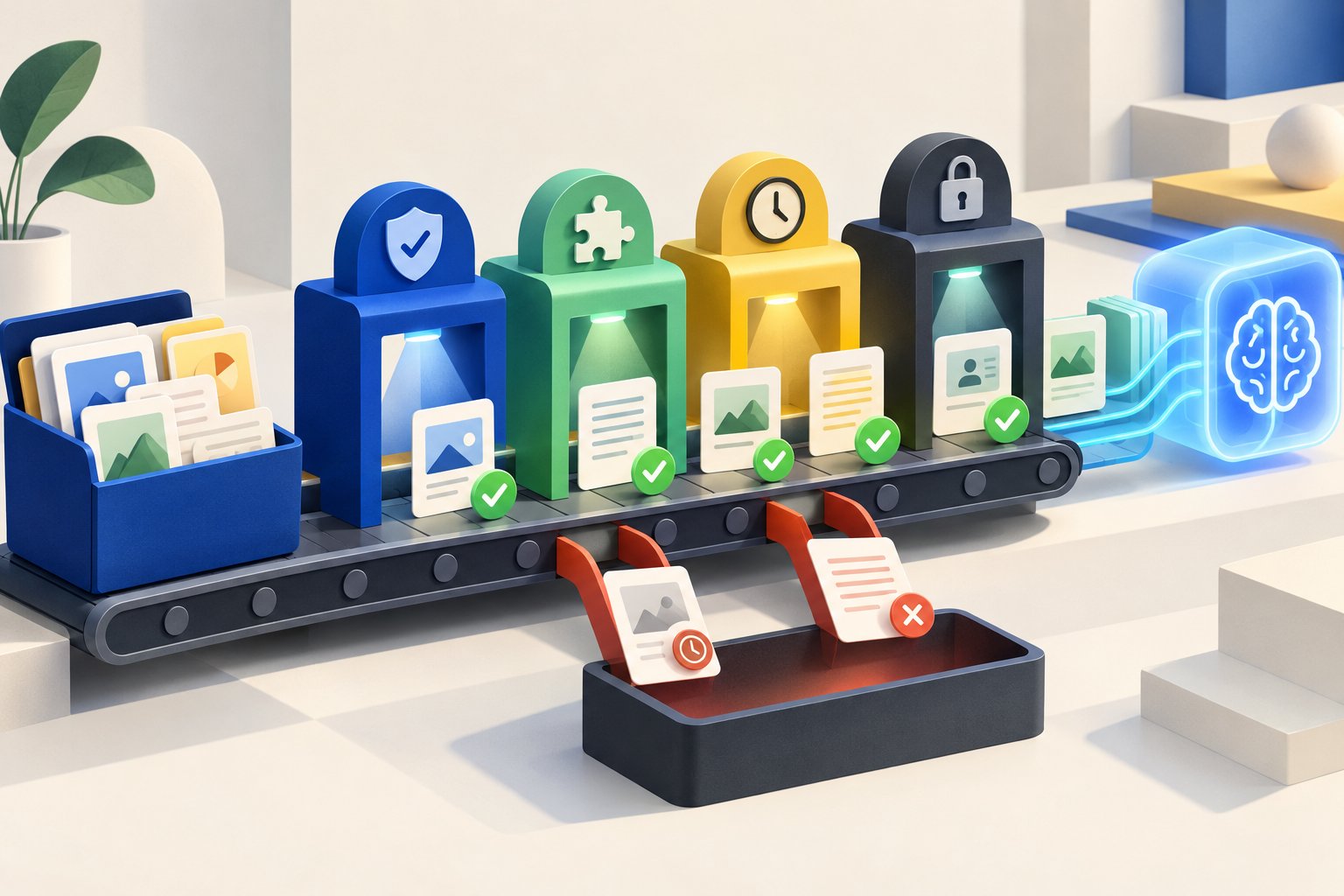
AI Skills for Employees: Audit the Input Pack First
Teach employees to test source relevance, authority, completeness, freshness and permission before an AI tool turns weak inputs into fluent output.

If AI Does the Junior Work, Protect the Learning Work
Automating entry-level tasks can save time while removing the practice that builds future expertise. Preserve the attempt, feedback and reflection deliberately.