

Change One Thing: A Prompt Experiment Template for Work
A ten-minute controlled test shows which prompt instruction improved a reviewed work result—and which change not to save.
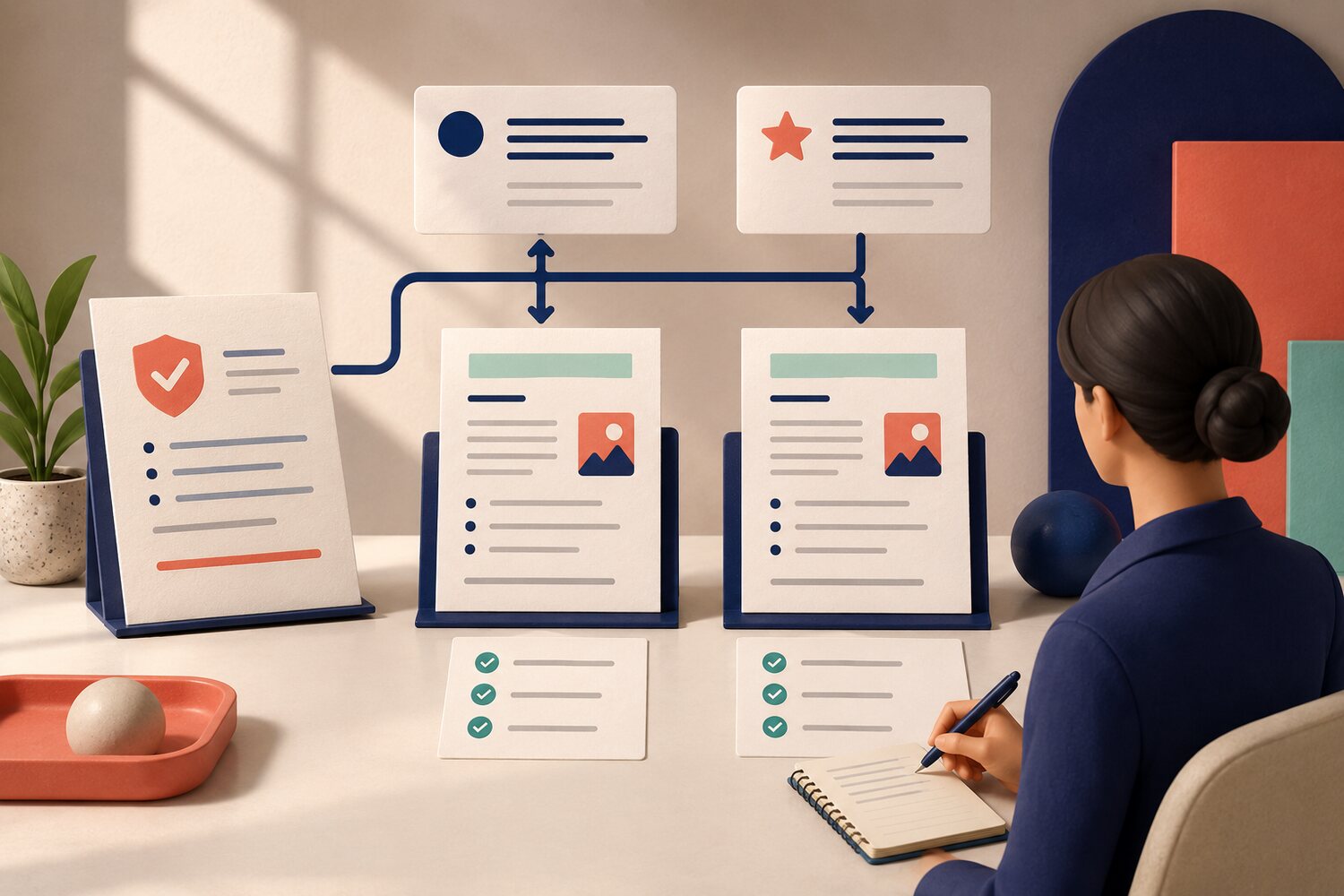
Prompt improvement often looks like trial and error: add a role, change the tone, insert an example, shorten the format and ask for more detail—all in one edit. If the result improves, you do not know why. If it gets worse, you do not know what to undo. A small prompt experiment replaces guesswork with evidence. Keep the task and safe source material fixed, define what a useful output must do, run a baseline, change one instruction and compare the two results. The aim is not to discover a universal “perfect prompt”. It is to learn which instruction improves one repeated work task.
Why change only one prompt element?
Current guidance from OpenAI describes prompting as an iterative process: start with a prompt, review the result and refine it. Google Cloud calls prompt engineering test-driven and says objectives and expected outcomes should be clear before systematic testing. Anthropic similarly advises defining success criteria and a way to test them before improving a draft prompt. For everyday work, the simplest usable version of that idea is a controlled comparison. One changed element gives you a plausible explanation for the difference.
The ONE prompt experiment
Outcome
Write two or three checks for the work result before you test. Make them observable: facts match the source; all owners appear; the update stays under 150 words.
Neutral baseline
Run the prompt you use now with one approved, non-sensitive input. Save the complete prompt and output.
Edit one thing
Change one component only: context, constraint, example, sequence or output format. Keep the tool, model, input and settings unchanged.
Evaluate
Review both outputs against the same checks. Record pass, partial or fail, plus any new error or extra review work.
Note the decision
Keep the change only if it produces a more useful reviewed result. Save the winning version with its task, date and limits.
Choose a task you can judge
Use a repeated, low-risk task with a clear source and a human reviewer: turning approved notes into a project update, extracting actions from a meeting record or rewriting a public announcement for a defined audience. Avoid personal data, confidential material and decisions that affect people. The experiment tests wording, not whether the AI can replace judgement. It also needs a task where “better” means more than “I prefer this version”.
Baseline:
Using the approved notes below, draft a weekly project update.

One-change version:
Using the approved notes below, draft a weekly project update. Use exactly three headings: Progress, Risks, Next actions. Under Next actions, name the owner and due date only when both appear in the notes. Do not invent missing details.
Review both drafts with the same checks: every factual claim is traceable to the notes; every named owner and date is present in the source; the three headings are used; missing information is left missing rather than guessed.
Only the output-format and evidence constraint changed. The source notes, tool and review checks stayed the same.
Reading is a start. Practice makes it stick.
Start learningRecord the result, not just the preference
A prompt can sound clearer and still create more work. Count what happened in the reviewed output. Did it pass the checks? How many corrections were needed? Did the changed instruction remove one error but introduce another? If both versions fail, keep the baseline and test a different single change. Do not combine several unproven edits into a new “best” prompt.
| Baseline | One-change version | |
|---|---|---|
| Source fidelity | One unsupported owner added | No unsupported owner added |
| Required structure | Mixed paragraphs | Three requested headings |
| Missing details | Due date inferred | Gap left visible |
| Human corrections | Three corrections | One correction |
| Decision | Keep as reference | Save for this task after a second test |
Run a second example before you standardise
One successful input is a clue, not proof. Repeat the winning prompt on another representative example. Use the same criteria and a reviewer who understands the work. If it holds up, store the prompt beside a short usage note: the task it supports, the inputs it may receive, the checks a person must complete and the conditions that require escalation. This prevents a useful local result from being copied into unrelated work.
- Pick one safe, repeated task and one representative source.
- Write three pass checks before opening the AI tool.
- Run your current prompt and save the output as the baseline.
- Change one instruction only, then run it with the same source.
- Score both outputs against the same checks and count corrections.
- Record what changed. Keep the new version only if the reviewed result improved.
What this template is—and is not
This template is for learning from a prompt change. It is not a benchmark between models, a security test or permission to use sensitive data. Model behaviour can change, so even a saved prompt needs periodic rechecking. For a broader acceptance brief before delegating work, use Bokili’s Define Done before AI delegation. For a general output review routine, see Verify AI output. The experiment sits between those two habits: define success, isolate one change, then verify what actually happened.
Sources
- Prompt engineering best practices for ChatGPT — OpenAI
- Prompt engineering overview — Anthropic
- Overview of prompting strategies — Google Cloud
Reading is a start. Practice makes it stick.
Bokili turns skills like this into ten-minute missions for your whole team, with instant feedback and progress you can see.
Start learningKeep reading

AI Training for Employees: Separate Drafts From Records
Teach a four-state path—Draft, Checked, Approved, Recorded—so polished AI output never becomes organisational fact by accident.
Use Gemini Notebook Mind Maps to Turn Policy Into Questions
Use a Gemini Notebook mind map as a question index for a long policy—then open the cited source before you trust any answer.
AI Training for HR: Build a Four-Part Policy Answer
Teach HR teams to separate the source, written rule, human discretion and next step before turning an AI draft into employee guidance.