
AI Training for Employees: Make Shift Practice Reachable
Design AI training for employees around shift time, approved access, familiar work, accessible formats and one fresh transfer check.

AI training for employees can look available while remaining unreachable to people who work on shifts, share devices, move between sites or spend little time at a desk. A course link does not create time, an approved account or a safe place to practise. If the programme assumes a quiet laptop hour, it will favour the employees whose work already gives them one.
For shift and frontline teams, design the access conditions before the syllabus. Protect a short slot, use the approved device and account people actually have, build one role-relevant scenario, offer an accessible format and add a quick supervisor check. This turns inclusion from a promise into five visible design decisions.
Make AI training for employees reachable at work
Skills England’s 2026 employer guide says AI training should be practical, reachable and integrated. It calls for protected or paid time, flexible formats, materials for different levels of digital experience, personalised support, mobile-friendly delivery and low-tech alternatives. CIPD also warns against restricting AI learning to senior grades or the most confident volunteers. The search intent behind “AI training for employees” is therefore not only which course to buy. Employers also need to know whether every target employee can actually complete useful practice.
The SHIFT access test
S — Schedule protected time
Put a short paid practice slot into the shift plan. Do not ask employees to learn during breaks or after clocking out.
H — Hand them approved access
Check the real device, account, sign-in, network and permissions before launch. Provide a supported alternative when the usual device is unavailable.
I — Include a familiar task
Use a realistic, low-consequence scenario from the role with fictional or approved material. Keep the work standard the same as the non-AI task.
F — Format for access
Use plain language, captions, readable layouts, keyboard access and a mobile or low-tech route where needed. Offer adjustments without lowering the target behaviour.
T — Transfer with a reviewer
Ask a supervisor or subject expert to check one fresh attempt and name the next practice step. Completion alone does not show transfer.
A desk-course design and a shift-ready design are different
| Course link only | SHIFT-ready practice | |
|---|---|---|
| Time | Learner finds an hour outside peak work | Manager protects a short paid slot in the shift plan |
| Access | Personal laptop and familiar sign-in assumed | Approved shared or mobile device is tested in advance |
| Task | Generic office example | One familiar role task with safe materials |
| Format | Long video or dense page | Plain instructions, captions and an accessible alternative |
| Evidence | Module completion | Fresh work sample checked against the normal standard |
Worked example: a warehouse handover note
Reading is a start. Practice makes it stick.
Start learningImagine a warehouse team working early and late shifts. The company wants employees to use an approved AI tool to turn fictional exception notes into a concise handover. The learning objective is not faster typing. It is to preserve confirmed quantities, separate unresolved facts and route the right issue to the next shift lead.
Design the ten-minute shift practice
- 1
Protect the slot
The manager schedules ten minutes before the handover overlap and assigns cover. The exercise is work, not an optional break-time activity.
- 2
Test the route
Employees use the shared approved tablet and company account. The launch check confirms sign-in, network access and where to report a fault.
- 3
Supply a safe case
The fictional pack contains three stock events, one conflicting count and one missing owner. No live customer, employee or supplier data is used.
- 4
Make the format usable
The instruction fits on one screen, uses plain verbs and has a captioned demonstration plus a printable fallback for anyone who needs it.
- 5
Check transfer
On a fresh case, the shift lead checks whether the note preserves facts, flags the conflict and names the next decision. The result sets one next practice step.
The same design works beyond warehouses. A field-service team might practise turning fictional visit notes into an internal handoff. A retail supervisor might check a draft stock explanation against approved facts. A facilities team might classify routine and urgent maintenance notes. In every case, the work context changes but SHIFT keeps the access conditions visible.
Do not confuse convenience with fairness
Short training is helpful only when it is genuinely reachable. A ten-minute mission can still exclude someone if the shift has no cover, the approved account works only on a personal device, the video lacks captions or the example assumes office knowledge. Track who starts, who gets blocked and which barrier stopped practice. Use that evidence to repair the programme, not to label the employee as resistant.
- Choose one target role that spends little time at a desk.
- Mark the exact paid slot when practice can happen without losing a break.
- Test the approved device, account, network and help route from that work setting.
- Replace the generic example with one safe task the role recognises.
- Check plain language, captions, readable layout and an accessible alternative.
- Name the reviewer and the evidence that will show transfer on a fresh case.
Build the programme around real employees
Use Bokili’s role-based skills matrix at https://bokili.com/en/learn/ai-skills-for-employees-matrix to define observable capability. Map current practice before choosing content at https://bokili.com/en/learn/ai-training-employees-map-existing-practice. Rehearse the same skill under ordinary work pressure at https://bokili.com/en/learn/ai-upskilling-teams-busy-day-rehearsal. Bokili’s public HR and L&D page at https://bokili.com/en/for-hr describes short, role-adapted missions that fit into the workday.
Reachable employee AI training does not start with a longer catalogue. It starts by respecting the time, access and work setting of the people expected to learn. Run the SHIFT test on one role before launch. Fix the blocked condition, then scale the practice—not the barrier.
Practise this in Bokili
Turn what you just read into a ten-minute mission.
- Start learning
Run a SHIFT access audit
Test protected time, approved access, role fit, accessible format and reviewer transfer for one frontline role.
Sources
- Employer guide: What works for AI upskilling in the UK — Skills England and Department for Work and Pensions
- AI skills planning: Practical guidance for people professionals — CIPD
- AI training for HR and L&D leaders — Bokili
- AI Skills for Employees: A Role-Based Matrix — Bokili Learn
Reading is a start. Practice makes it stick.
Bokili turns skills like this into ten-minute missions for your whole team, with instant feedback and progress you can see.
Start learningKeep reading

AI Training for Employees: Pause Before Recording a Meeting
Teach employees a five-part check for purpose, notice, sensitive data, approved tools and downstream use before an AI recorder joins.

Critical Thinking Is Not a Module in AI Training
Make judgement observable by adding one challenge question—and one correction—to every realistic AI practice task.
AI Training for Employees: Add Two New-Hire Checkpoints
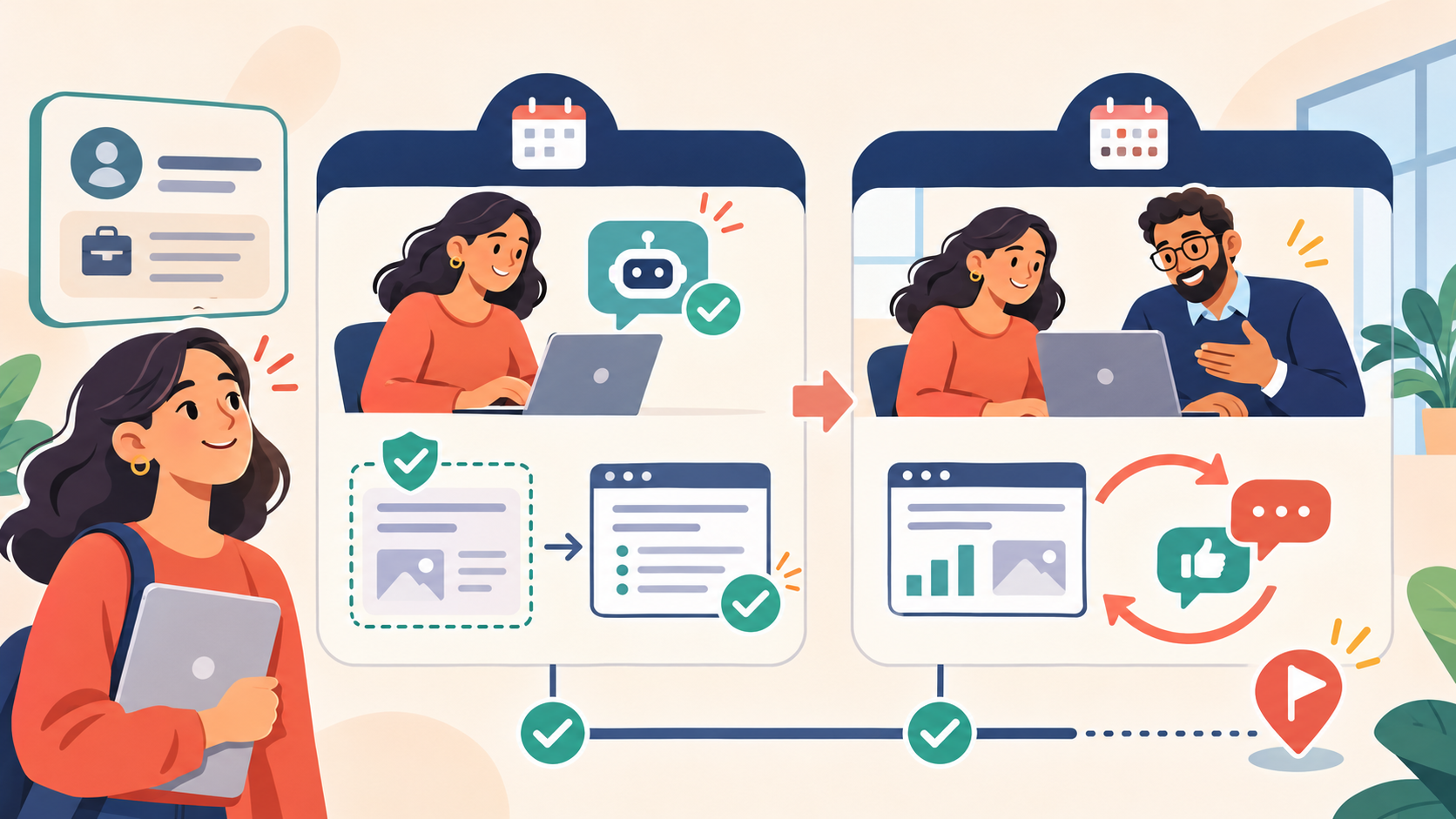
Build AI training into onboarding with a safe first-week practice and a fresh transfer check after the new hire learns the workflow.