

AI Training for Employees: Pause Before Recording a Meeting
Teach employees a five-part check for purpose, notice, sensitive data, approved tools and downstream use before an AI recorder joins.
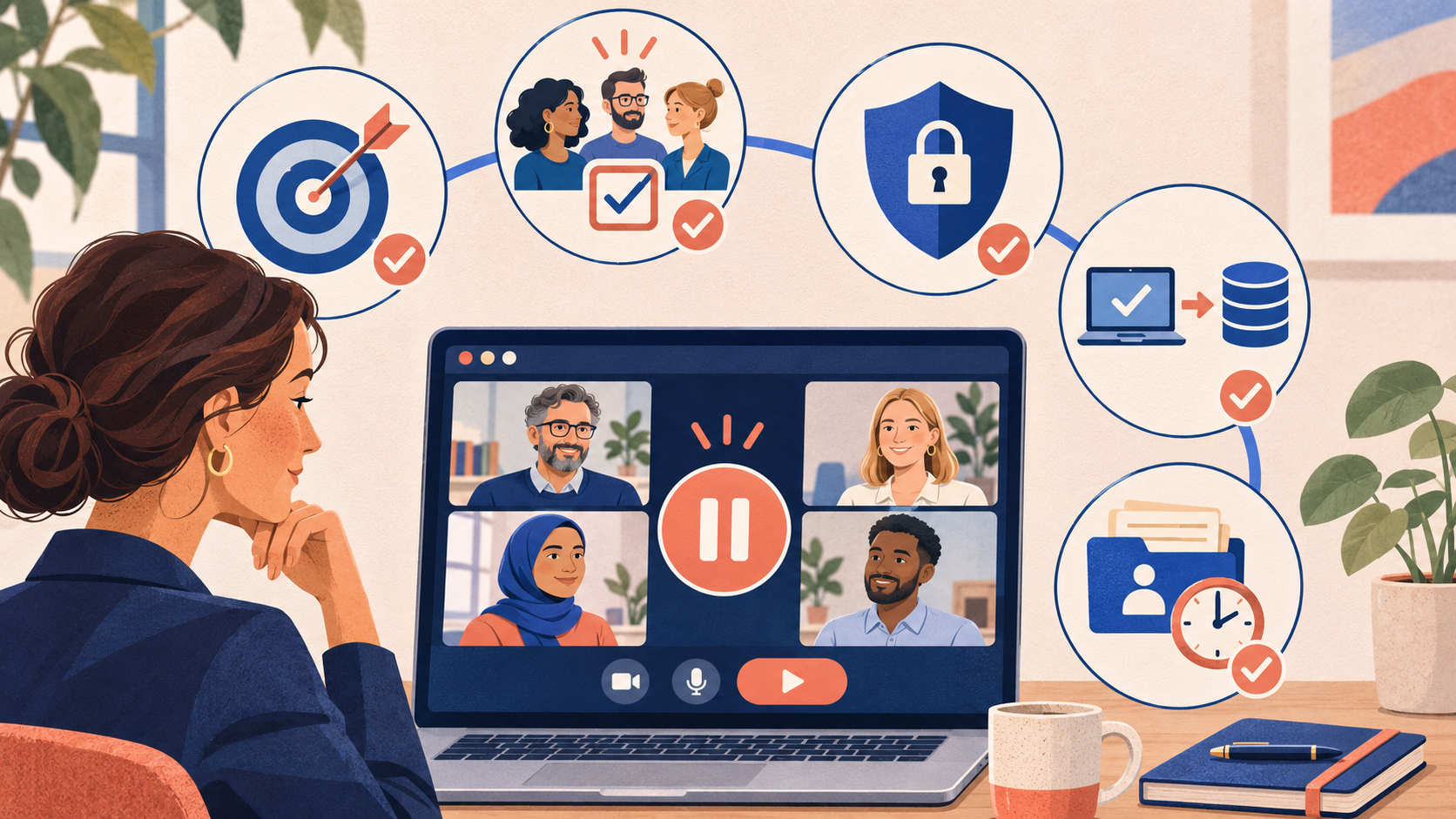
AI training for employees should cover a moment that many programmes skip: the seconds before an AI meeting recorder joins. Recording can capture names, voices, decisions, customer details, health information, employee concerns and commercial plans. A useful training exercise teaches people to pause before collection begins, not to repair the data trail afterwards.
The aim is not a blanket ban on transcription or meeting summaries. It is a quick, visible decision about purpose, notice, sensitivity, the approved data route and what happens after the meeting. When employees can run that check in a realistic scenario, responsible use becomes a work habit rather than a policy reminder.
Why AI training for employees needs a pre-recording pause
The UK employer guide for AI upskilling says training should be practical, linked to real decisions and clear about when AI should and should not be used. It also puts confidentiality, consent, data protection, transparency and human oversight inside everyday practice. Meeting recording is an ideal case: the decision happens quickly, involves several people and creates material that may be stored or reused.
Privacy regulators make the underlying duties concrete. The ICO says organisations need a purpose and lawful basis for each use of personal data, must tell people how and why an AI tool is used, and should check the accuracy of its outputs. Its recording guidance also stresses necessity, transparency and limiting collection. Exact legal duties vary by place and context, so the exercise should use your organisation’s approved rules and escalation route.
The five-part PAUSE check
Purpose
Name the work outcome. If ordinary notes are enough, do not record by default.
Awareness
Tell participants what will be captured, why, and how they can raise a concern before recording starts.
Users and sensitivity
Check who is present and whether the agenda may include personal, confidential, regulated or special-category information.
System and route
Use only the approved tool, account, storage location and data-sharing path for this meeting.
End use
Set the owner, permitted outputs, review step, access, retention and deletion route before collection begins.
This is a training framework, not a substitute for legal or security review. The employee should know where the organisation has already made the rule, and who must decide when the situation falls outside it.
A worked example: the weekly service review
A team lead schedules a weekly service review with six employees and an external contractor. The agenda covers open customer cases, staffing pressure and one employee’s phased return after illness. An approved meeting assistant is available, and the organiser wants a transcript, action list and searchable archive.
The purpose is useful, but the original route is too broad. The health discussion may involve sensitive information; the contractor should not automatically receive the same archive as employees; and a permanent transcript is not needed to produce reviewed actions. A strong response separates the meeting into parts, records only the permitted operational section if policy allows, gives clear notice, removes the recorder before the sensitive item, restricts access and assigns a person to review and delete the raw transcript on schedule.
Reading is a start. Practice makes it stick.
Start learning| Weak habit | Trained pause | |
|---|---|---|
| Start | Recorder joins automatically | Organiser states purpose and gives notice |
| Agenda | One setting for the whole call | Sensitive sections are separated or not recorded |
| Tool | Any convenient assistant | Approved account and storage route only |
| Output | Transcript treated as truth | Named owner checks actions and corrects errors |
| Afterwards | Archive grows by default | Access and retention follow the agreed purpose |
Turn the pause into a ten-minute practice task
Give the learner a fictional meeting card, not a policy quiz. Include the purpose, participants, agenda, tool, planned outputs and retention setting. Add one or two facts that require a decision: an external participant, a sensitive agenda item, a recorder set to join automatically or an unclear plan to reuse the transcript.
- Read the fictional meeting card and state the intended work outcome.
- Choose record, record only part, take ordinary notes or escalate.
- Write a two-sentence notice in plain language for participants.
- Mark which agenda item must not be recorded under the scenario rules.
- Name the approved tool, storage route, reviewer and retention action.
- Compare with the answer key, then retry with one changed participant or agenda item.
What to score
- The learner chooses the least intrusive route that still meets the purpose.
- Participants receive clear notice before recording begins.
- Sensitive or out-of-scope content is separated or escalated.
- The tool, account and storage route match the scenario’s approved path.
- A person owns the accuracy check, access decision and retention action.
- The learner does not invent consent, policy or legal authority.
The scoring should reward a reasoned choice, not the most cautious answer. Recording a permitted section can be correct. Ordinary notes can be correct. Escalation can be correct. What matters is whether the learner connects the route to the purpose, people, data and downstream use.
Connect the exercise to a wider company learning path
A single recorder lesson works best inside a broader programme of short, role-based practice. Bokili’s HR and L&D path is at https://bokili.com/en/for-hr. Pair this exercise with the prompt data-boundary check at https://bokili.com/en/learn/prompt-data-boundary, the meeting-notes commitment check at https://bokili.com/en/learn/ai-meeting-notes-commitment-check and the AI summary omission check at https://bokili.com/en/learn/ai-summary-omission-check.
That sequence covers three different decisions: whether the input may enter the tool, whether the meeting output preserves real commitments, and whether a concise summary has hidden something important. Together they make the workflow visible from collection to use.
Pause before collection
It is easier to choose a safe recording route before the meeting than to recall, restrict and delete a transcript after the wrong material has been captured.
Good corporate AI training does not stop at showing employees what a meeting assistant can do. It rehearses the choice to start, narrow, stop or escalate. Put the PAUSE check in a realistic meeting card, require a plain-language notice and score the downstream plan. That short practice can prevent a convenient default from becoming an uncontrolled record.
Practise this in Bokili
Turn what you just read into a ten-minute mission.
- Start learning
Run a pre-recording pause
Choose the least intrusive meeting route and name the notice, owner and retention action.
- Start learning
Check the prompt data boundary
Decide what may enter an approved AI tool before sharing any material.
Sources
- Employer guide: What works for AI upskilling in the UK — UK Government
- Previously asked questions: AI tools for meeting recordings and transcription — Information Commissioner's Office
- How can we comply with the data protection principles when using surveillance systems? — Information Commissioner's Office
- Data protection guide for small business: FAQ — European Data Protection Board
- AI training for HR & L&D leaders — Bokili
Reading is a start. Practice makes it stick.
Bokili turns skills like this into ten-minute missions for your whole team, with instant feedback and progress you can see.
Start learningKeep reading

Critical Thinking Is Not a Module in AI Training
Make judgement observable by adding one challenge question—and one correction—to every realistic AI practice task.
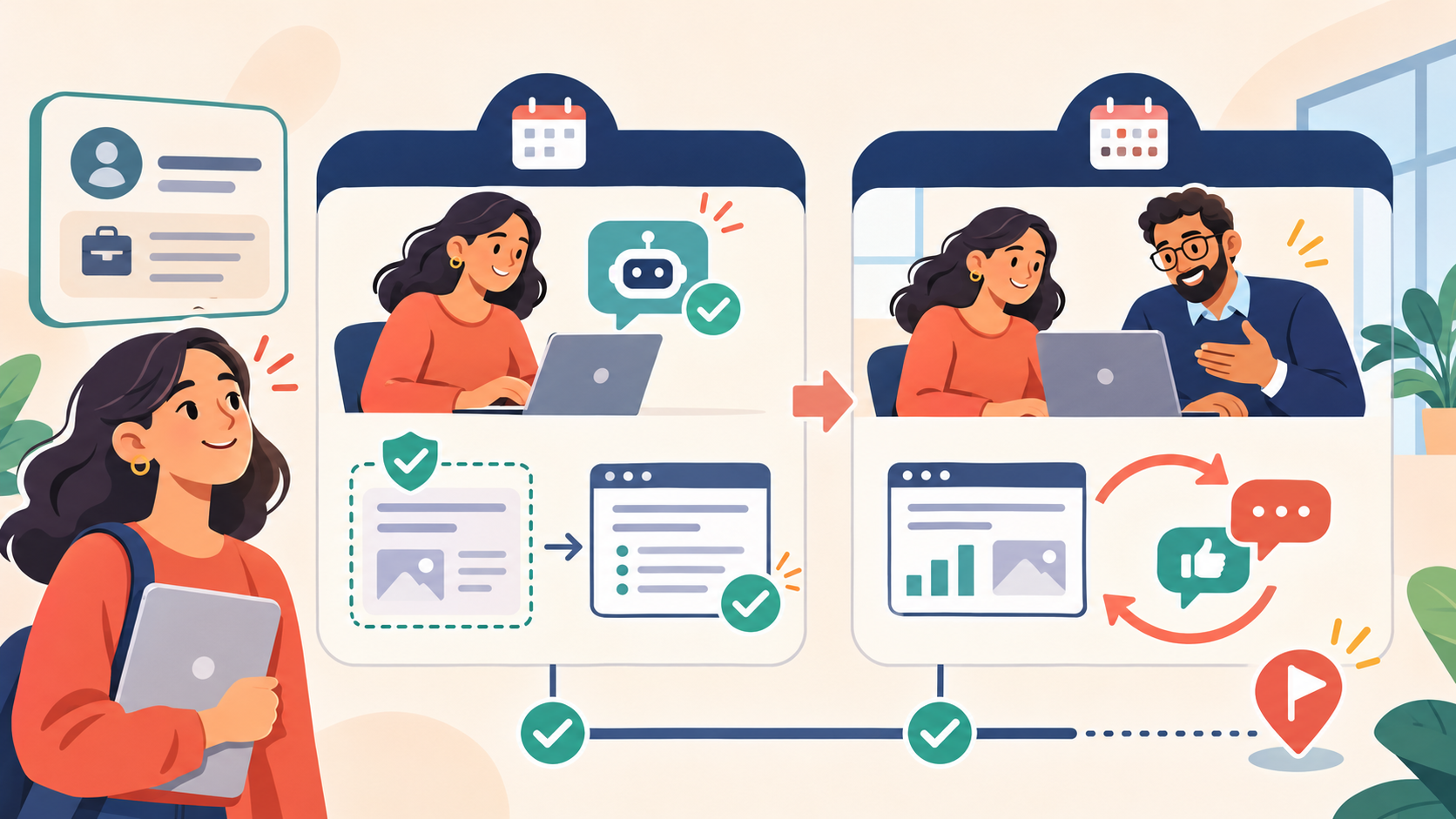
AI Training for Employees: Add Two New-Hire Checkpoints
Build AI training into onboarding with a safe first-week practice and a fresh transfer check after the new hire learns the workflow.
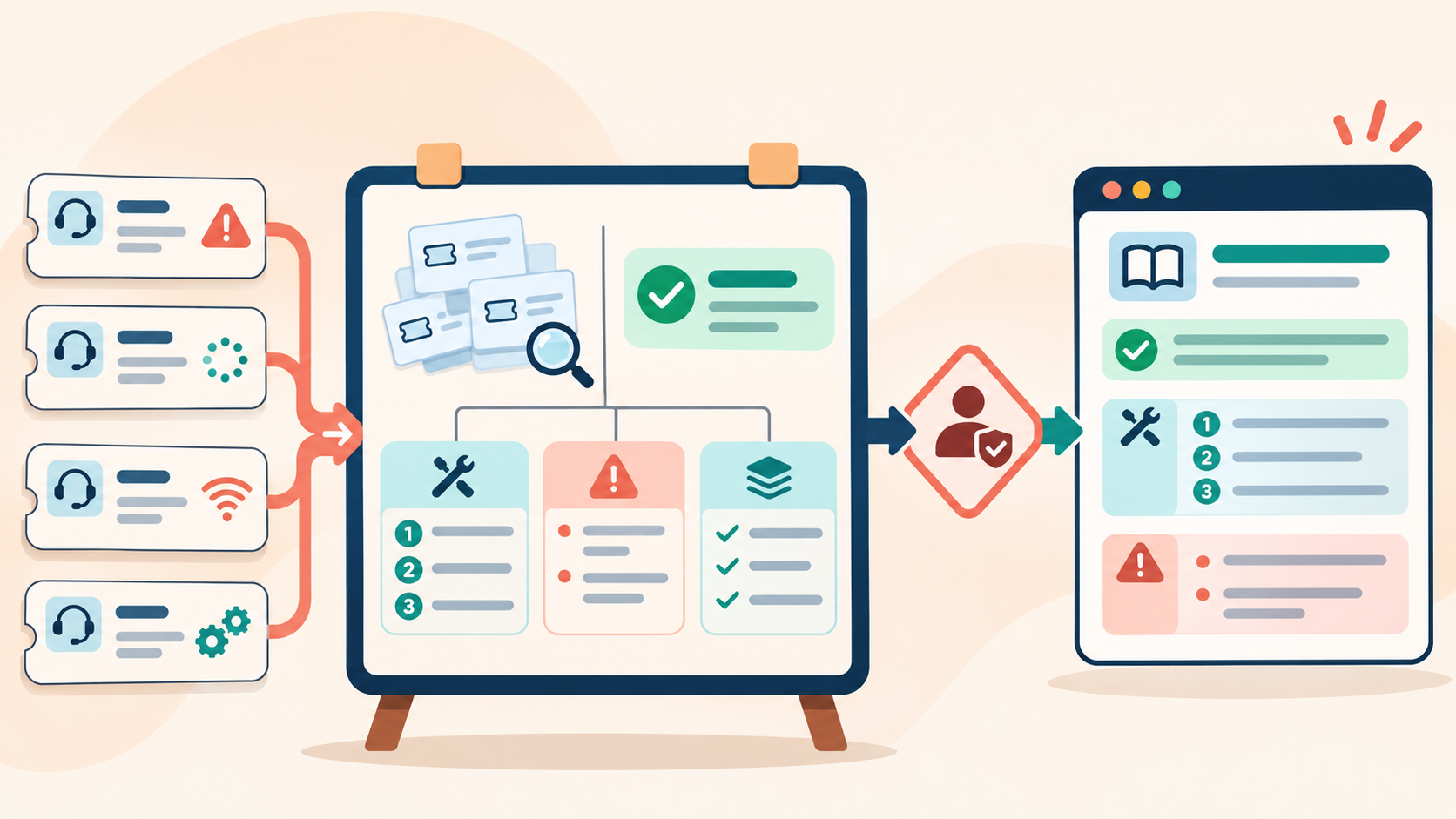
Turn Support Tickets Into a Verified Knowledge Article With AI
A role playbook for turning several support cases into reusable guidance without making one workaround a universal rule.