
AI Training for Employees: Add Two New-Hire Checkpoints
Build AI training into onboarding with a safe first-week practice and a fresh transfer check after the new hire learns the workflow.
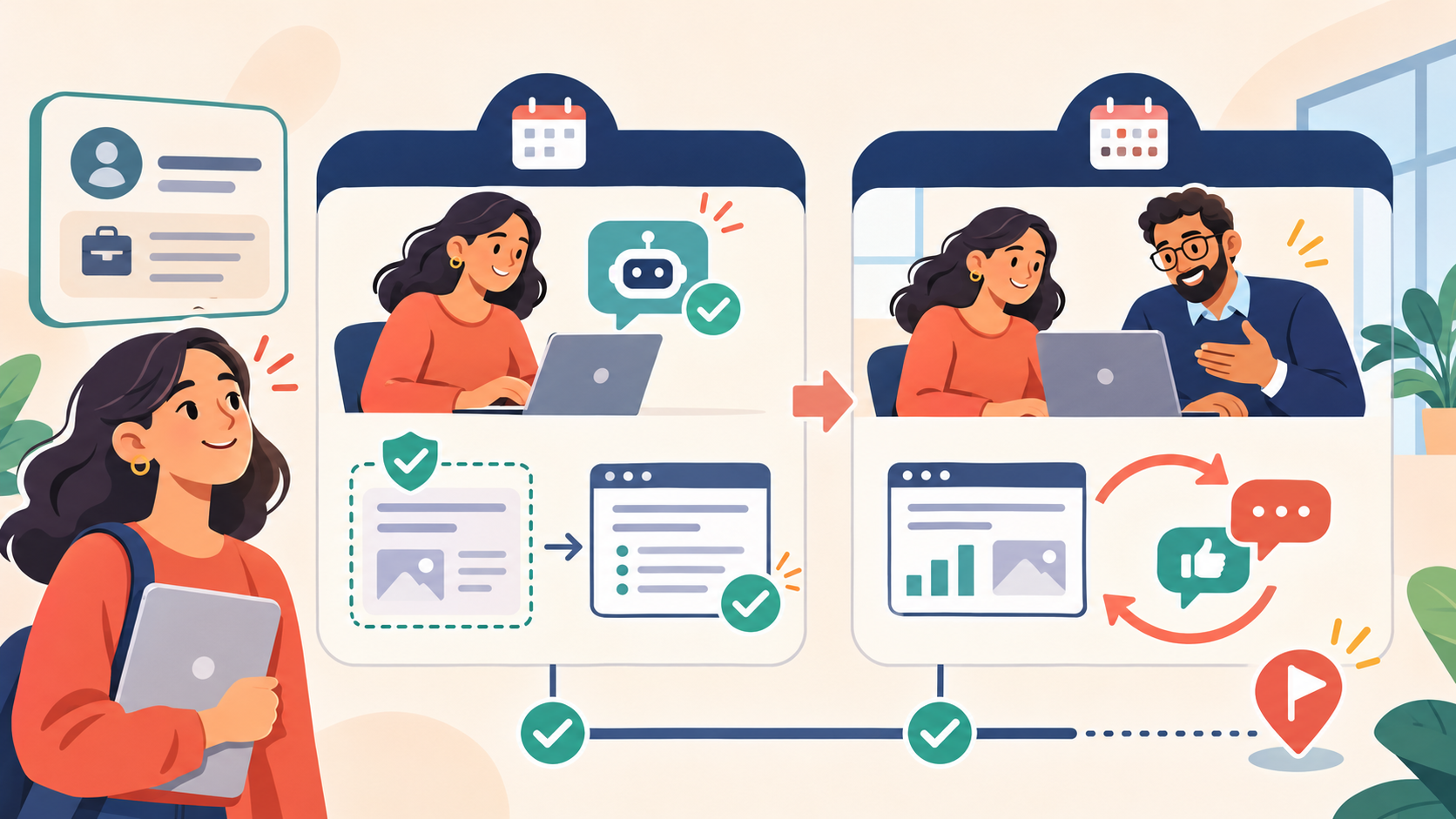
AI training for employees should begin when a new hire learns how work is actually done—not months later in a generic course. Yet adding an AI policy to the onboarding folder is not enough. A new employee needs to practise one safe, role-specific task, receive feedback, and then show the same behaviour on a fresh example after they understand the team’s real workflow.
Use two checkpoints. In the first week, the learner completes a synthetic or approved practice task inside the organisation’s tool and data rules. After the first month, the learner repeats the target behaviour on a fresh, reviewed work sample. The first checkpoint teaches the boundary; the second tests transfer.
Primary search intent
For HR and L&D teams looking for AI training for employees, the practical question is how to fit safe, role-based learning into new-hire onboarding without mistaking policy acknowledgement for skill.
Why AI training for employees belongs in onboarding
The US Department of Labor’s AI Literacy Framework explicitly includes employers onboarding new hires. It recommends identifying the tasks where AI may support work, matching literacy depth to roles, providing hands-on practice and giving clear internal guidance. The European Commission’s current AI-literacy guidance similarly says measures should reflect a person’s knowledge, experience, the system’s risk, and the context and purpose of use.
Those principles point to a small design choice: connect the training to one real role task from the start. Do not ask every new hire to complete the same feature tour. A support analyst, recruiter and finance coordinator may share rules about approved tools and data, but they need different practice and different evidence of readiness.
The START onboarding frame
S — System and scope
Name the approved AI tool, the work task it may support, and any task or action that stays out of scope.
T — Trusted inputs
Show which data is public, fictional or approved, and where the learner must stop or ask before using other material.
A — Acceptance check
Define what a good result looks like and which source, policy or reviewer can verify it.
R — Review and responsibility
Keep the final decision with the right person. Name the reviewer, feedback route and escalation point.
T — Transfer date
Schedule a fresh second attempt after the learner has seen the real workflow; do not leave follow-up optional.
Use two checkpoints, not one completion event
Before day one
Confirm access to the approved tool, role, manager, data rules and one suitable practice task. Remove any need for live personal or customer data.
First week
Run a ten-minute synthetic case. Observe input choice, task framing, checking, correction and escalation. Give one specific piece of feedback.
Around day 30
Use a fresh approved or fictional work sample with the same target behaviour and a different surface case. Check whether the skill transfers.
Next step
Advance, assign focused practice, repair unclear guidance, fix access or route a workflow issue to its owner.
Worked example: onboarding a customer operations coordinator
A fictional coordinator will use an approved AI tool to turn case notes into an internal weekly themes draft. The organisation does not want live customer data used during onboarding, and the learner must not treat an AI grouping as a final service decision.
In week one, the learner receives six fictional tickets. One contains a personal detail that is not needed, one conflicts with the approved knowledge article, and one lacks a resolution. The task is to prepare three themes, cite the relevant cases, remove unnecessary data and flag the conflict. The reviewer checks the behaviour, not the elegance of the prose.
Reading is a start. Practice makes it stick.
Start learningAround day 30, the learner receives a fresh approved sample from a different product area or another synthetic set that mirrors the current workflow. The acceptance bar stays stable: use permitted inputs, trace each theme to evidence, preserve uncertainty and send any service decision to the named owner. If the learner can repeat that behaviour without copying the first answer, the training has transferred.
| Onboarding activity | Evidence of skill | |
|---|---|---|
| Read the AI policy | Acknowledgement recorded | Chooses a permitted input and explains the boundary |
| Watch a tool demo | Attendance recorded | Completes one role task in the approved environment |
| Finish a quiz | Correct recall answer | Checks a fresh output against a source or standard |
| Try AI alone | Unobserved activity | Shows one correction, refusal or escalation |
| Complete a course | Completion status | Transfers the target behaviour to a second case |
Keep the record useful and proportionate
A training record should help the next learning decision. Keep the role, system, task, boundary, target behaviour, reviewed evidence, date and next step. Avoid collecting full prompts or personal details when they are not needed. Separate learning support from employment decisions, publish the acceptance standard in advance and allow reasonable adjustments.
NIST’s human-centred AI Use Taxonomy focuses on human goals and outcome-based activities rather than tools alone. OPM’s talent-management guidance also treats onboarding as a process with meaningful assignments and follow-up, including early performance planning. Together, these sources support a practical rule: onboarding should connect learning to observable work and revisit it after the learner has enough context to act.
Build the checkpoints into the existing onboarding flow
A compact implementation plan
- 1
1. Choose one role task
Start with a repeated, low-consequence task that the new hire can understand and a manager can review.
- 2
2. Define the shared spine
Teach approved tools, data boundaries, verification, ownership and escalation to everyone.
- 3
3. Create a safe practice pack
Use fictional or approved information, include one realistic edge case and provide an answer key or acceptance standard.
- 4
4. Brief the manager
Give the manager a short observation card and one feedback sentence. Do not make them the technical trainer.
- 5
5. Schedule transfer
Put the fresh second attempt in the onboarding calendar before the first exercise runs.
- 6
6. Act on the result
Choose the smallest next action: advance, focused retry, clearer guidance, access fix or workflow escalation.
Connect the page to the wider learning path
Use Bokili’s practical company training page at https://bokili.com/en/for-hr to support role-adapted, ten-minute missions. Before choosing content, map existing employee practice at https://bokili.com/en/learn/ai-training-employees-map-existing-practice. Give managers a light follow-up role with https://bokili.com/en/learn/enterprise-ai-training-manager-practice-loop, and test whether one behaviour moves into fresh work with https://bokili.com/en/learn/ai-training-effectiveness-work-transfer. These pages solve different steps of the same implementation problem.
New-hire AI training gate
- The approved system, role task and prohibited uses are explicit.
- The first exercise uses fictional, public or otherwise approved information.
- The acceptance check is visible before the learner starts.
- The reviewer can observe input choice, checking, correction and escalation.
- A fresh transfer task is scheduled around day 30.
- The record contains only evidence needed for learning follow-up.
- A manager, L&D owner and workflow owner know their separate responsibilities.
- Choose one new-hire role and one repeated low-risk task.
- Write the approved tool, permitted input and final human decision.
- Create a fictional first-week case with one missing or conflicting detail.
- Write one observable acceptance check.
- Change the surface details to create a fresh day-30 case.
- Put both dates, the reviewer and the next-action choices into the onboarding plan.
Onboard the behaviour, then test the transfer
Corporate AI training becomes useful when it meets employees at the moment they learn the work. Give a new hire one safe role task, one visible quality bar and one person who can respond. Then test the same behaviour on a fresh case. Two small checkpoints provide stronger evidence than a larger folder of content—and they make the next learning need easier to see.
Practise this in Bokili
Turn what you just read into a ten-minute mission.
- Start learning
Design two new-hire AI checkpoints
Create a safe first-week task and a fresh transfer check with one stable evidence bar.
Sources
- Artificial Intelligence Literacy Framework — U.S. Department of Labor
- AI Literacy — Questions & Answers — European Commission
- AI Use Taxonomy: A Human-Centered Approach — NIST
- Talent Management — U.S. Office of Personnel Management
Reading is a start. Practice makes it stick.
Bokili turns skills like this into ten-minute missions for your whole team, with instant feedback and progress you can see.
Start learningKeep reading

AI Training for Employees: Pause Before Recording a Meeting
Teach employees a five-part check for purpose, notice, sensitive data, approved tools and downstream use before an AI recorder joins.

Critical Thinking Is Not a Module in AI Training
Make judgement observable by adding one challenge question—and one correction—to every realistic AI practice task.
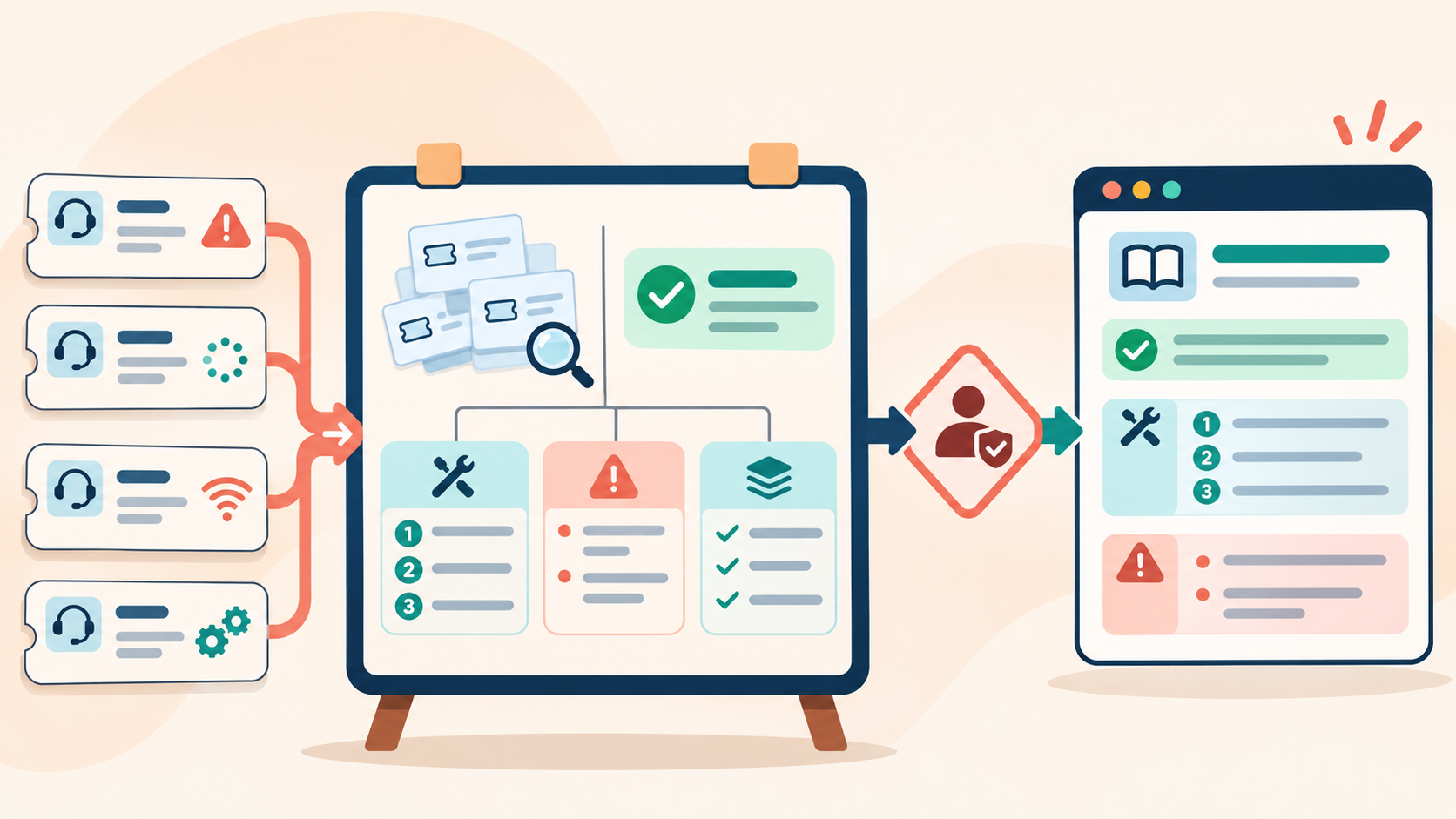
Turn Support Tickets Into a Verified Knowledge Article With AI
A role playbook for turning several support cases into reusable guidance without making one workaround a universal rule.