

AI Training for Employees: Add a First-Week Access Gate
Build AI training for employees into onboarding with one safe task, a manager review and a clear access decision during the first week.
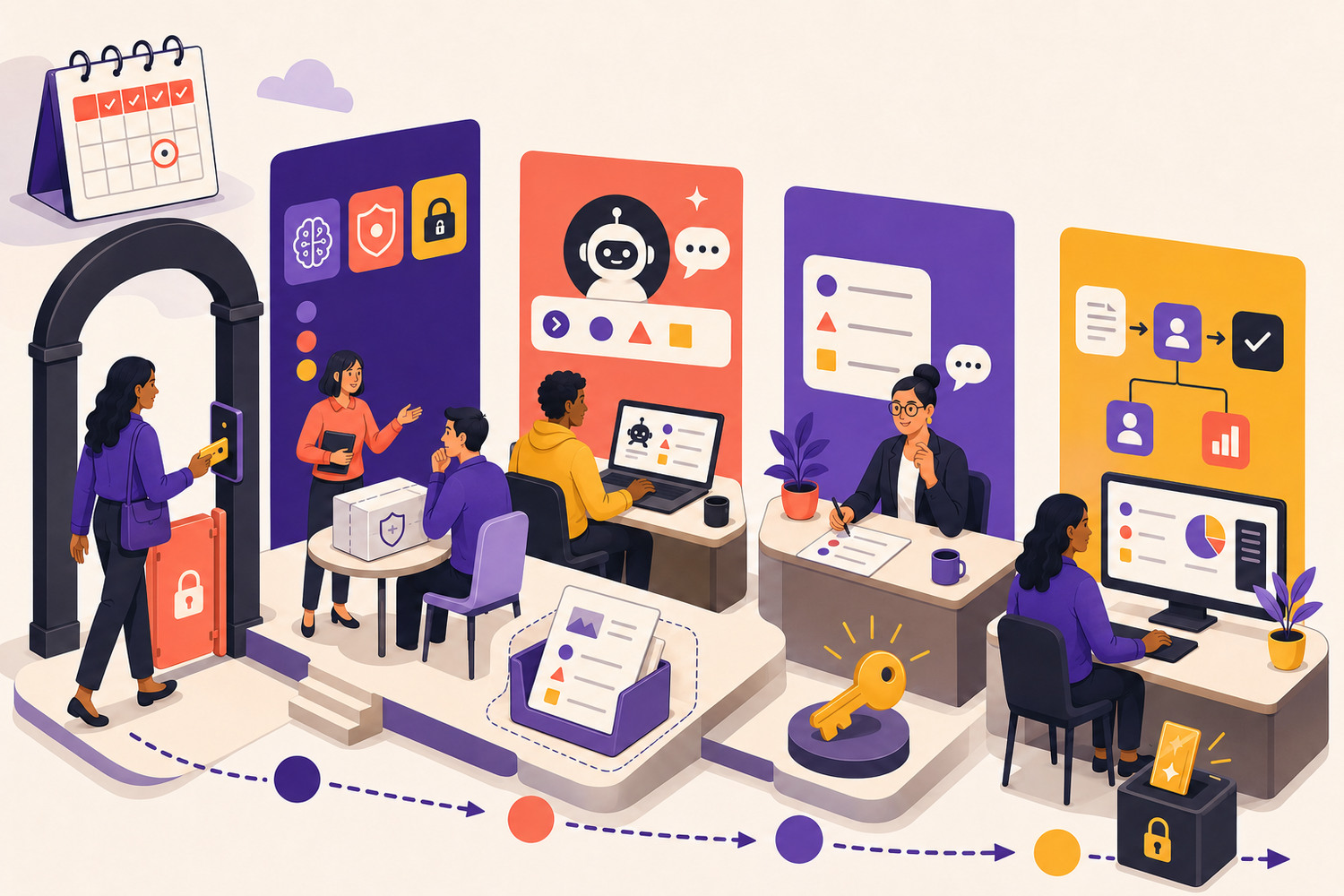
AI training for employees should begin before a new hire receives broad access to workplace AI. The first week is when people learn which tools are approved, what information must stay out, which tasks suit AI and who checks the result. A short access gate turns those expectations into observable practice. It does not block learning; it gives the employee a safe route from orientation to one controlled, low-risk use.
The onboarding rule
Unlock broader AI use after the employee completes one safe task, explains the checks and receives a manager sign-off.
Why AI training for employees belongs in onboarding
New employees do not arrive with the same tool experience, role knowledge or understanding of an organisation’s data. The European Commission’s AI-literacy guidance says actions should reflect technical knowledge, experience, education, training, the systems in use and their context. It also warns that asking staff simply to read instructions may be ineffective. A generic policy acknowledgement therefore cannot be the whole onboarding plan.
The reader problem is not a lack of content. It is sequencing. Tool access often arrives on day one, while role examples, local rules and manager feedback arrive later. The access gate reverses that order for AI-assisted work: orient first, practise with fictional or approved material, review one work product, then expand access in proportion to the task and risk.
Build the first-week GATE
GATE: a four-part onboarding gate
G — Ground rules
Show the approved tools, account types, prohibited uses, data boundaries and reporting route. Use examples from the employee’s role, including one uncertain case that should be escalated.
A — Assigned task
Choose one frequent, low-consequence task with a clear output and reviewer. Keep the goal narrower than 'learn AI'.
T — Test in safety
Use fictional, synthetic, public or explicitly approved material. Include one planted error or missing source so the learner must verify, correct or stop.
E — Explain and earn access
Ask the employee to explain what they shared, what they checked, what remains a human decision and when they would seek help. The manager signs off the next level of access.
A practical five-day sequence
The first week
- 1
Day 1 — Orient
Name the approved AI tools and accounts. Walk through safe, restricted and uncertain input examples. Show where policies and support live.
- 2
Day 2 — Observe
The manager demonstrates one role-specific task, including the input choice, prompt or instruction, evidence check, revision and final human decision.
- 3
Day 3 — Rehearse
The employee completes the same class of task with a safe case pack. A planted problem requires a pause, correction or escalation.
- 4
Day 4 — Review
A manager or trained reviewer inspects the work product and asks the employee to explain the workflow. Feedback ends with a second attempt.
- 5
Day 5 — Unlock
Grant the access needed for one approved low-risk workflow. Record the owner, review expectation, stop condition and date for the next skill step.
Worked example: a new marketing coordinator
Reading is a start. Practice makes it stick.
Start learningThe coordinator will use an approved assistant to turn public product information into a draft event email. The practice pack contains a product sheet, tone guide and an outdated claim marked as if it were current. The learner must keep customer data out, cite the current product sheet, remove the unsupported claim and leave final pricing approval to the campaign owner.
The manager reviews both the draft and the process. The employee explains why the outdated claim was rejected and identifies the point where a person must approve the message. After a corrected second attempt, access is approved for internal drafts based on public or approved source material. Sending, pricing changes and customer-data use remain outside the boundary.
Use a sign-off that measures behaviour
Manager sign-off
- Used only the approved tool, account and practice material.
- Kept personal, confidential and restricted information outside the task.
- Defined the audience, purpose, constraints and expected output.
- Checked material claims against an approved source.
- Corrected or rejected a plausible error instead of polishing it.
- Named the human decision, stop condition and escalation route.
- Repeated the task successfully after feedback.
This is not a certificate of general AI competence. It is evidence that one person can perform one approved behaviour in one context. NIST’s AI RMF emphasises continuous, context-sensitive risk management across the lifecycle. Access should therefore grow with demonstrated work and be reviewed when tools, policies, tasks or risks change.
Avoid three onboarding traps
First, do not treat prompt fluency as safe use. A polished instruction cannot replace data judgment or verification. Second, do not give every role the same exercise. Keep the shared foundation, but change the task and reviewer. Third, do not let the access gate become a one-time hurdle. It should open a learning path: one task now, a harder variation next, and a refresh when the work changes.
A ten-minute onboarding design exercise
- Choose one low-risk task a new employee should perform in the first month.
- List the allowed inputs and one input that must stay out.
- Add one planted problem the learner must notice.
- Write the three questions a manager will ask during review.
- Define exactly what access or task permission the sign-off unlocks.
The best employee AI onboarding is small enough to run and specific enough to observe. One approved task, one safe case pack, one reviewer and one clear access decision create a stronger start than a long feature tour. The result is not unrestricted use. It is a controlled first success that the employee and manager can build on.
Continue the learning
Connect the gate to Bokili for HR and L&D. Use AI Training for Employees: Run a Three-Task Baseline First to assess an existing team, Build a Safe AI Practice Sandbox to create the exercise, and ChatGPT Training for Employees for the next four weeks.
Sources
- AI Literacy — Questions & Answers — European Commission
- Artificial Intelligence Risk Management Framework: Generative Artificial Intelligence Profile — NIST
- AI RMF Core — NIST
- Bokili for HR and L&D — Bokili
Reading is a start. Practice makes it stick.
Bokili turns skills like this into ten-minute missions for your whole team, with instant feedback and progress you can see.
Start learningKeep reading
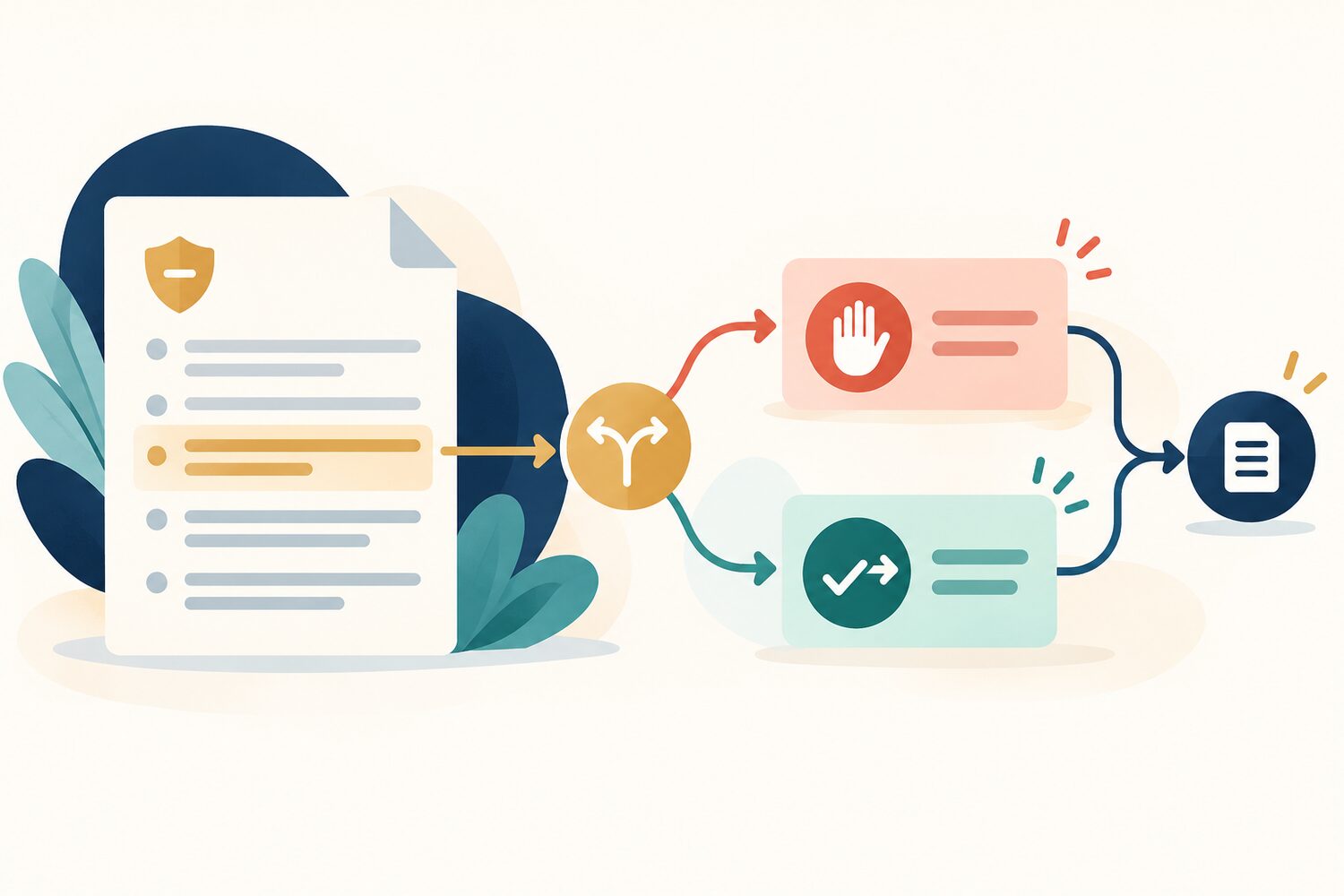
AI Learning and Development: Turn Policy Rules Into Behaviour Pairs
AI learning and development works better when abstract policy rules become paired actions employees can recognise, practise and use at the point of work.
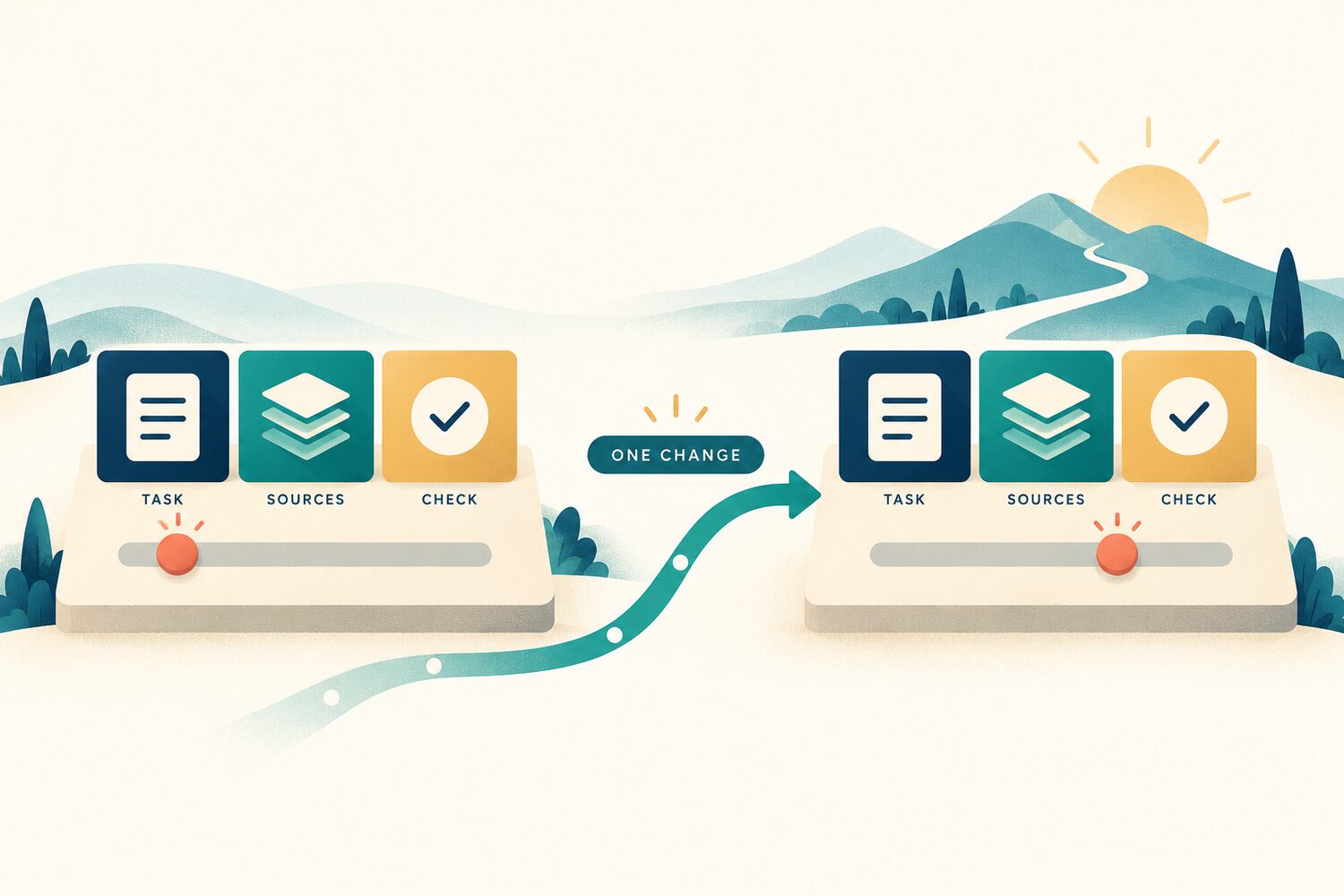
An AI Mission Should Change One Constraint at a Time
Keep the task, source pack and acceptance check stable. Change one condition so learners and coaches can see which AI skill improved.
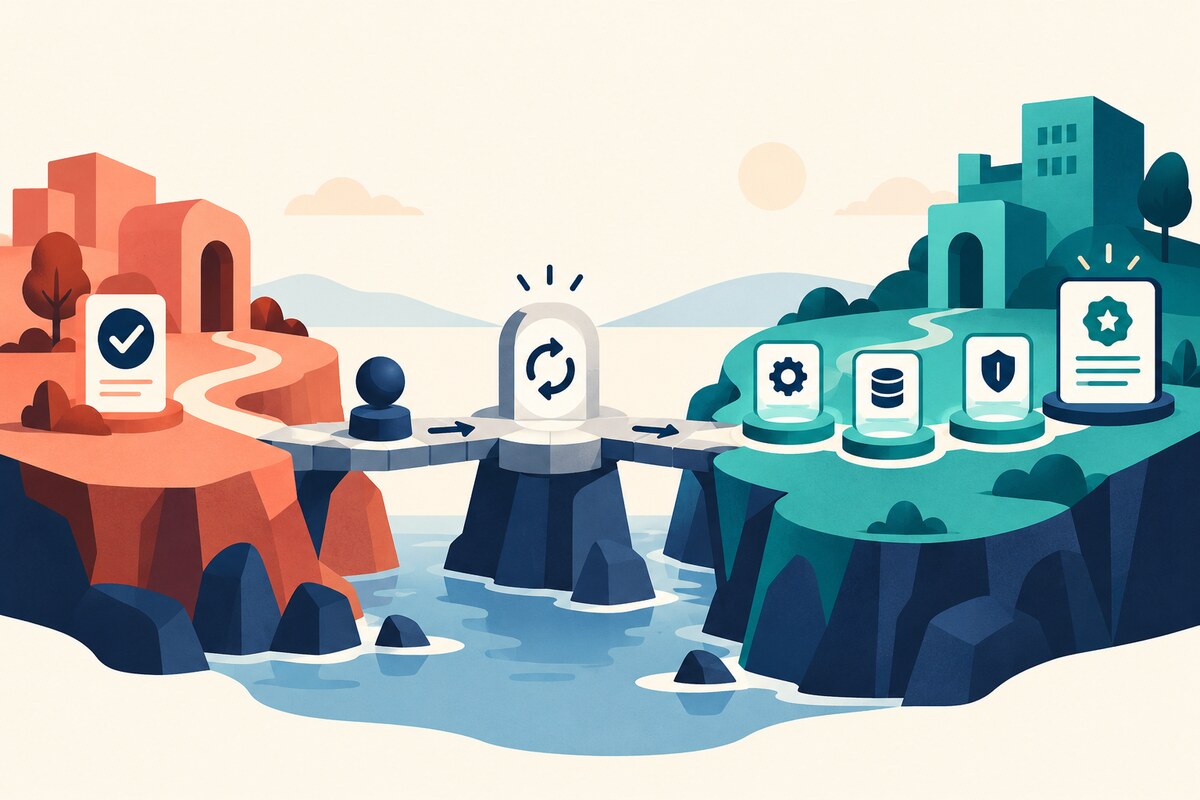
AI Training for Employees: Reset Skills After a Role Change
A completed course does not prove readiness for new tasks, data or authority. Use a narrow role-change reset to collect fresh evidence without restarting every course.