

Turn a Teams Transcript Into a Decision Register
A meeting summary tells you what was discussed. A decision register tells the team what was decided, who owns the next move and which words support each entry.
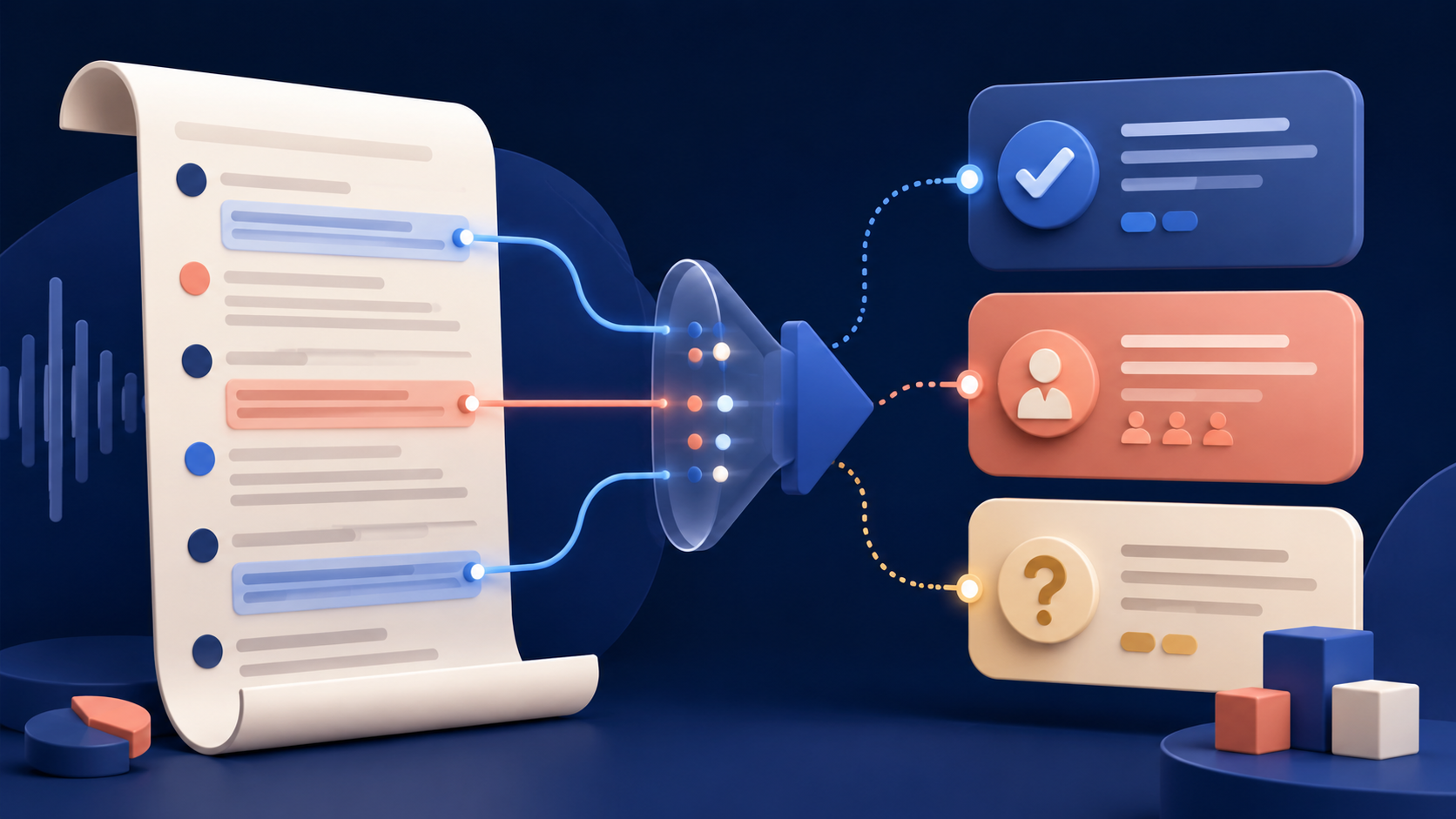
A recap is designed for recall. A decision register is designed for execution. That difference matters after a busy project meeting: a polished summary can still leave the team unsure about what was actually agreed, whether an action was a commitment or merely a suggestion, and which questions remain unresolved.
Microsoft 365 Copilot can reason over a Teams meeting transcript and chat after the meeting, provided a transcript is available. It can also cite the meeting sources used in its response. That makes it useful for a stronger workflow than “summarise this meeting”: create a structured register, then trace every consequential item back to the conversation.
The principle
Do not ask AI to create the official record. Ask it to propose a record whose important entries a human can verify.
Use the TRACE Register
TRACE Register
Type
Classify the item as a decision, action, open question or rejected option.
Reference
Capture the transcript moment or source citation that supports it.
Accountable person
Name the owner only when the meeting contains an explicit commitment.
Condition
Record deadlines, dependencies, limits and approval conditions.
Evidence status
Mark the entry verified, ambiguous or unsupported after human review.
Build it in five passes
From transcript to accountable record
- 1
Open the right source
In the Teams meeting chat, open Recap and Copilot. After a meeting, spoken content is available to Copilot only when a transcript exists.
- 2
Extract without interpreting
Ask for candidate decisions, actions, open questions and rejected options. Tell Copilot not to infer owners or dates.
- 3
Demand traceability
For every entry, request the supporting wording or meeting citation. An entry without evidence remains provisional.
- 4
Review the risky fields
Check names, numbers, dates, commitments and decisions directly against the transcript.
- 5
Publish the register
Share only the verified version. Keep ambiguous items labelled for confirmation rather than silently resolving them.
A prompt that preserves uncertainty
Using this meeting transcript and chat, create a register with four sections: decisions, actions, open questions and rejected options. For each item include: supporting quotation or source citation; owner only if explicitly accepted; deadline only if stated; dependencies or conditions; and confidence as supported, ambiguous or unsupported. Do not convert suggestions into commitments. Do not guess missing names or dates.
Decision: Pilot the revised onboarding flow with the French sales team. Evidence: [meeting citation]. Owner: not assigned. Condition: security review must finish first. Status: supported.
The requested output is useful because uncertainty stays visible instead of being polished away.
Reading is a start. Practice makes it stick.
Start learningWorked example: the difference between intent and commitment
Loose AI summary
- Maya will send the revised plan on Friday.
- The team approved the rollout.
Verified register
- Candidate action: revised plan to be circulated. Owner: ambiguous—Maya suggested the next step but did not accept it.
- Decision: proceed to pilot, conditional on security review. Full rollout was not approved.
The second version is less elegant and more useful. It separates the decision that happened from the stronger decision someone might wish had happened. It also prevents a conversational suggestion from turning into an assigned task.
What to verify before sharing
The 90-second register check
- Every decision has supporting transcript evidence.
- Every named owner explicitly accepted the action.
- Every deadline was stated, not inferred.
- Conditions and dependencies remain attached to the decision.
- Open questions have not been rewritten as decisions.
- Sensitive transcript content stays within approved organisational tools and access rules.
Teams organisers and co-organisers can download transcripts from the Recap tab, subject to organisational policy and permissions. Treat that file as sensitive working material: it may contain comments that do not belong in the final register. Extract only what the team needs to act.
- Choose a recent transcribed meeting with at least one decision.
- Run the TRACE Register prompt in Teams Copilot.
- Verify one decision and one action against their cited transcript moments.
- Change any unsupported field to ambiguous rather than filling the gap.
- Share the cleaned register with one colleague and ask whether it matches what they heard.
The practical takeaway
AI does not make meeting governance automatic. It makes the raw conversation easier to interrogate. The valuable habit is not generating more complete notes; it is maintaining a small, traceable record of what the team can safely act on. Bokili missions turn habits like evidence tracing and uncertainty labelling into short practice, so the workflow becomes repeatable rather than memorable only after a mistake.
Sources
- Catch up on meetings with Microsoft 365 Copilot in Teams — Microsoft Support
- Start, stop, and download live transcripts in Microsoft Teams meetings — Microsoft Support
Reading is a start. Practice makes it stick.
Bokili turns skills like this into ten-minute missions for your whole team, with instant feedback and progress you can see.
Start learningKeep reading

AI Training for Employees: Separate Drafts From Records
Teach a four-state path—Draft, Checked, Approved, Recorded—so polished AI output never becomes organisational fact by accident.
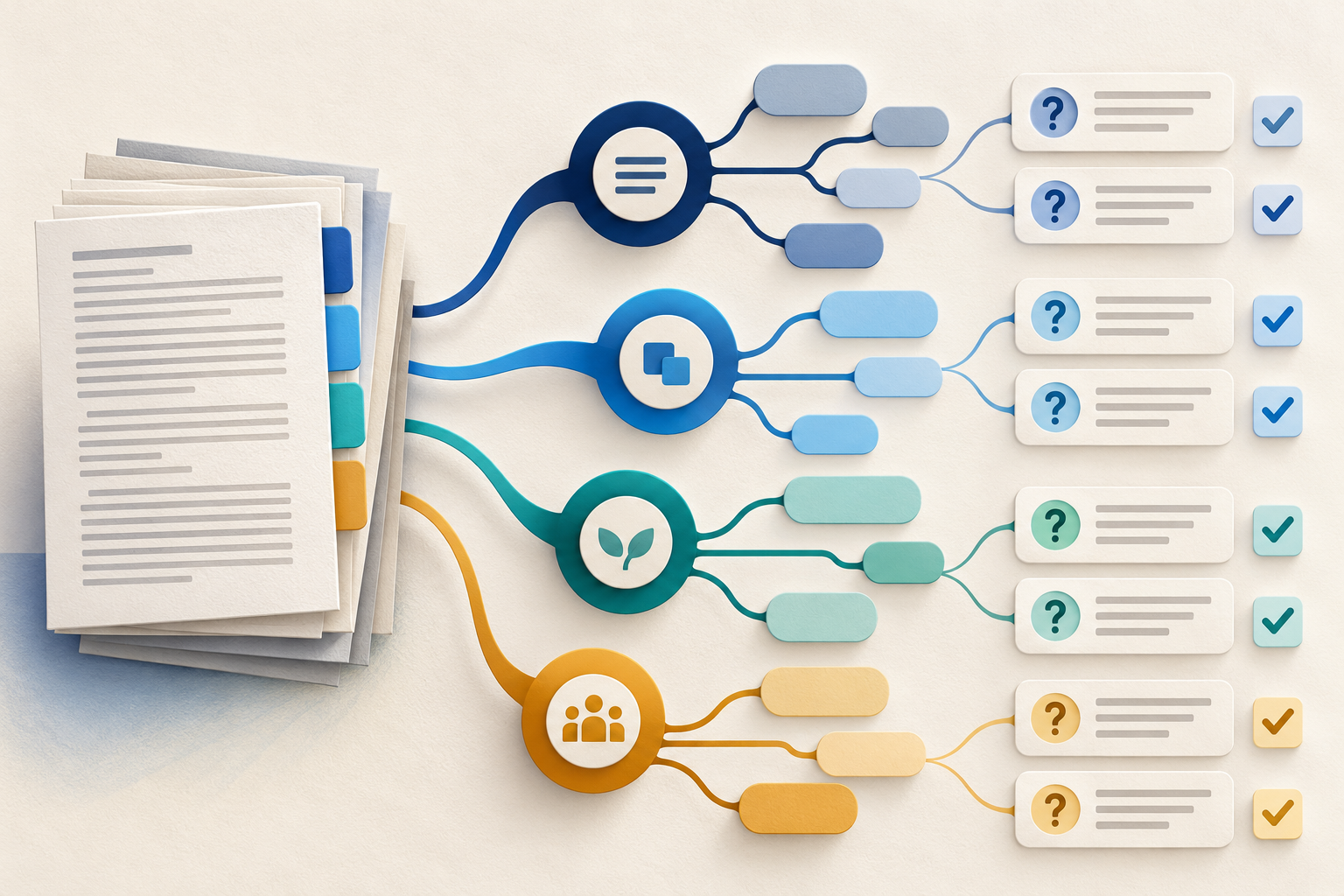
Use Gemini Notebook Mind Maps to Turn Policy Into Questions
Use a Gemini Notebook mind map as a question index for a long policy—then open the cited source before you trust any answer.
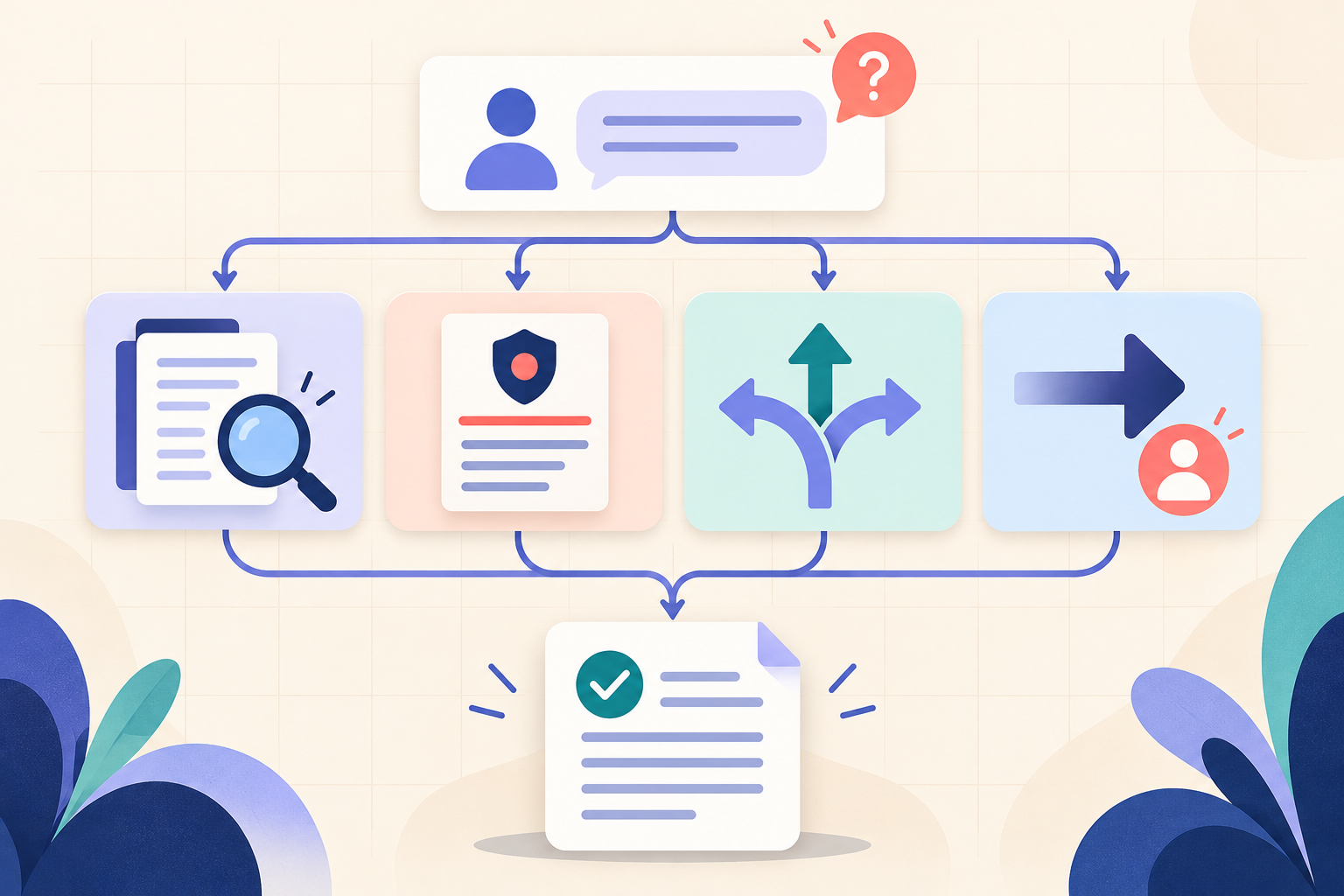
AI Training for HR: Build a Four-Part Policy Answer
Teach HR teams to separate the source, written rule, human discretion and next step before turning an AI draft into employee guidance.