

Use NotebookLM Mind Maps to Find Gaps in a Policy Pack
Turn a focused set of policy documents into a source-grounded map, then use its missing branches and citations to plan a better review.
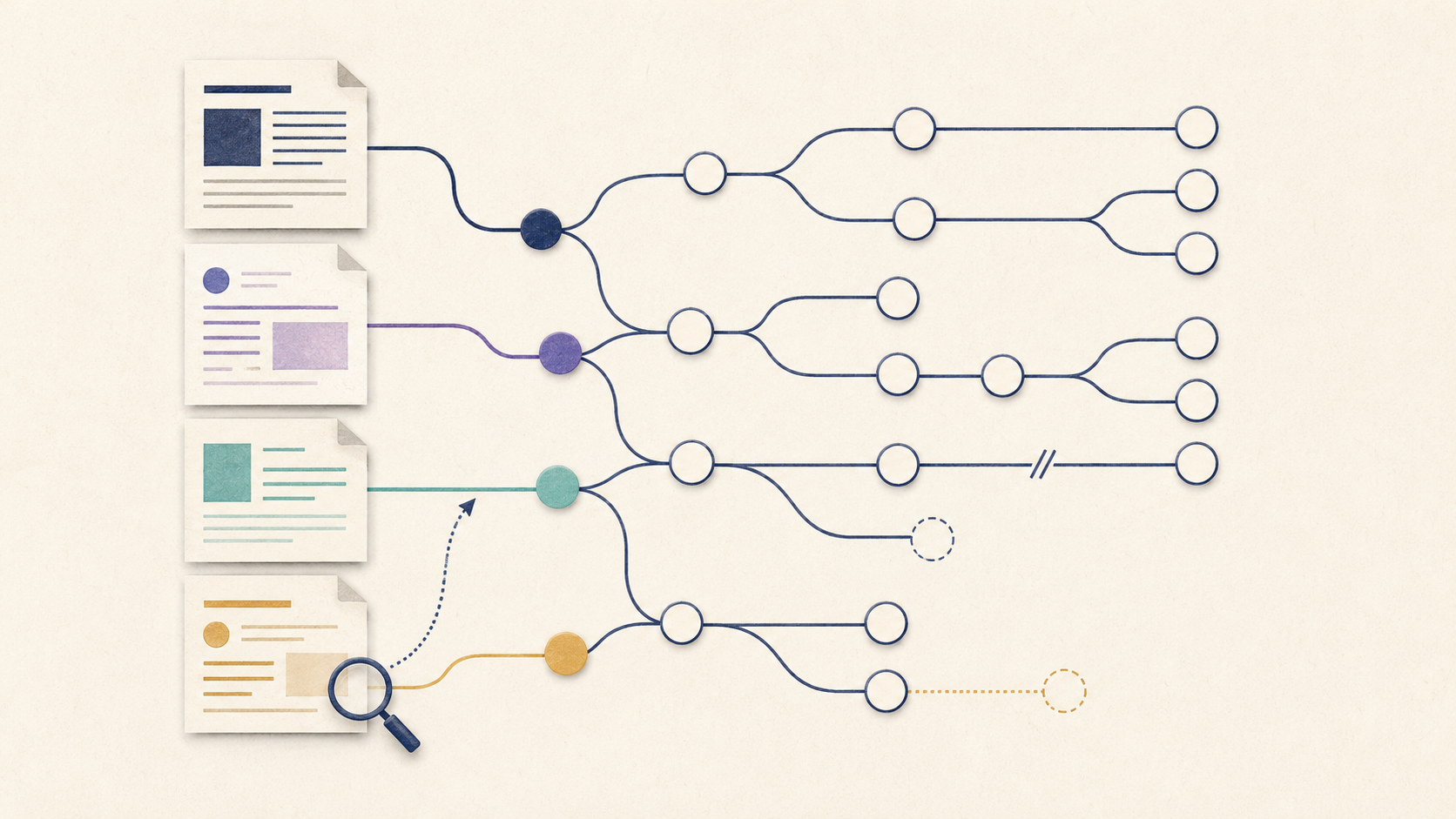
A policy pack often fails through gaps between documents, not a bad sentence inside one document. NotebookLM can help you see that structure. Its Mind Maps organise ideas from selected sources into branches, while its chat answers use citations that let you return to the original material. The map is a navigation aid, not proof; every apparent gap still needs a human check.
Choose one review question
Do not load every company document and hope for insight. Begin with a bounded question such as: “Can a new manager understand how to approve hybrid work from request to appeal?” Select only the sources needed to answer it: the hybrid-work policy, manager guide, security standard and request form.
Map coverage, not document titles
Trigger
What starts the process: a request, incident, exception or scheduled review?
Decision
Who decides, using which criteria and evidence?
Action
What must each role do, in what order and within what boundary?
Escalation
What happens when the normal route fails or someone disagrees?
Record
What must be kept, where, and for how long under the organisation’s own rules?
Worked example: hybrid-work approval
Suppose the Mind Map has strong branches for eligibility, equipment and security, but no clear branch for temporary exceptions. That is not yet evidence that the policy is incomplete. The exception may sit in an HR FAQ or local agreement that was not included. Treat the thin branch as a question to investigate.
The source-to-gap workflow
- 1
Create a focused notebook
Add only the approved documents that belong to the review question. Check that each source is current.
- 2
Select the relevant sources
NotebookLM lets you include or exclude sources for a question. Keep the set narrow enough to understand why a branch exists.
- 3
Generate and scan the map
Read the first-level branches before expanding details. Note missing lifecycle stages, isolated concepts and conflicting labels.
- 4
Ask one gap question
Select a suspicious node or use chat to ask which sources describe the missing stage, with citations.
- 5
Open every citation
Read the original passage in context. Record “covered”, “partly covered”, “not found” or “contradictory”—never “missing” from the map alone.
Reading is a start. Practice makes it stick.
Start learning| Map signal | Responsible interpretation | |
|---|---|---|
| No branch | The topic may be absent | Check source selection and search the originals |
| Small branch | The topic has little text | Assess whether the process still needs more detail |
| Two labels | Possible inconsistency | Verify whether terms are intentionally different |
| Many branches | Broad coverage | Confirm the instructions are usable, not merely mentioned |
Using only the selected sources, trace the process for [scenario] from trigger to decision, action, escalation and record. For each stage, cite the exact source. Mark a stage “not found” only when no selected source supports it. List contradictions separately and do not invent a policy.
A five-stage coverage table with citations, explicit uncertainty and a short list of documents to inspect manually.
The result is a review agenda, not an approved policy opinion.
Desktop is the safer default for this workflow
Google’s current help notes that generating and viewing Mind Maps is not available in the NotebookLM mobile app. Use the desktop experience and verify citations in context.
Three review mistakes to avoid
First, do not treat a neat branch structure as a verdict on policy quality. A map can organise vague or contradictory text just as confidently as clear text. Second, do not merge sources with different authority without labelling them: a formal policy, local guide and old FAQ may not carry the same weight. Third, do not ask the model to draft a replacement before the owner confirms the gap. Capture the evidence, affected journey, responsible document and open question. That small record gives legal, HR, security or operations reviewers something concrete to resolve.
A ten-minute policy gap drill
- Choose two to four current, non-sensitive documents for one process.
- Write a review question with a clear start and end.
- Generate the Mind Map and identify one thin or missing branch.
- Ask for cited coverage of that branch.
- Open the citations and record what is covered, partial or not found.
A useful policy review separates discovery from judgment. Let the map show where to look; let the sources show what is true; let the responsible owner decide what changes. Bokili turns that sequence into short practice so teams learn to use source-grounded AI without outsourcing accountability.
Sources
- Gemini Notebook — AI Research Tool and Thinking Partner — Google
- Use chat in NotebookLM — Google NotebookLM Help
- Get started with the NotebookLM mobile app — Google NotebookLM Help
- Upgrade NotebookLM — Google NotebookLM Help
Reading is a start. Practice makes it stick.
Bokili turns skills like this into ten-minute missions for your whole team, with instant feedback and progress you can see.
Start learningKeep reading

AI Training for Employees: Separate Drafts From Records
Teach a four-state path—Draft, Checked, Approved, Recorded—so polished AI output never becomes organisational fact by accident.
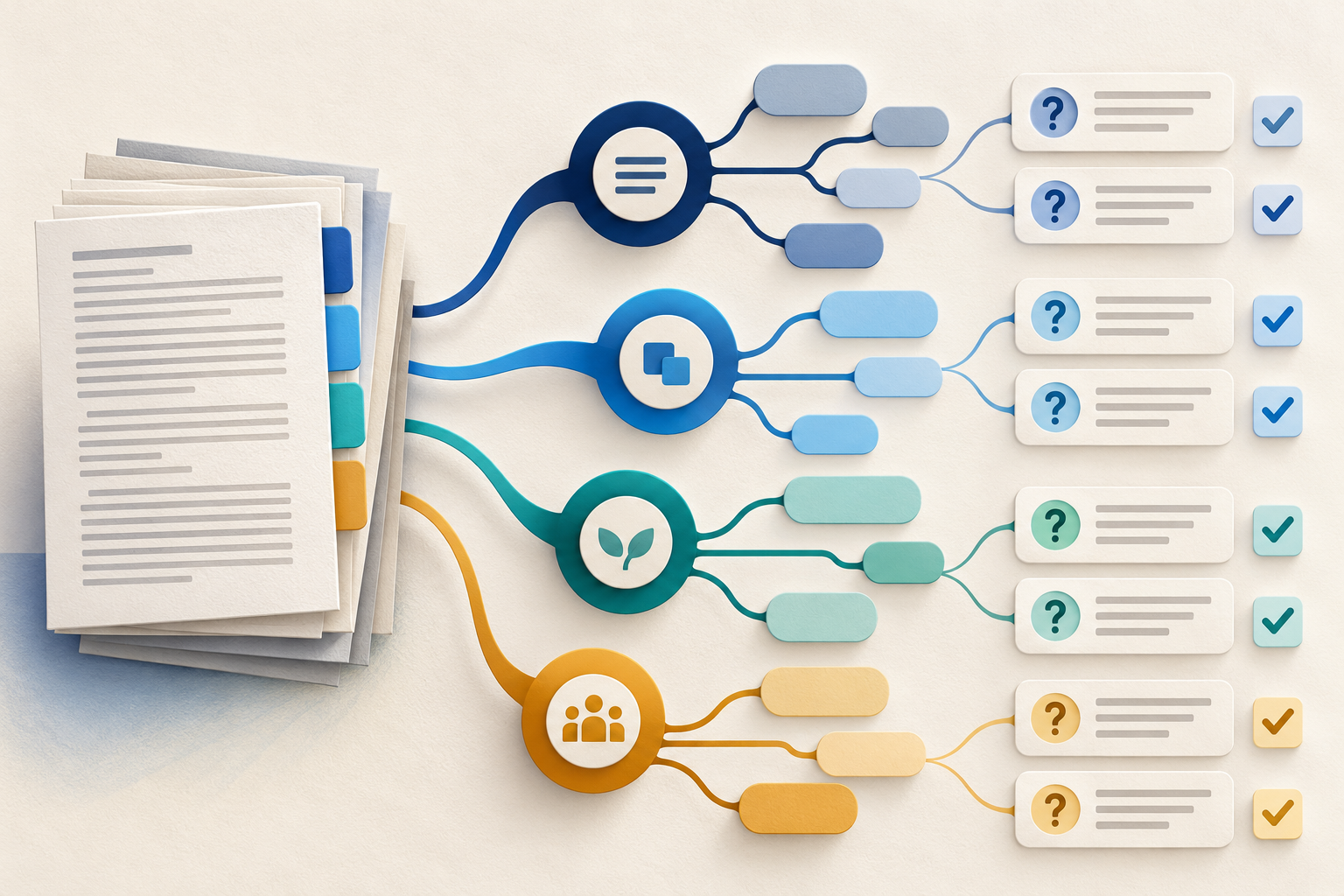
Use Gemini Notebook Mind Maps to Turn Policy Into Questions
Use a Gemini Notebook mind map as a question index for a long policy—then open the cited source before you trust any answer.
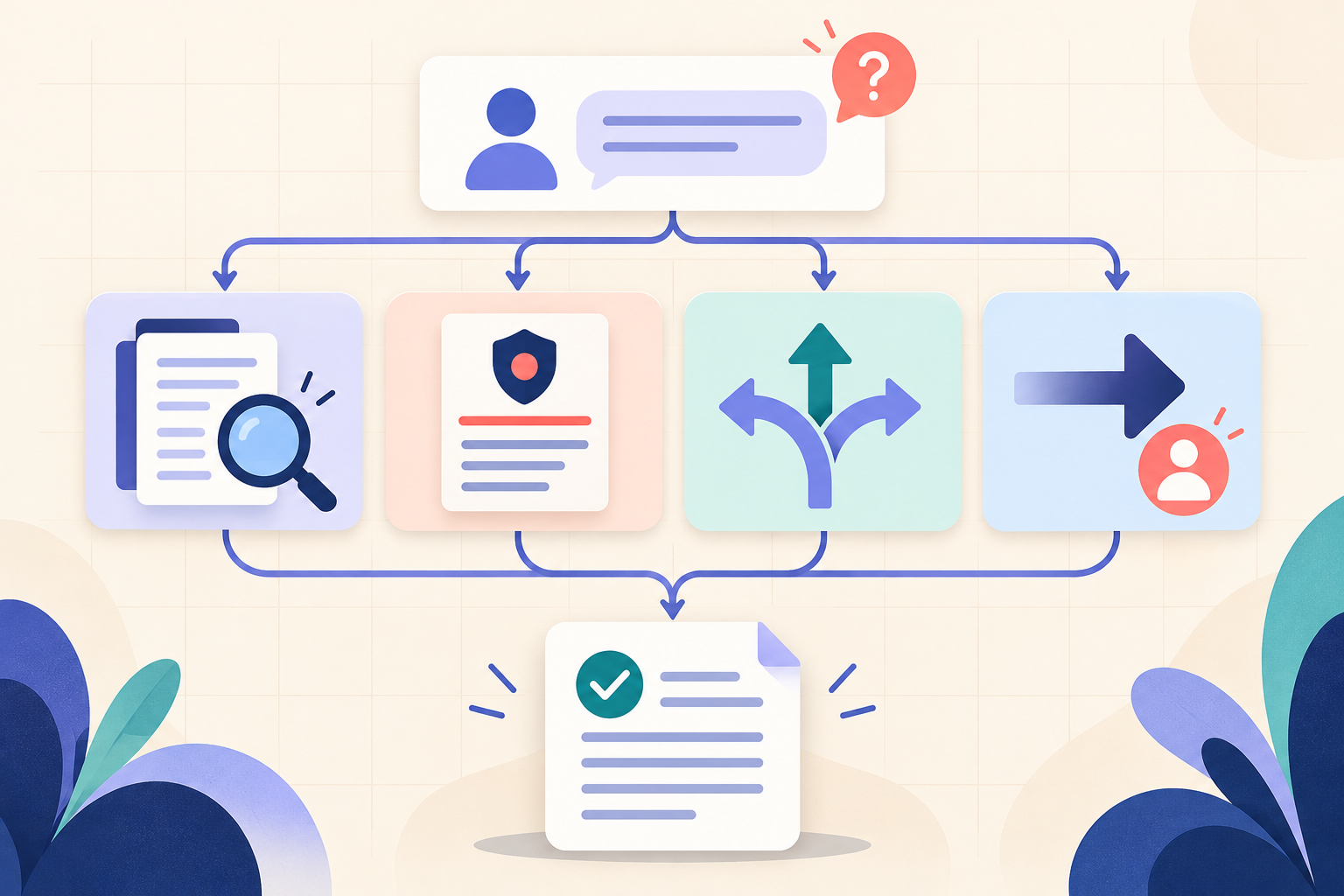
AI Training for HR: Build a Four-Part Policy Answer
Teach HR teams to separate the source, written rule, human discretion and next step before turning an AI draft into employee guidance.