

Learn AI at Work: A 30-Day Beginner Path
Learn AI through one safe task, clearer instructions, careful checking and a saved workflow. This 30-day beginner path turns lessons into work habits.
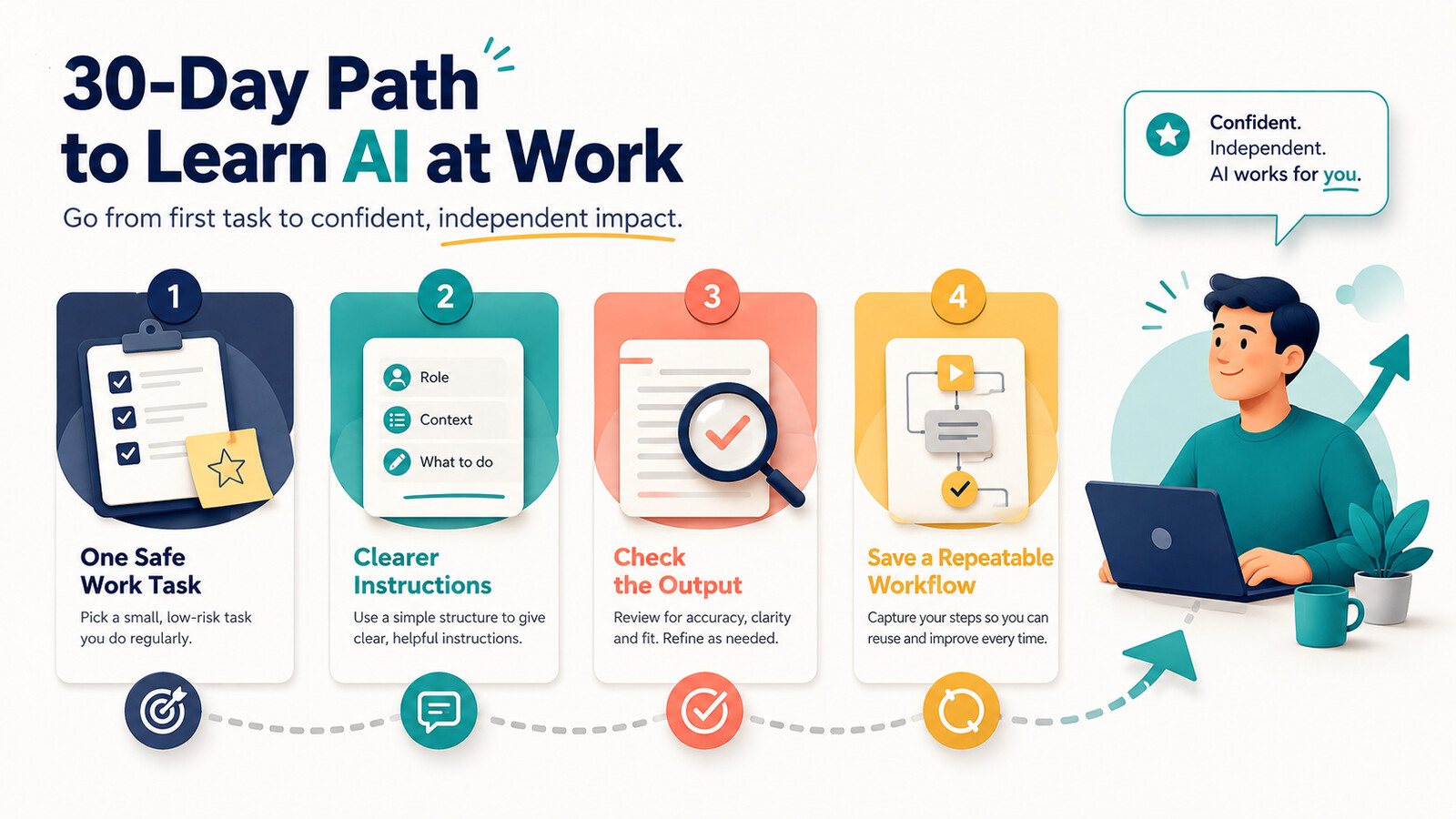
If you want to learn AI for work, you do not need to begin with coding, model architecture or a tour of every tool. A non-technical beginner needs a smaller first outcome: use one approved AI tool on one safe, familiar task, judge the result and repeat the process without guessing.
Current beginner resources from Google and Microsoft combine foundations, prompting and everyday work applications in different ways. Those resources can build knowledge. The missing step for many employees is transfer: turning a lesson into a behaviour they can use next Tuesday on real work.
Choose a work outcome, not a course count
After 30 days, success means you can run one useful workflow safely and explain its limits—not that you watched every lesson.
Learn AI with the TASK loop
The TASK loop
Task
Choose one small, repeated and low-risk job you already understand.
Ask
Give the AI a role, context, specific action, constraints and output shape.
Scrutinise
Check accuracy, completeness, tone, sources and sensitive information before use.
Keep
Save the useful steps, prompt pattern and human checks as a workflow you can improve.
The loop is deliberately tool-light. Beginners often change tools or work in companies with different approved platforms. A stable learning path should teach behaviours that travel: choosing a suitable task, describing it clearly, checking the output and deciding what remains human.
A 30-day AI learning path for beginners
Week 1 — one safe task
Pick a familiar task with reversible consequences, such as turning your own rough notes into a meeting agenda. Use invented or non-sensitive content. Compare the AI draft with what you would normally produce.
Week 2 — clearer instructions
Run the same task with a simple structure: audience, context, action, constraints and format. Change one variable at a time and note which instruction improves the result.
Week 3 — output checks
Create a five-point review for accuracy, missing context, tone, unsupported claims and data exposure. Revise the output yourself before it leaves your desk.
Week 4 — a repeatable workflow
Save the input checklist, prompt pattern, review steps and stop rule. Run the workflow on a fresh example and explain where a colleague still needs judgement.
Worked example: a weekly status update
Sam coordinates a small operations project. Every Friday, he turns scattered notes into a short update for a manager. The task is familiar, repeated and easy to reverse, so it is a better first practice target than asking AI to make a staffing or financial decision.
Reading is a start. Practice makes it stick.
Start learningHow Sam’s practice develops
- 1
First attempt
Sam uses invented notes and asks for a concise update. He compares the draft with his usual structure.
- 2
Clear request
He adds audience, three required sections, a 150-word limit and an instruction to mark missing owners instead of inventing them.
- 3
Human check
He matches every claim to the notes, corrects tone and confirms dates and owners.
- 4
Saved method
He keeps a reusable template: approved input, prompt pattern, review checklist and a rule to stop when the notes contain sensitive employee information.
| Content-first path | Work-first path | |
|---|---|---|
| Starting point | Broad explanation of AI | One familiar, low-risk task |
| Evidence of learning | Quiz or completion badge | A reviewed output and repeatable method |
| Safety | General warning | A specific data boundary and stop rule |
| Progression | Next topic in the syllabus | Next behaviour exposed by the attempt |
What to learn—and what to postpone
A beginner needs these five behaviours first
- Recognise a task that is suitable for an approved AI tool.
- Remove or protect information that should not enter the prompt.
- Give enough context, constraints and output detail.
- Check claims and important details against the source.
- Save a workflow only after a successful human-reviewed attempt.
You can postpone advanced agents, automation chains, model benchmarks and technical vocabulary until a real work need appears. This is not an argument against deeper study. It is sequencing. The National Academies’ learning synthesis stresses that prior knowledge, context and learning environments influence learning; a good beginner path starts where the learner can act and builds complexity from there.
Use these Bokili guides as practice stations
- Start with one observable behaviour: https://bokili.com/en/learn/ten-minutes-one-ai-behaviour
- Check important outputs before use: https://bokili.com/en/learn/how-to-verify-ai-output-at-work
- Set a boundary before work data enters AI: https://bokili.com/en/learn/prompt-data-boundary
- Build a safe practice environment: https://bokili.com/en/learn/safe-ai-practice-sandbox
- List three repeated tasks you already understand.
- Remove any task with sensitive data or hard-to-reverse consequences.
- Choose the smallest remaining task.
- Write the audience, context, action, constraints and output format.
- Run it with invented or safe content in an approved tool.
- Check the result and record one behaviour to improve tomorrow.
The goal is confident repetition
Bokili turns this work-first logic into personalised ten-minute missions adapted to role, level and available tools. You can begin with the free 30-day framework here, then use guided practice and feedback when a team needs consistent progression.
To learn AI is not to memorise everything the technology can do. It is to build a small set of reliable behaviours, apply them to real work and know when to stop.
Sources
- Understanding AI: AI tools, training, and skills — Google AI
- Use AI for everyday tasks — Microsoft Learn
- How People Learn II: Learners, Contexts, and Cultures — National Academies of Sciences, Engineering, and Medicine
- AI training for HR & L&D leaders — Bokili
Reading is a start. Practice makes it stick.
Bokili turns skills like this into ten-minute missions for your whole team, with instant feedback and progress you can see.
Start learningKeep reading

AI Training for Employees: Separate Drafts From Records
Teach a four-state path—Draft, Checked, Approved, Recorded—so polished AI output never becomes organisational fact by accident.
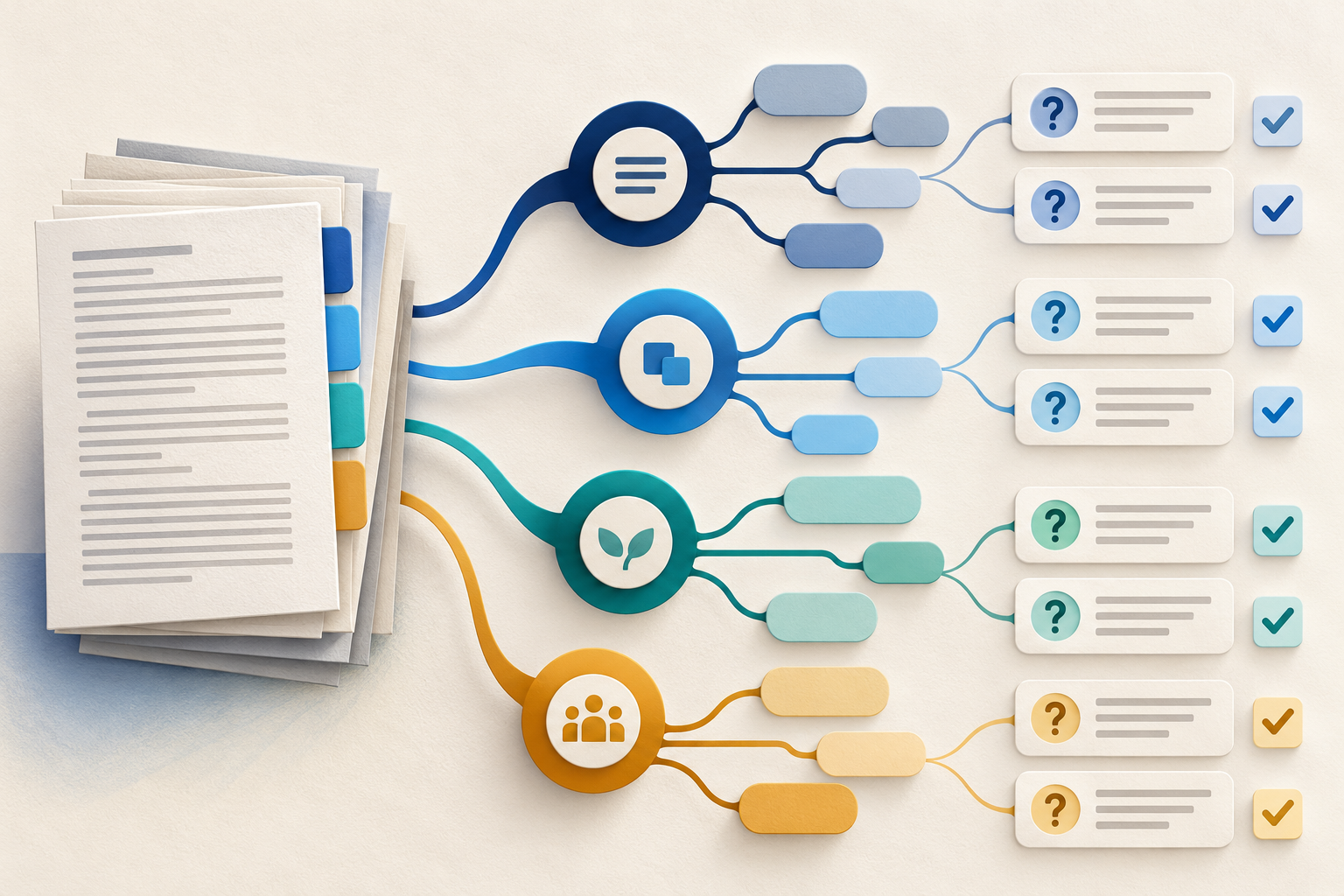
Use Gemini Notebook Mind Maps to Turn Policy Into Questions
Use a Gemini Notebook mind map as a question index for a long policy—then open the cited source before you trust any answer.
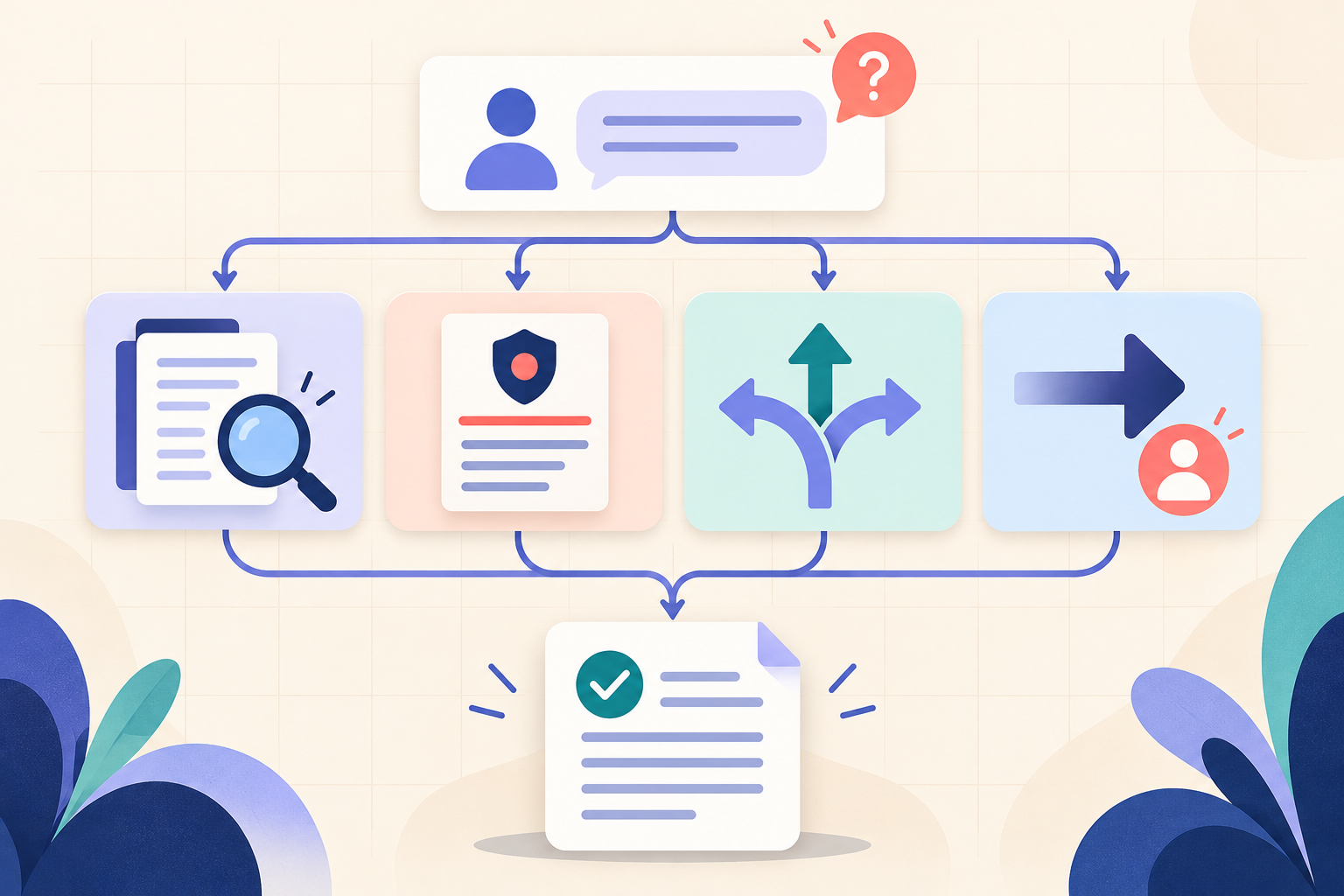
AI Training for HR: Build a Four-Part Policy Answer
Teach HR teams to separate the source, written rule, human discretion and next step before turning an AI draft into employee guidance.