

Use ChatGPT Study Mode to Learn One Work Concept
Turn Study Mode into a short workplace learning loop: state what you know, work through an example, explain it back and verify the result.
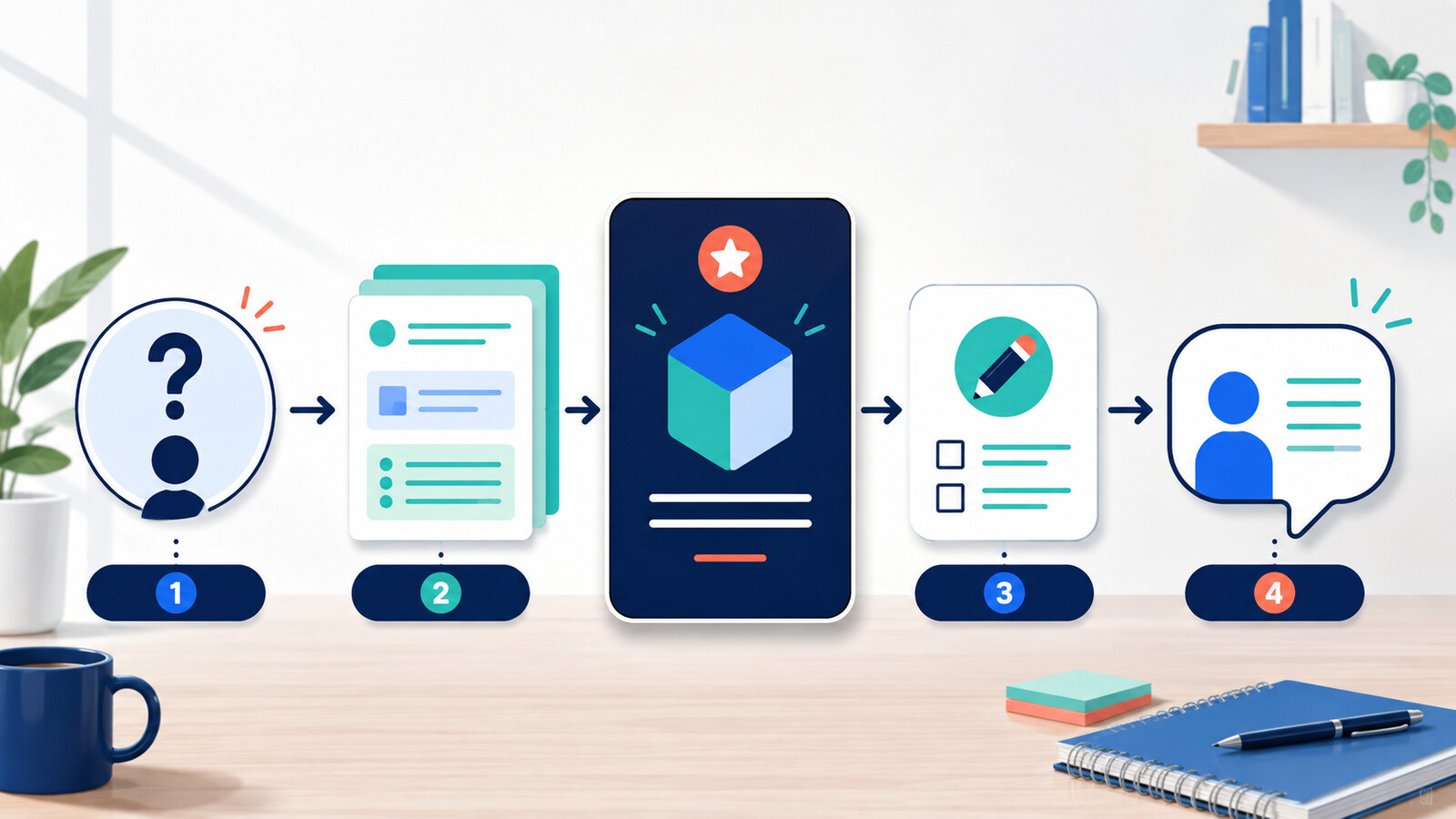
A quick AI answer can solve the immediate question while leaving you unable to solve the next one. If you need to understand a work concept—not merely obtain a definition—ChatGPT Study Mode offers a more useful pattern: it can ask what you know, guide you through steps, check your understanding and help you correct a mistake.
The feature is currently available across ChatGPT plans on web, iOS and Android. OpenAI says it works in regular conversations and Temporary Chats, but not in GPT or Project conversations. Availability is only the starting point. The learning value comes from how you use the exchange.
Do not ask for the answer first
Ask for questions, a worked example and a chance to explain the idea back before you see a final summary.
The four-part LEARN loop
Use Study Mode as a learning partner
Locate
Name the exact concept, your current level and the work decision it affects.
Explore
Ask for a simple explanation and one realistic example, then answer the questions yourself.
Apply
Work through a second example without copying the first one.
Retrieve
Explain the concept back in your own words and state when it should not be used.
This structure matters because familiarity is not the same as recall. Reading a clear explanation can feel like understanding. Trying to produce the reasoning yourself reveals what is missing. The National Academies’ learning synthesis highlights the importance of prior knowledge, context and learning environments; Study Mode’s questions can help expose those factors, but the learner still has to do the thinking.
Worked example: margin is not markup
Suppose a new account manager keeps confusing gross margin with markup. The immediate temptation is to request both formulas and copy them into a spreadsheet. A better goal is to recognise which measure a commercial discussion is using and explain the difference to a colleague.
Reading is a start. Practice makes it stick.
Start learningI am a beginner account manager. I need to understand the difference between gross margin and markup before reviewing a pricing proposal. Ask me one question at a time. Start by finding out what I already know. Use a simple £100 cost example, but do not give me the final explanation immediately. After the example, give me a new price and cost to solve. Finish by asking me to explain when confusing the two measures could change a decision.
A useful first response should ask about the learner’s current understanding before introducing the example. Later, the learner should calculate and explain rather than only select an answer.
Use approved, non-sensitive examples. Check your company’s own finance definitions before applying the lesson to a live proposal.
Run the learning conversation
- 1
State the work decision
Explain why the concept matters. This gives the lesson a boundary and prevents a broad lecture.
- 2
Reveal your starting point
Answer the diagnostic question honestly, including where you are unsure.
- 3
Solve before seeing
Ask for one step or hint at a time. Write your answer before requesting the explanation.
- 4
Change the numbers or context
Use a second example so you cannot succeed by memorising the first answer.
- 5
Explain it back
Summarise the concept, its limit and the work situation where you will use it.
Use files carefully
OpenAI documents that Study Mode can work with uploaded notes, slides, readings, PDFs and images when uploads are available. That does not make every work file appropriate to upload. Follow your organisation’s policy and use an approved account. Remove client names, personal information and confidential figures unless the tool and purpose are explicitly approved.
A useful workplace Study Mode session
- The topic is one concept, not an entire profession.
- The first message states level, goal and existing knowledge.
- The learner answers before receiving the full explanation.
- A second example changes the context.
- The learner explains the idea back in plain language.
- Important information is checked against an approved source.
- No sensitive data is uploaded without permission.
Know the limit
OpenAI explicitly warns that Study Mode can make mistakes and advises checking important information, especially in high-stakes domains. Treat it as a study aid, not as the authority for legal, financial, medical or company-policy decisions. If a concept controls a real decision, finish with the relevant policy, handbook, primary source or qualified colleague.
- Open a regular ChatGPT conversation and select Study.
- Choose one concept you met at work this week.
- State your level, the decision it affects and what you already know.
- Ask for one question at a time and solve one example.
- Explain the concept back in two sentences.
- Write down the authoritative source you will use to verify it.
Bokili missions turn tool features into focused acts of practice. Study Mode fits that approach when the target is precise: one concept, one attempt, one correction and one transfer back to work.
Sources
- Using Study Mode in ChatGPT — OpenAI Help Center
- How People Learn II: Learners, Contexts, and Cultures — National Academies of Sciences, Engineering, and Medicine
Reading is a start. Practice makes it stick.
Bokili turns skills like this into ten-minute missions for your whole team, with instant feedback and progress you can see.
Start learningKeep reading

AI Training for Employees: Separate Drafts From Records
Teach a four-state path—Draft, Checked, Approved, Recorded—so polished AI output never becomes organisational fact by accident.
Use Gemini Notebook Mind Maps to Turn Policy Into Questions
Use a Gemini Notebook mind map as a question index for a long policy—then open the cited source before you trust any answer.
AI Training for HR: Build a Four-Part Policy Answer
Teach HR teams to separate the source, written rule, human discretion and next step before turning an AI draft into employee guidance.