

AI Training for Employees on Shifts: A Frontline Playbook
Design AI training for employees in retail, operations and field roles with short practice, safe examples, fast feedback and next-shift transfer.
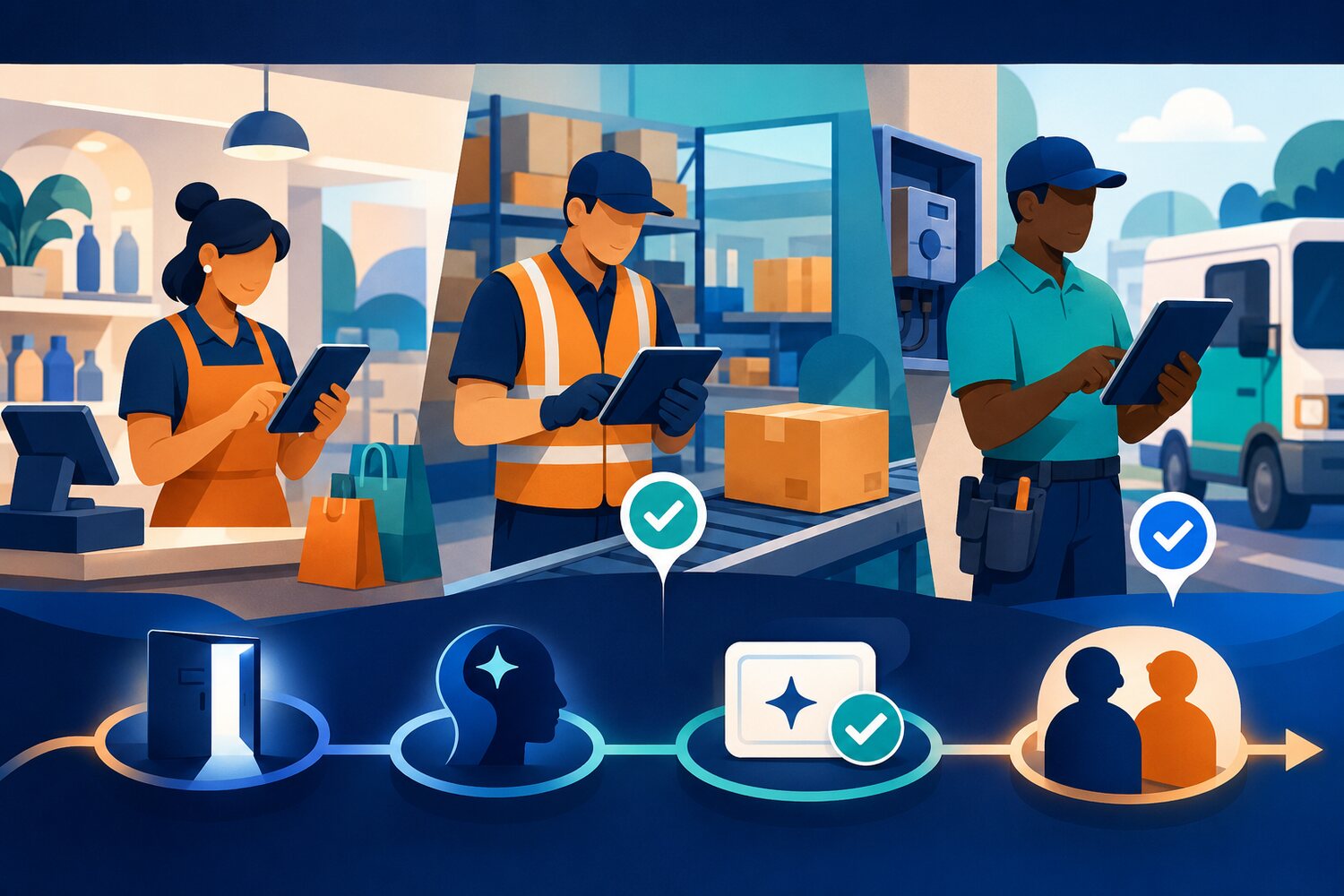
AI training for employees often assumes a desk, a personal laptop and a quiet hour. That model excludes much of the workforce it is meant to help. Retail associates, warehouse teams, technicians and field-service staff work through shifts, shared devices, changing locations and immediate customer or operational demands.
The answer is not to shrink a desktop course until it fits a phone. Frontline AI training needs a different design: short practice near the moment of use, examples drawn from the job, visible data boundaries, quick feedback and a route to repeat the skill on the next shift.
One design rule
If the learner cannot practise the behaviour in the conditions of the job, the course has taught content—not capability.
What AI training for employees on shifts must change
The European Commission’s current AI-literacy guidance says organisations should consider people’s technical knowledge, experience, education and training, as well as the context and purpose in which AI is used. It also states that there is no single mandatory training format. That makes context a design input, not an excuse added after launch.
A useful parallel comes from OSHA’s worker-training guide. Although it addresses safety and health rather than AI, it emphasises flexibility, workplace problems and worker involvement. The lesson for AI learning is straightforward: build practice around conditions employees recognise, and let worker feedback expose where the training does not fit.
| Desk-course assumption | Shift-ready design | |
|---|---|---|
| Access | Personal computer and email invitation | Approved shared or mobile access with a clear sign-in route |
| Time | One long session | A protected ten-minute window tied to a work moment |
| Example | Generic office document | A safe version of a familiar frontline task |
| Feedback | End-of-course quiz | Immediate correction from a mission, peer or supervisor |
| Transfer | Remember it later | Repeat the behaviour on the next suitable shift |
Use the SHIFT frontline learning model
Five design choices for frontline AI practice
S — Schedule the moment
Choose when practice can happen without competing with customers, safety or throughput. Protect a short window in a briefing, handover, quiet period or team huddle, and give managers a fallback time.
H — Hands-on with a safe task
Use a small job the learner already understands, such as turning fictional stock notes into a handover summary. The task should be reversible and must not require live personal, customer or commercially sensitive data.
I — Input boundary in view
Show what can enter the approved tool, what must be removed and what needs permission. Put the rule beside the practice task so the learner makes the data decision before opening the prompt.
F — Feedback before the shift moves on
Return one specific correction while the attempt is still fresh. Name the behaviour—missing context, unchecked claim, unsafe input or weak escalation—rather than simply showing a model answer.
T — Transfer to the next use
End with one action the learner will repeat: a checklist, prompt pattern, review step or stop rule. The supervisor should know what observable behaviour to look for next time.
Worked example: a retail handover practice
Consider an illustrative 45-person retail operation with three locations and rotating shifts. The L&D team wants employees to use an approved AI assistant to structure internal handover notes, but it does not want customer details, employee performance information or unverified stock claims entering the exercise.
Build the first SHIFT practice
- 1
1. Choose the moment
Each store uses ten protected minutes after the morning briefing once per week. The manager has a second window before the afternoon handover if customer demand interrupts.
- 2
2. Prepare the safe material
Learners receive fictional notes containing three operational updates, one missing owner and one line that resembles customer information. They must remove the unsafe line before using the tool.
- 3
3. Practise one behaviour
The task is to create a handover with status, owner and next action. The assistant must mark missing information rather than invent it.
- 4
4. Give immediate feedback
The mission checks the input boundary, output structure and unsupported details. The manager only reviews exceptions or repeated errors.
- 5
5. Transfer on the next shift
The learner keeps a four-point check: permitted input, complete context, traceable claims and owner confirmation. Live use begins only under the organisation’s approved policy.
Reading is a start. Practice makes it stick.
Start learningDesign for the whole shift, not just the learner
Before practice
Confirm device access, approved account, language, accessibility, manager cover and a safe example.
During practice
Protect the short window, keep the task narrow and return feedback on one observable behaviour.
After practice
Repeat the behaviour in the next suitable work moment, capture barriers and route policy or access questions to the right owner.
Workplace learning also depends on job design and organisational support. Cedefop’s 2026 discussion of workplace learning links skills formation with leadership, job tasks and the conditions that let people learn at work. A frontline programme therefore fails if it gives employees content but no time, device, manager support or permitted task.
Measure whether practice survives real work
Frontline launch and review checklist
- Every shift pattern has a protected practice window and a fallback.
- The approved device and account work where employees actually practise.
- Instructions are available in the language and format the workforce needs.
- Examples resemble the job but contain no live sensitive data.
- Each mission tests one observable behaviour, not broad recall.
- Feedback arrives before the next work use.
- Managers know what to observe and what not to approve.
- Access, policy and workflow problems have named escalation routes.
- The team records retries, common errors and successful transfer separately from completion.
Completion is useful administration. It is not proof that a shift worker can recognise a suitable task, protect the input, check the output and escalate uncertainty. Review a small work sample or simulated attempt instead.
Connect the playbook to the rest of the learning path
- Start with a three-task baseline before selecting training: https://bokili.com/en/learn/ai-training-employees-three-task-baseline
- Map the shared and role-specific behaviours: https://bokili.com/en/learn/ai-skills-for-employees-matrix
- Build a safe practice environment before live data is used: https://bokili.com/en/learn/safe-ai-practice-sandbox
- Choose a cadence linked to the next work use: https://bokili.com/en/learn/ai-training-cadence-next-work-use
- Name one frontline group and one approved AI-assisted task.
- Write the real device, location and time available for practice.
- Remove every data type that should not enter the exercise.
- Define one behaviour the learner must demonstrate.
- Choose who gives feedback and when it arrives.
- Name the next shift moment when the behaviour can be repeated safely.
Make access practical, not merely available
Frontline employees do not need a thinner version of office training. They need practice designed around their work. Bokili supports short, role- and tool-adapted missions with immediate feedback, making it easier for HR and L&D teams to build practical AI skills across different jobs and schedules. Explore the approach at https://bokili.com/en/for-hr.
The strongest frontline programme is not the one everyone can open. It is the one people can practise, correct and use safely in the rhythm of the job.
Sources
- AI Literacy — Questions & Answers — European Commission
- Resource for Development and Delivery of Training to Workers — Occupational Safety and Health Administration
- Cedefop Newsletter No 162 — Workplace learning and skills — Cedefop
- Bokili for HR and L&D — Bokili
Reading is a start. Practice makes it stick.
Bokili turns skills like this into ten-minute missions for your whole team, with instant feedback and progress you can see.
Start learningKeep reading

AI Training for Employees: Separate Drafts From Records
Teach a four-state path—Draft, Checked, Approved, Recorded—so polished AI output never becomes organisational fact by accident.
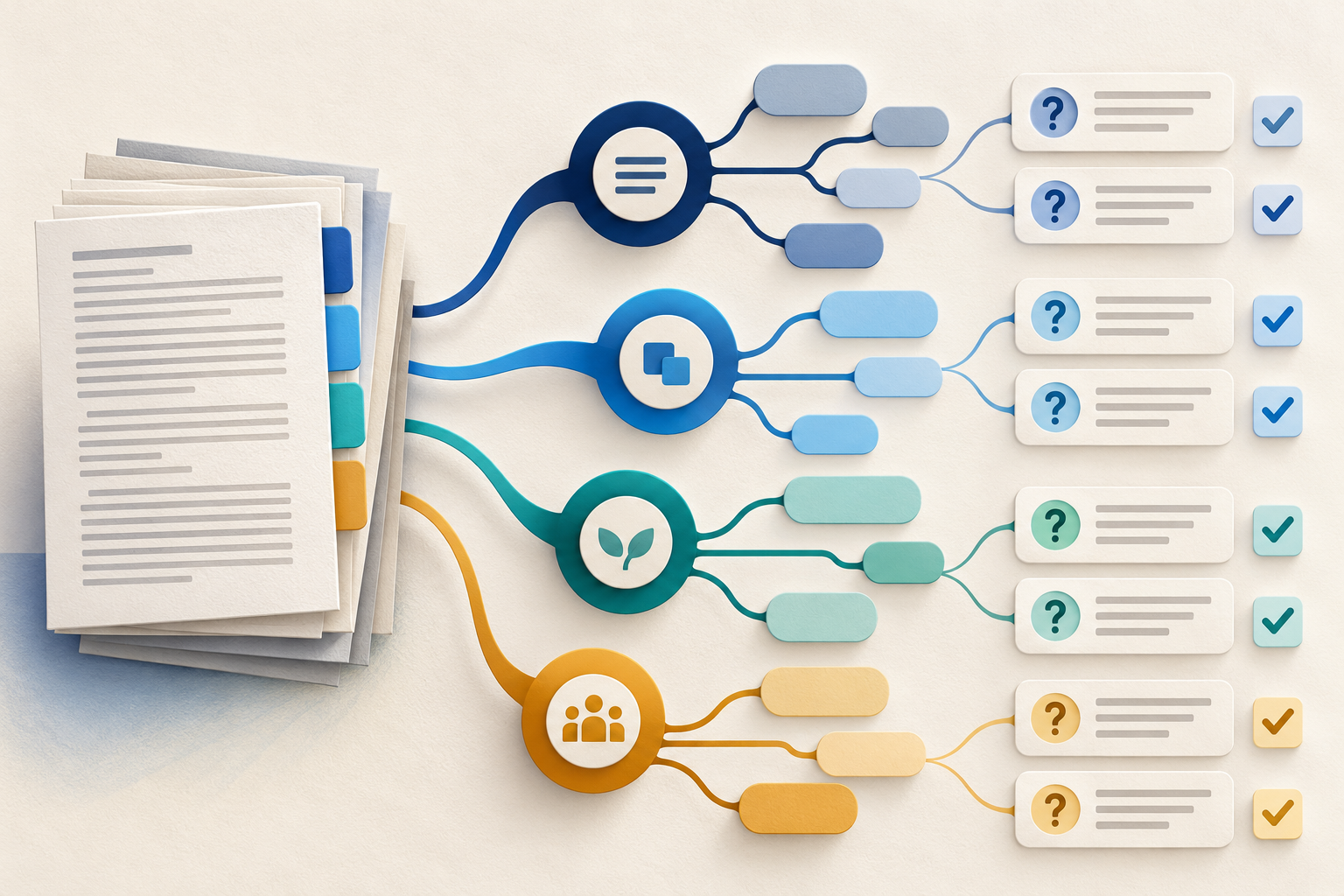
Use Gemini Notebook Mind Maps to Turn Policy Into Questions
Use a Gemini Notebook mind map as a question index for a long policy—then open the cited source before you trust any answer.
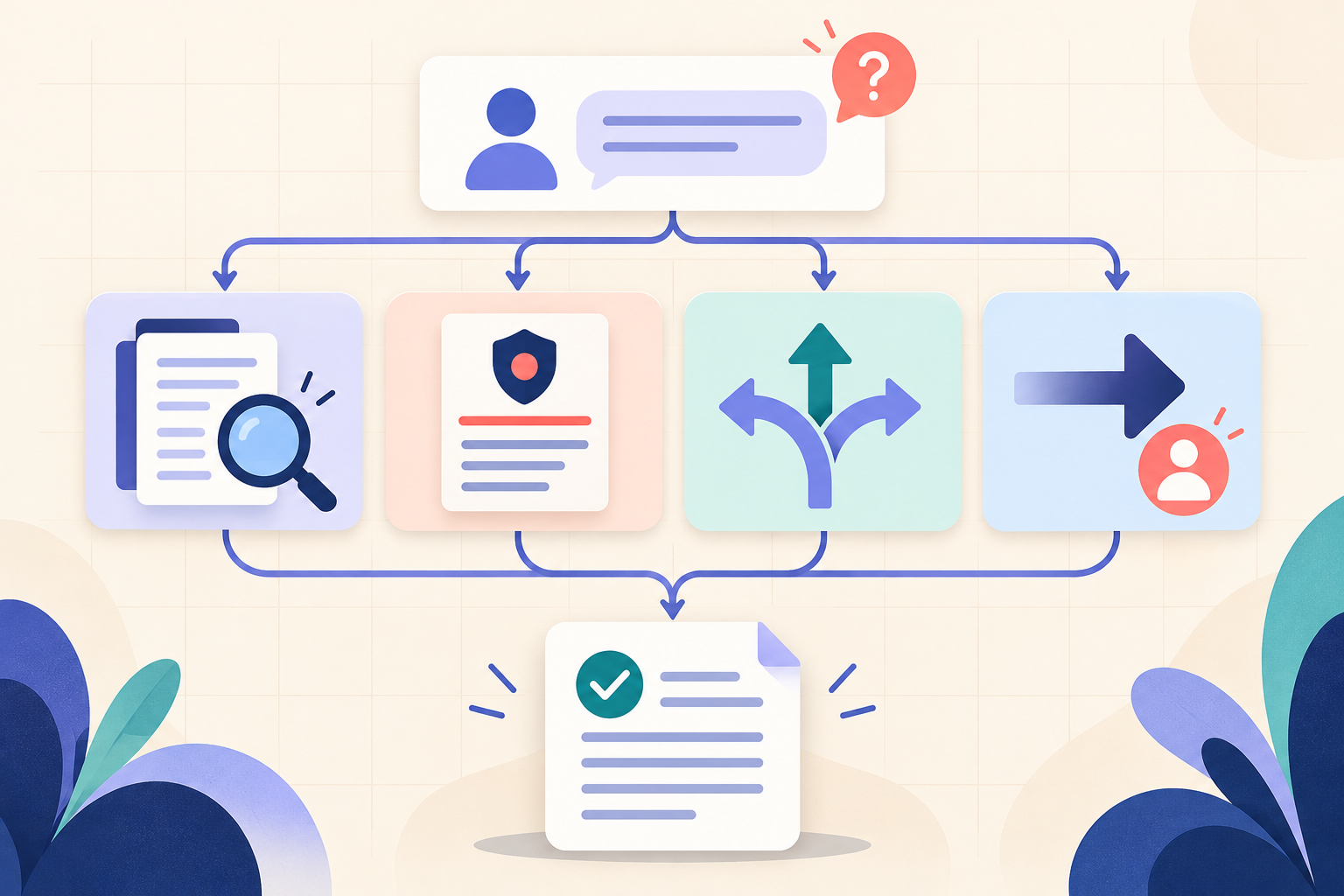
AI Training for HR: Build a Four-Part Policy Answer
Teach HR teams to separate the source, written rule, human discretion and next step before turning an AI draft into employee guidance.