

Turn Support Tickets Into a Service-Fix Backlog With AI
Cluster a de-identified sample of support tickets, verify the themes and turn repeated friction into a small backlog of service improvements.
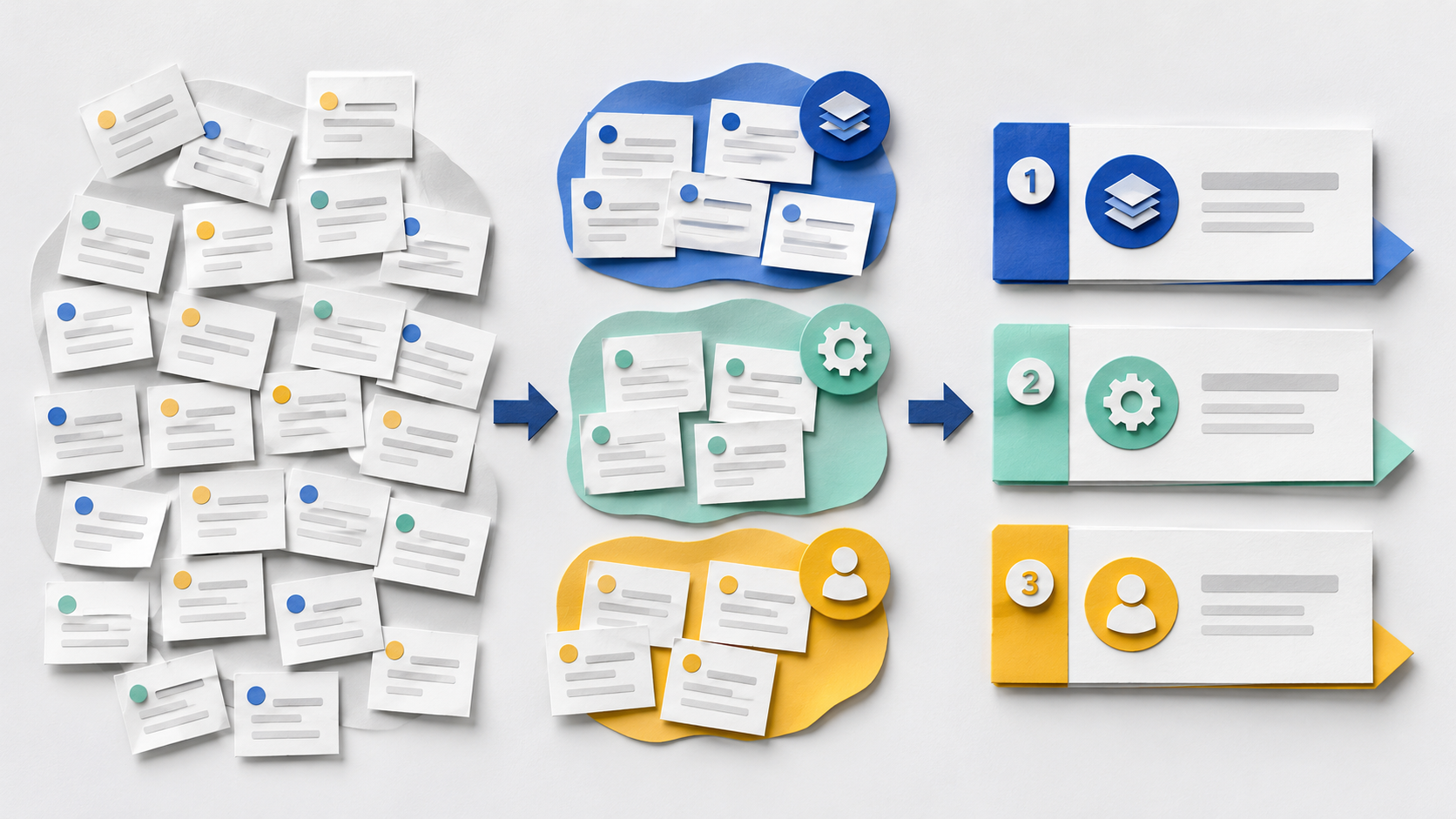
A support queue is more than a list of replies to send. It is a record of where a service confuses, delays or disappoints people. Yet teams often close tickets one by one and lose the repeated pattern. AI can help organise a sample into themes—but it should produce a reviewable backlog, not decide what customers deserve or send automatic answers.
This workflow is for a customer-support or service-operations manager who wants to convert recurring friction into three or four concrete fixes. It uses de-identified ticket excerpts, a human coding check and a simple priority rule.
Start with a narrow, minimised sample
The UK Information Commissioner’s Office describes data minimisation as keeping personal data adequate, relevant and limited to what is necessary. Apply that principle before text reaches an AI tool: remove names, contact details, account numbers, payment information, health details and any free-text facts that are not needed to identify the service issue. Use only an approved tool and follow your organisation’s policy.
From queue to backlog
- 1
1. Define the question
Choose one product area and one period. Ask, for example: ‘Which preventable issues caused repeat contact about invoice downloads last month?’
- 2
2. Prepare 30–50 excerpts
Keep the issue, channel, date band and whether the customer contacted again. Replace identifiers with neutral labels and retain ticket IDs only in the protected source system.
- 3
3. Ask for themes with evidence
Require a short label, a plain-language definition, the count, representative excerpt numbers and an ‘uncertain’ bucket. Do not ask the model to infer emotion, vulnerability or intent.
- 4
4. Human-code a sample
A reviewer checks at least ten excerpts against the proposed themes, corrects overlaps and looks for rare but serious failures hidden by the largest counts.
- 5
5. Create the backlog
Turn each confirmed theme into a service problem, likely cause, owner, smallest test and success measure. Keep the original evidence link outside the AI output.
Group these de-identified ticket excerpts by the service problem the customer encountered. For each theme, give: a neutral label; a one-sentence definition; excerpt numbers; count; and what remains uncertain. Do not infer identity, emotion, vulnerability, blame or intent. Put unclear cases in an ‘uncertain’ group. Finish with three questions a human reviewer should answer before acting.
Theme: invoice link expired — excerpts 03, 08, 11, 19. Definition: the download link was no longer valid when opened. Uncertain: whether delay came from email delivery or customer timing. Reviewer question: do system logs confirm the expiry window?
The excerpt is illustrative. Replace it with de-identified evidence from an approved environment.
Prioritise fixes, not noise
Reading is a start. Practice makes it stick.
Start learningThe FIX score
Frequency
How many reviewed tickets contain the confirmed issue? Use counts from the sample, not invented percentages.
Impact
What delay, repeat contact, financial effect or access barrier does the issue create? Keep evidence separate from assumptions.
eXperiment
What is the smallest change that could reduce the issue within one cycle—a clearer message, a changed hand-off or a revised help article?
| Theme list | Service-fix backlog | |
|---|---|---|
| Unit | Topic mentioned in tickets | Confirmed problem with evidence |
| Owner | Support team generally | Named product, policy or operations owner |
| Action | Watch the trend | Run one bounded change |
| Measure | Ticket count only | Repeat contact, resolution time or failure recurrence |
| Review | Model summary accepted | Sample checked and serious outliers reviewed |
Worked example
A sample of 42 de-identified invoice-download tickets produces five themes. Human review merges two overlapping labels and finds one accessibility issue inside a small group. The backlog keeps three items: extend or clearly state link expiry, repair the screen-reader label on the download control, and add a fallback route when generation fails. Each item has an owner and a two-week check. The output is useful because the team can trace every proposed fix back to reviewed evidence.
Do not turn support text into a people score
Avoid sentiment scoring, vulnerability inference or agent ranking unless a separate, justified and properly governed process exists. This workflow studies service friction, not people.
- Write twelve fictional ticket excerpts about one service journey.
- Remove all names and account details.
- Run the bounded analysis request.
- Check four excerpts against the proposed themes.
- Turn one confirmed theme into an owner, smallest test and measure.
The safest useful output is often a better question and a smaller backlog—not an automated reply. If your team needs the data boundary first, read Build a Prompt Data Boundary Before Work Enters AI. Bokili helps people practise this sequence with evidence, verification and a clear stop rule before they use live support data.
Sources
- Principle (c): Data minimisation — UK Information Commissioner’s Office
- How do we ensure fairness in AI? — UK Information Commissioner’s Office
- Artificial Intelligence Risk Management Framework: Generative Artificial Intelligence Profile — NIST
- AI principles — OECD
Reading is a start. Practice makes it stick.
Bokili turns skills like this into ten-minute missions for your whole team, with instant feedback and progress you can see.
Start learningKeep reading

AI Training for Employees: Separate Drafts From Records
Teach a four-state path—Draft, Checked, Approved, Recorded—so polished AI output never becomes organisational fact by accident.
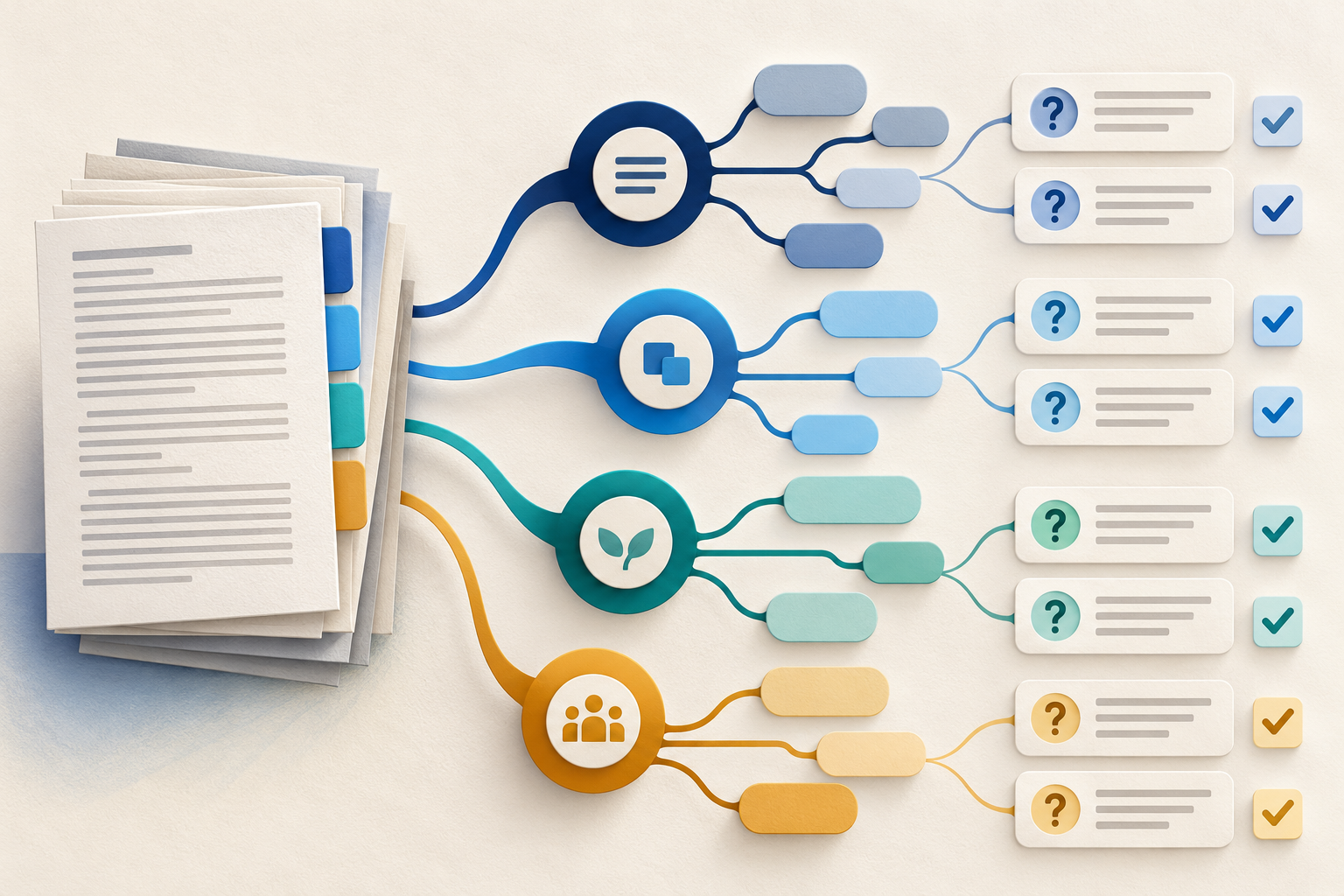
Use Gemini Notebook Mind Maps to Turn Policy Into Questions
Use a Gemini Notebook mind map as a question index for a long policy—then open the cited source before you trust any answer.
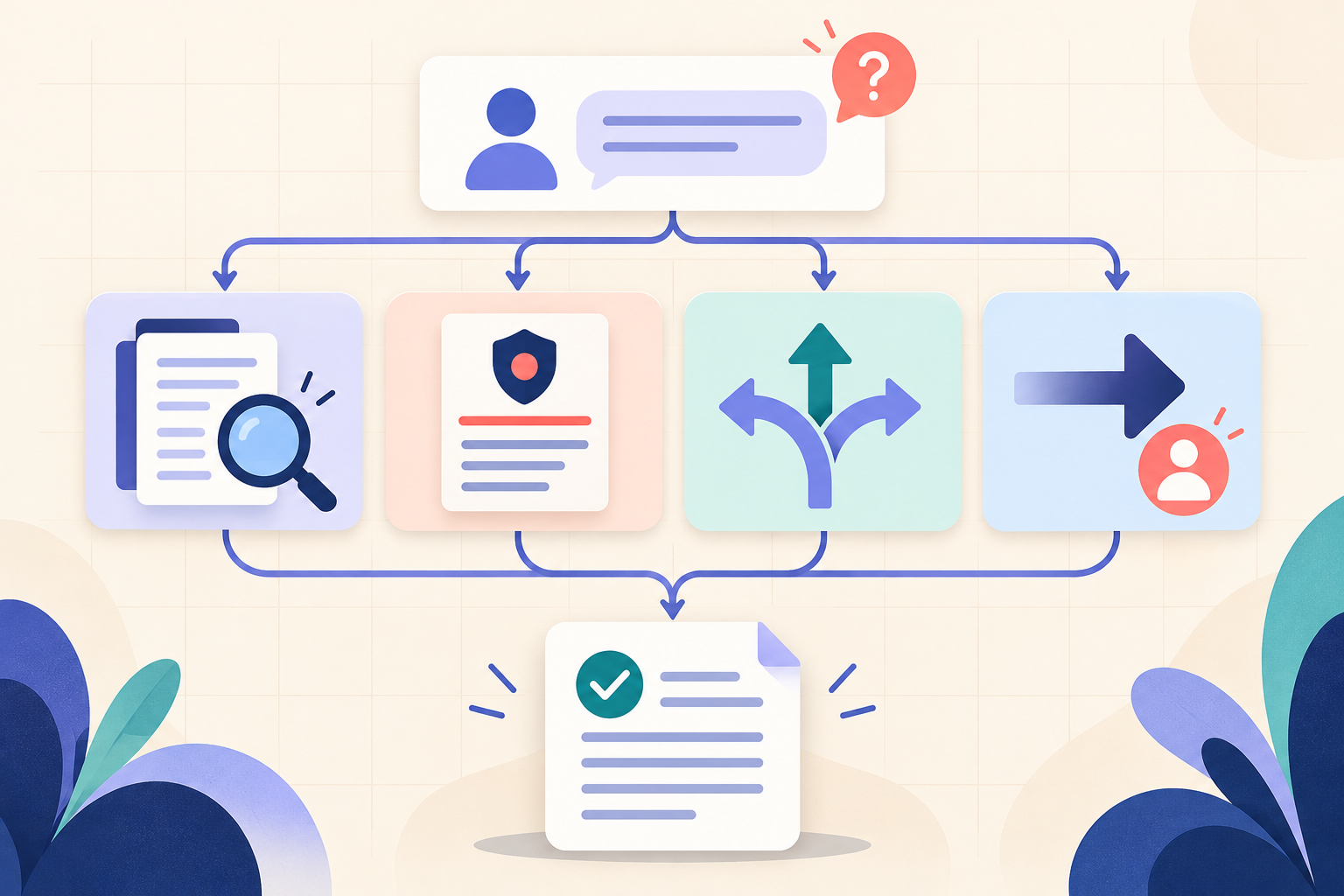
AI Training for HR: Build a Four-Part Policy Answer
Teach HR teams to separate the source, written rule, human discretion and next step before turning an AI draft into employee guidance.