

How to Build an AI Champions Network Without a Support Bottleneck
Use the BRIDGE operating model to make AI champions demonstrators, knowledge curators and feedback sensors—not an unpaid help desk.
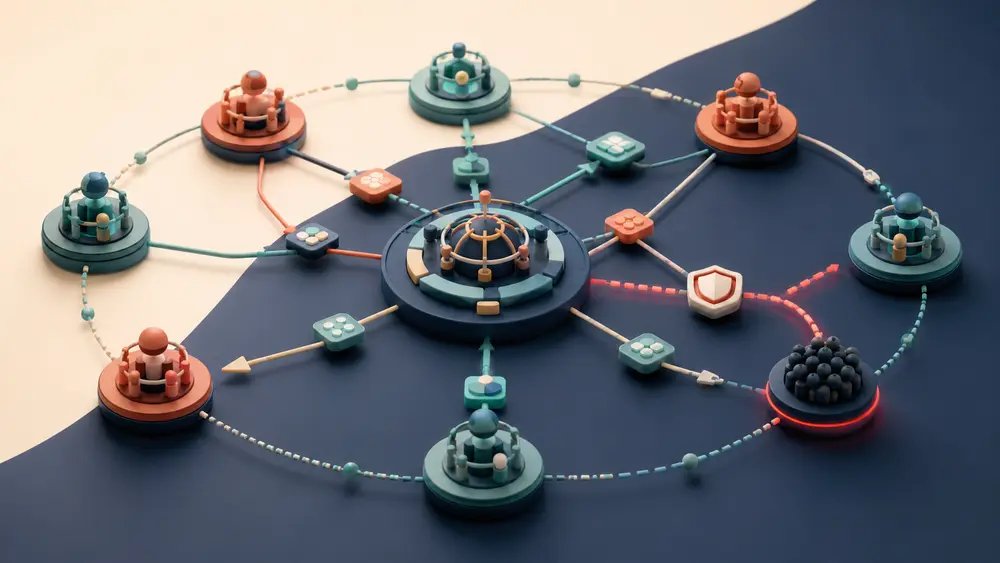
AI champions programmes often fail in a flattering way: the champions are helpful. Colleagues send them every prompt question, access problem, policy doubt and broken workflow. The most enthusiastic employees become a parallel support desk, while governance teams lose the patterns hidden inside those conversations.
A durable network has a narrower promise. Champions demonstrate approved behaviours, help peers take the next step, curate what can be reused and route issues to accountable owners. They increase local capability without inheriting ownership for every AI problem.
Define the network as an operating system
Microsoft’s current adoption guidance gives champions a broad community role: awareness, education, mentoring, feedback and content. It also recommends setting expectations, agreeing time commitments with managers, securing sponsor support and recognising contributions. Its community guidance connects champions with a central centre of excellence and uses shared spaces for questions, best practices, resources and expert responses.
| Champion network | Informal help desk | |
|---|---|---|
| Purpose | Enable repeatable peer practice | Solve whatever arrives |
| Boundaries | Published role and escalation map | Helpful people improvise |
| Knowledge | Answers become reusable assets | Answers remain in private messages |
| Governance | Patterns reach accountable owners | Risk signals stay local |
| Capacity | Protected time and rotation | Invisible labour and burnout |
Use the BRIDGE operating model
BRIDGE: six design choices for a healthy network
B — Bound the role
Publish what champions do, do not do and how much time the role receives. Champions are not approvers, security analysts or 24-hour support.
R — Route issues
Create a simple map for access, incidents, policy, data, product defects and high-consequence use. Every route needs an accountable destination.
I — Identify patterns
Tag recurring questions and failed workflows. Frequency and consequence help owners prioritise better guidance, controls or product changes.
D — Demonstrate practice
Run short examples using approved tools and realistic tasks. Show verification, data boundaries and escalation—not just clever outputs.
G — Give knowledge back
Turn a useful answer into a template, checklist, recorded demo or mission. Retire stale content and name its owner.
E — Enable the enablers
Provide protected time, manager agreement, sponsor access, recognition and a regular forum where champions learn from one another.
Build three lanes for every question
| Lane 1: peer | Lane 2: specialist | Lane 3: governance | |
|---|---|---|---|
| Use for | How-to and approved examples | Access, technical and workflow defects | Policy, risk, incident and high-impact decisions |
| Champion action | Demonstrate or point to a resource | Capture context and route | Stop advice; escalate to the owner |
| Output | Reusable practice | Resolved ticket or product fix | Decision, control change or formal guidance |
The lanes prevent two common mistakes: champions making decisions outside their authority, and specialists repeatedly answering questions that peers could resolve from a maintained resource. Make the routes visible in the same place the community asks for help.
Reading is a start. Practice makes it stick.
Start learningRun a weekly loop, not a broadcast calendar
The 30-minute network rhythm
- 1
1. Scan
Review tagged questions, unresolved cases and new system or policy changes.
- 2
2. Select
Choose one repeated behaviour worth demonstrating and one pattern that needs an owner.
- 3
3. Show
Publish a short example, office-hour segment or practice mission with the safe boundary included.
- 4
4. Route
Send specialist and governance issues with enough context for action; do not create a shadow queue.
- 5
5. Return
Share the resolved answer, updated guidance or explicit unknown back to the community.
Measure network health, not champion heroics
Community goals should connect to tangible benefits and observable results. For an AI champions network, useful signals include the share of questions answered through maintained resources, time to route high-risk issues, repeated-question reduction, participation across business areas and whether champions stay within their agreed capacity.
Launch readiness check
- The executive sponsor can remove blockers and reach accountable owners.
- Managers have agreed each champion’s time commitment.
- The role statement includes explicit exclusions.
- The community has visible question tags and escalation routes.
- Approved examples include verification and data boundaries.
- Every reusable asset has an owner and review date.
- Private answers are converted into shared knowledge where appropriate.
- Champion load, coverage and unresolved risk signals are reviewed monthly.
Capacity is a governance control
When champion work is invisible, the network can hide unmet support demand. Protected time and routing data reveal the real operating cost.
- Choose one business area and name two prospective champions.
- Write three things they will do and three they will not do.
- Create peer, specialist and governance routes with named owners.
- Take one recurring question and turn it into a five-minute demonstration.
- Add the safe boundary and escalation condition.
- Set a 30-day review for usage, repeat questions and champion load.
The best champions network is not the one with the most answers in private chat. It is the one that makes good practice easier to repeat, sends consequential questions to the right owner and continuously converts local experience into shared organisational capability.
Bokili gives champions reusable practice missions they can demonstrate and share. That keeps peer enablement concrete while leaving policy, incidents and high-impact decisions with the people accountable for them.
Sources
- Support Microsoft Power Platform champions in your organization — Microsoft Learn
- Nurture a maker and champion community — Microsoft Learn
- The Copilot adoption community in Viva Engage — Microsoft Learn
- Define community purpose and goals — Microsoft Learn
Reading is a start. Practice makes it stick.
Bokili turns skills like this into ten-minute missions for your whole team, with instant feedback and progress you can see.
Start learningKeep reading

AI Training for Employees: Separate Drafts From Records
Teach a four-state path—Draft, Checked, Approved, Recorded—so polished AI output never becomes organisational fact by accident.
Use Gemini Notebook Mind Maps to Turn Policy Into Questions
Use a Gemini Notebook mind map as a question index for a long policy—then open the cited source before you trust any answer.
AI Training for HR: Build a Four-Part Policy Answer
Teach HR teams to separate the source, written rule, human discretion and next step before turning an AI draft into employee guidance.