
Check Tool Access Before You Score an AI Skill
Personalised AI missions can confuse missing licences, workspace settings or feature access with a learner skill gap. Run the READY check first.
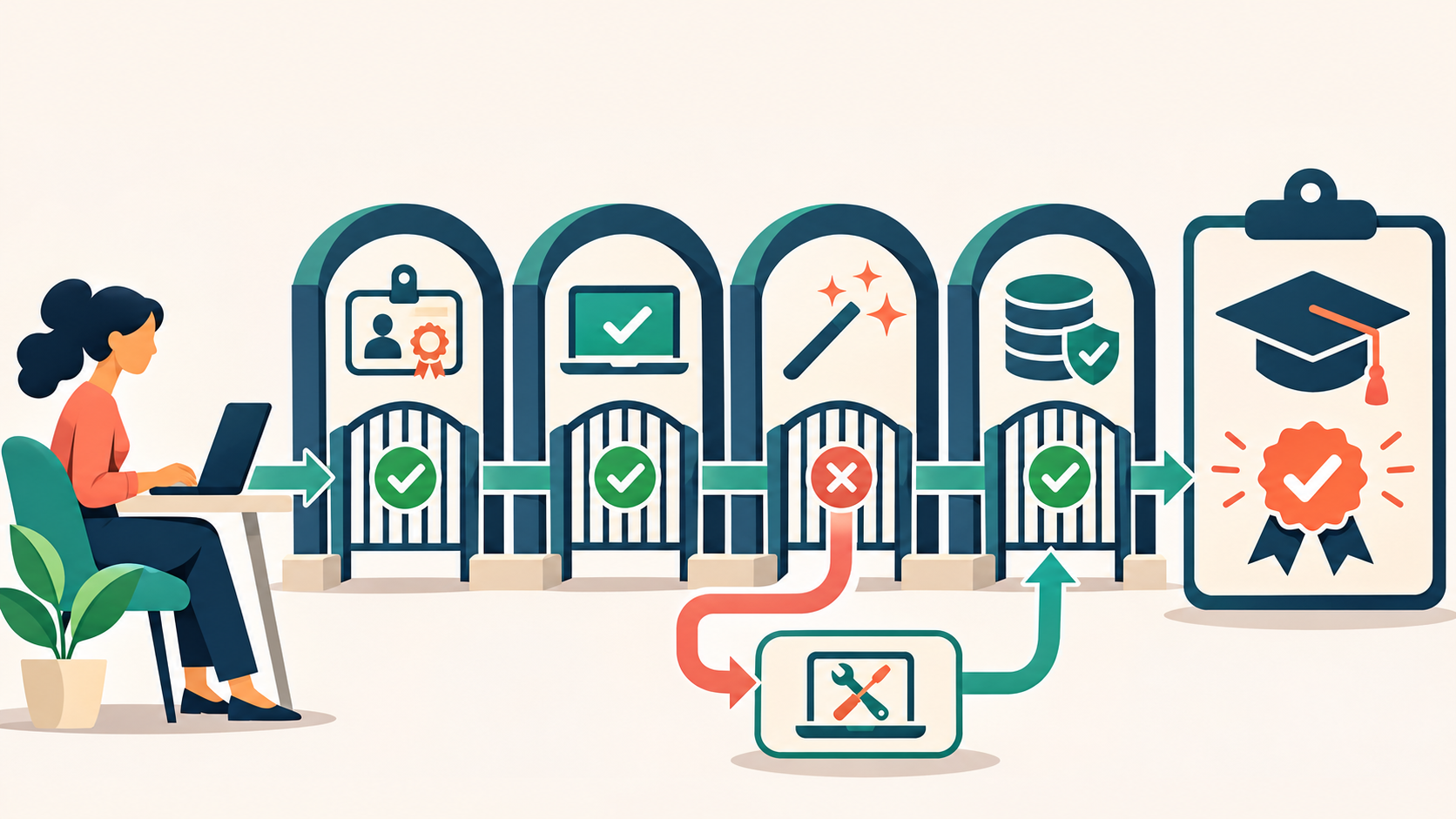
A personalised AI mission can look fair while measuring the wrong thing. One employee has the required licence, approved workspace and enabled feature. Another sees a blocked control, lacks the connector used in the instructions or is not permitted to upload the practice file. If both receive the same score, the result mixes learning evidence with environment failure.
Check the environment before you score the skill. Bokili describes missions adapted to role, level and available tools. The same discipline should apply at the moment of practice: confirm what the learner can actually use, then assess the target behaviour. An unavailable feature should trigger an equivalent route or an operational fix—not a false conclusion that the learner lacks capability.
Access is part of the learning context
Tool access is not a single yes-or-no field. Plans can carry different limits. Workspace administrators can enable or restrict features. A person may be signed into the wrong account. A connector may be unavailable even when chat works. Data rules may forbid the source material named in an exercise. OpenAI’s current help material notes that capability and limits can vary by plan and account settings. Microsoft likewise documents that Copilot experiences depend on licences, identity, mailbox, supported apps and tenant configuration.
These are operational facts, not excuses. The European Commission’s AI-literacy guidance asks organisations to adapt learning to people’s knowledge and experience, the system used and its context. A valid mission therefore needs two separate questions: could the learner reach the required practice environment, and did the learner demonstrate the behaviour? Only the second question is evidence of skill.
READY: the access-before-assessment check
R — Right account
Confirm the learner is in the intended work or training account, not a personal or stale session.
E — Enabled environment
Check the approved workspace, tenant settings, browser or app and any required administrator control.
A — Available capability
Verify the exact feature, model, connector or file type named in the mission is visible to this learner now.
D — Data permission
Use only fictional, public or explicitly approved material. Access to a feature does not grant permission to use every source.
Y — Yield a fallback
Define an equivalent route that preserves the target behaviour when the named capability is unavailable.
Keep the behaviour fixed when the route changes
Suppose a mission teaches employees to compare two policy extracts, mark conflicts and identify the human owner of the final interpretation. The original route asks learners to upload two fictional documents. One employee’s workspace permits uploads. Another can use chat but not upload files. The behaviour is comparison and judgement—not clicking an attachment button.
Reading is a start. Practice makes it stick.
Start learningThe second learner can receive the same two extracts as delimited text, provided the mission keeps the source content, time allowance, acceptance criteria and decision boundary equivalent. If the learning goal were specifically safe file upload and document handling, that fallback would change the skill and should not be used. READY forces the designer to name which parts are essential and which are delivery mechanics.
| Environment evidence | Skill evidence | |
|---|---|---|
| Account | Correct workspace and identity are available | Chooses the appropriate task and tool |
| Feature | Required capability is enabled and reachable | Uses the capability according to the brief |
| Data | Practice material is permitted and accessible | Protects restricted information and cites allowed sources |
| Result | Blocker is logged and routed | Output meets the stated quality and safety bar |
Do not hide access failures inside completion data
A learner who stops at a disabled feature has produced useful operational evidence. Record the blocked step, account type, workspace, date and fallback offered. Route repeated failures to the platform or programme owner. Do not lower the pass bar, award a failing skill score or ask the learner to buy a personal plan. At cohort level, access patterns can reveal licensing, configuration, communication or rollout problems that training cannot solve.
This separation also improves product evaluation. A platform can advertise broad tool coverage while a customer’s real tenant makes only part of that practice possible. Pilot with the identities, licences and controls employees will use. The UK government’s AI playbook makes a parallel point for responsible deployment: users must follow provider terms and organisational policies, while organisations define responsibilities and oversight. Training should rehearse the governed environment, not an ideal demo account.
- Choose one live mission and write its single target behaviour.
- Open it with two representative learner accounts, including one with ordinary—not administrator—access.
- Check identity, workspace, feature visibility, permitted data and any regional or client dependency.
- Trigger the planned fallback and confirm that it tests the same behaviour at the same standard.
- Separate access failures from skill results in the completion record.
- Name the owner and response time for each environment blocker.
Make personalisation operational
Role and level make a mission relevant. Tool access makes it possible. A strong personalised path connects all three without turning licence differences into learner labels. Before every assessed mission, run the small environment check, preserve one comparable evidence bar and provide a governed fallback. Then the score can answer the question it claims to answer: what the learner can do.
Related Bokili reading: personalised missions need a fixed evidence bar (https://bokili.com/en/learn/personalised-ai-missions-fixed-evidence-bar), enterprise AI training should survive tool changes (https://bokili.com/en/learn/enterprise-ai-training-tool-changes), and platform buyers should rehearse accessibility end to end (https://bokili.com/en/learn/ai-training-platform-companies-accessibility-rehearsal). Explore Bokili’s learning features at https://bokili.com/en/features.
Practise this in Bokili
Turn what you just read into a ten-minute mission.
- Start learning
Personalised AI missions need a fixed evidence bar
Keep assessment standards comparable across adapted missions.
- Start learning
Enterprise AI training that survives tool changes
Separate durable work behaviours from current interface details.
- Start learning
Explore Bokili learning features
See role-adapted, tool-specific missions and progress tracking.
Sources
- Features — AI training for teams — Bokili
- What is ChatGPT: FAQ — OpenAI Help Center
- Microsoft Copilot requirements — Microsoft Learn
- AI Literacy — Questions & Answers — European Commission
- Artificial Intelligence Playbook for the UK Government — UK Government
Reading is a start. Practice makes it stick.
Bokili turns skills like this into ten-minute missions for your whole team, with instant feedback and progress you can see.
Start learningKeep reading

AI Training for HR: Keep Health Inference Out of Absence Summaries
Train HR teams to produce a minimal operational absence summary without exposing health details, inventing causes or letting AI make a people decision.
Allocate AI Licences to Task-Ready Work, Not Waiting Lists
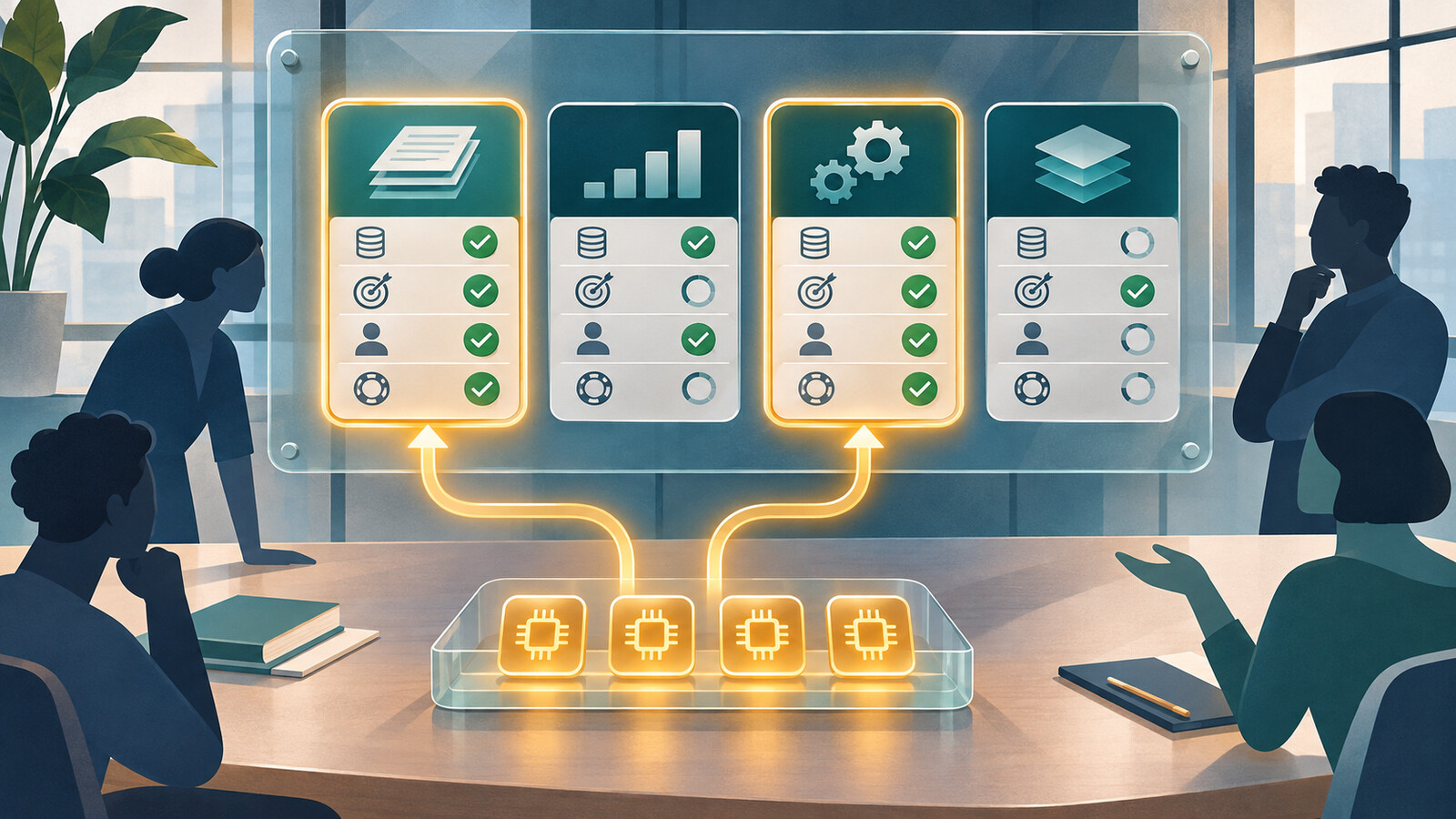
Use four readiness gates to allocate scarce AI access to work with an approved input, clear outcome, review owner and support route.

AI Skills for Employees: Calibrate Confidence Before Checking
Train employees to record confidence before AI advice, verify the decisive claim and learn from the gap between prediction and evidence.