

ChatGPT Projects: Save a Verified Response as a Reusable Source
Turn a checked ChatGPT answer into reusable project context without losing its sources, owner, review date or replacement trigger.
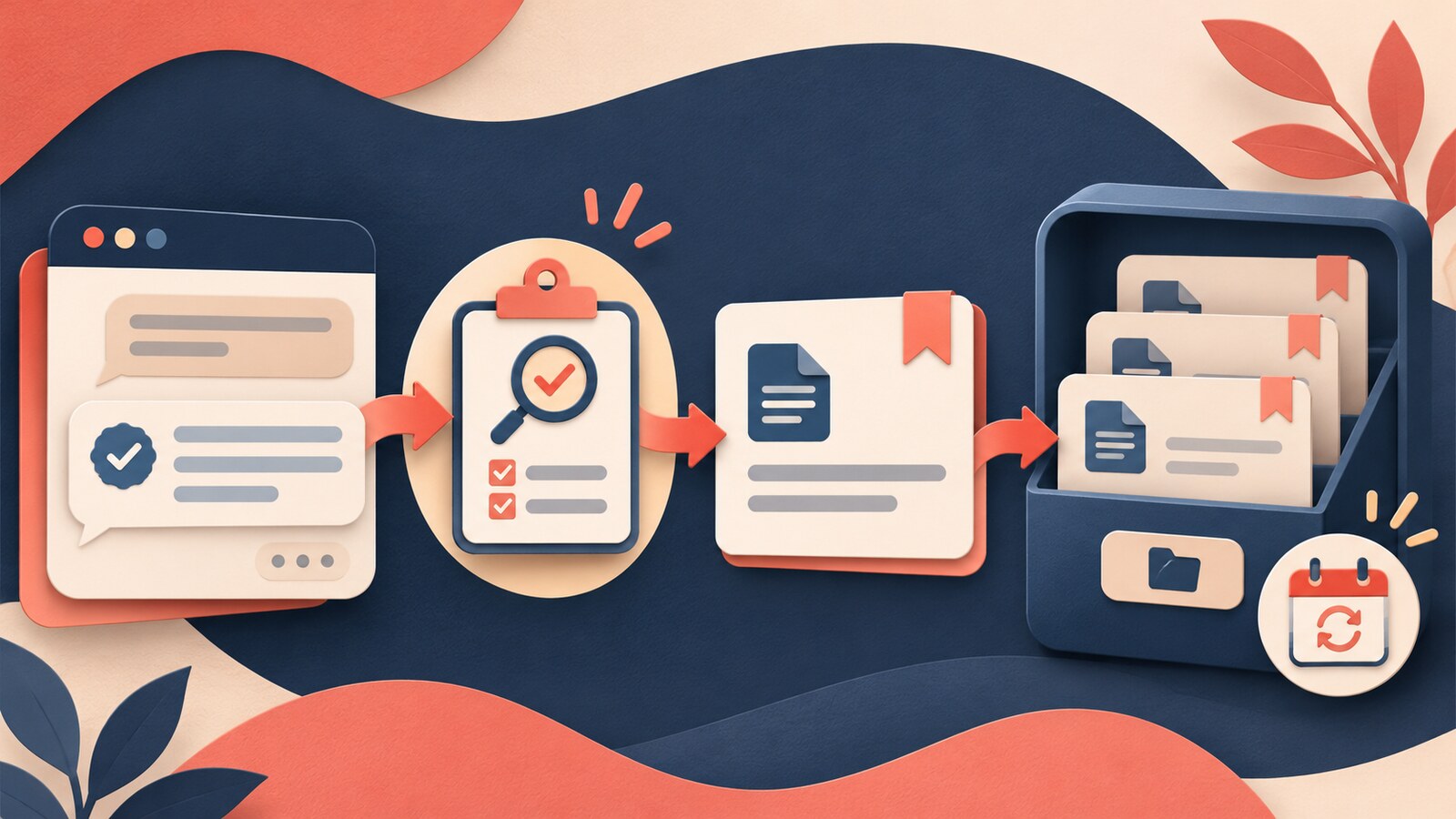
A useful ChatGPT response can disappear inside a long project chat. Saving it as a Project source makes it easier to reuse, but persistence changes the risk: an answer that was correct for one moment can quietly become background context for later work.
ChatGPT Projects now let you open a response menu, choose Add to project sources and reuse that saved response in future project chats. The feature is practical for decision notes, checked summaries and reusable analyses. The important skill is deciding what deserves to become a source. Save verified material, not merely fluent material.
Treat a saved response as a maintained derivative
A saved response is not the original evidence. It is a derivative: ChatGPT produced it from instructions, source material and a particular conversation state. Before it becomes reusable context, a person should be able to identify what it summarises, which claims were checked, who accepted it and when it should be reviewed again.
SAVE before you add a response to project sources
Source trail
Name the approved files, links or records behind the response. If the trail is unclear, keep the response in the chat and verify it first.
Approval
Identify the person allowed to accept the response for reuse. A polished draft is not automatically an approved reference.
Validity window
Record the date, scope and condition under which the response is useful. A current summary can become wrong when policy, ownership or facts change.
Exit route
Say how the saved response will be replaced, removed or corrected. Reusable context needs a retirement path as well as a creation step.
Use the feature for stable, checked context
| Good candidate to save | Keep in the chat | |
|---|---|---|
| Evidence | Claims point to current approved sources | Sources are missing, mixed or still being checked |
| Purpose | A reusable decision note, definition or checked summary | A brainstorm, rough draft or speculative alternative |
| Ownership | A named reviewer has accepted the content | Nobody owns the answer beyond the original conversation |
| Lifetime | The review date or replacement trigger is visible | The answer may change tomorrow but has no expiry cue |
| Reuse | Future chats need the same verified context | The response belongs only to one audience or moment |
Do not use Add to project sources as a bookmark for everything that looks helpful. Projects already combine chats, files and instructions. Saving every answer creates a second layer of context debt: future chats can draw on old summaries whose origin and authority are difficult to see.
Worked example: a product-launch constraint note
Reading is a start. Practice makes it stick.
Start learningA fictional product team keeps approved launch documents in a ChatGPT Project. During planning, ChatGPT produces a clear note that lists the launch countries, supported languages, support hours and claims that marketing may use. The note is easier to read than four separate files, so the team wants to reuse it in later chats.
The owner does not save the first answer. She checks every material field against the current launch brief, legal claim sheet and support plan. One language is missing and one support window is outdated. She corrects the response, adds the source filenames and dates, records that the launch lead approved it on 16 November 2026, and writes a replacement trigger: review when the claim sheet or support plan changes.
Only then does she add the corrected response to project sources. A later chat can use the concise note as context, while the team can still trace important details back to the originals. The saved response speeds up setup; the review record keeps that speed from hiding responsibility.
Create a reusable project source
- 1
Choose one response
Select a decision note, checked summary or analysis that future project chats genuinely need.
- 2
Verify decisive claims
Open the original evidence and check the fields that would change a decision, commitment or external statement.
- 3
Add a source note
State the supporting files or links, reviewer, approval date, scope and next review trigger.
- 4
Save it
Use the response menu and select Add to project sources only after the note is complete.
- 5
Test retrieval
Start a fresh project chat and ask a narrow question that the source should answer. Check that the result still points to the right evidence.
- 6
Maintain the source
Replace or remove it when a source changes, the validity window ends or a correction is required.
Keep workspace rules separate from the feature
Saving a response does not grant permission to store its underlying information. OpenAI’s current guidance says Projects and their sources follow account, plan and workspace settings. Managed workspaces can also apply retention, access and memory controls. Use only approved accounts and material, and follow your organisation’s rules for confidential or personal information.
Pair this workflow with Bokili’s guide to keeping review standards visible in ChatGPT Projects (https://bokili.com/en/learn/chatgpt-projects-review-standard), choosing between a prompt template, project or workflow (https://bokili.com/en/learn/prompt-template-project-or-workflow), and recovering the latest decision (https://bokili.com/en/learn/chatgpt-training-employees-latest-decision).
- Open a ChatGPT Project that contains only public, synthetic or explicitly approved material.
- Choose one response that could help a future chat and write the decision it supports.
- Mark every claim that would matter if it were wrong.
- Check those claims against the original project sources and correct the response.
- Add the source names, reviewer, date, scope and replacement trigger.
- Save the response to project sources, then test it from a fresh chat.
Save the evidence trail with the answer
The value of a saved response is not that ChatGPT said it once. The value is that a checked piece of context can be reused without losing its source trail, owner or expiry. Keep the source pack small, promote only reviewed material and retire context as deliberately as you add it. Bokili turns choices like these into short, tool-specific practice for real work.
Sources
- Projects in ChatGPT — OpenAI Help Center
- Data controls in ChatGPT — OpenAI Help Center
- Managing data, sharing, and privacy in ChatGPT Business — OpenAI Help Center
Reading is a start. Practice makes it stick.
Bokili turns skills like this into ten-minute missions for your whole team, with instant feedback and progress you can see.
Start learningKeep reading

AI Training for HR: Keep Health Inference Out of Absence Summaries
Train HR teams to produce a minimal operational absence summary without exposing health details, inventing causes or letting AI make a people decision.

Allocate AI Licences to Task-Ready Work, Not Waiting Lists
Use four readiness gates to allocate scarce AI access to work with an approved input, clear outcome, review owner and support route.

AI Skills for Employees: Calibrate Confidence Before Checking
Train employees to record confidence before AI advice, verify the decisive claim and learn from the gap between prediction and evidence.